User/team
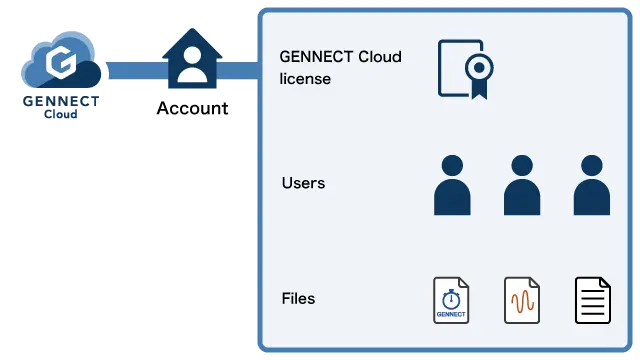
GENNECT Cloud is accessed via user accounts. Typically, an account would be created for a company, department, or other entity.
Multiple users and gateways can be registered in an account. The files in an account can be shared among its users.
User
To use GENNECT Cloud, you must register a user in your account.
To log in, enter your account ID, the created user ID, and its password.
To increase security, you can enable two-factor authentication using email or app authentication (Authy) instead of authentication using only a password.
Account management privileges as well as file access and editing privileges can be set for individual users.
Teams
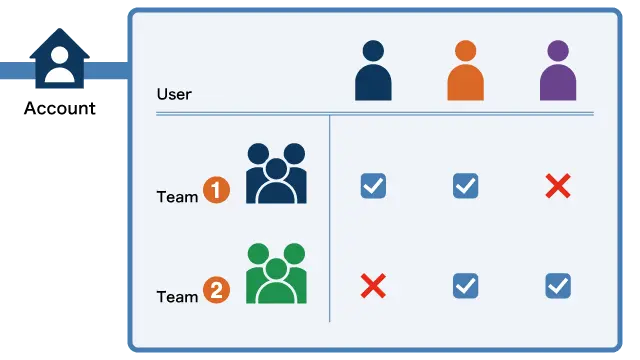
You can group users together by registering teams.
For example, you may wish to set access privileges for a group of users. To do so, you can register the users as a team and then grant access privileges to the team, allowing you to set privileges for all the users at once.
Users can participate in multiple teams.