

Instrument settings (LAN)
Changing instrument settings on a LAN
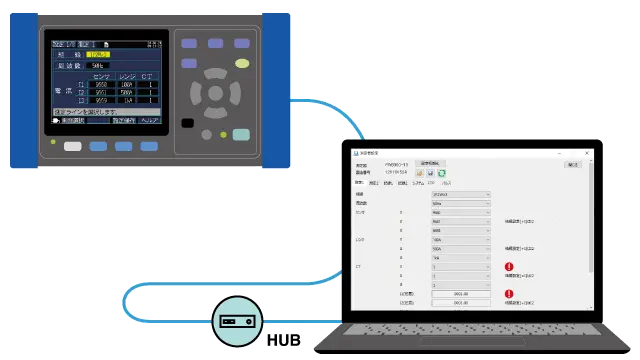
- Change the settings of the instrument that is at the measurement site
- A settings file from one instrument may be saved and loaded into other instruments of the same type to ensure that all instruments have the same settings.
Features
Change the settings of the instrument that is at the measurement site
Settings for instruments that are connected to the LAN can be changed from GENNECT One.
The settings file can be saved to the GENNECT One. The saved settings file can be loaded into the instrument.
Set multiple instruments into the same settings
Obtain the instrument's settings file and save it to GENNECT One. The saved settings file can be loaded into other instruments of the same type. Multiple instruments that are connected via LAN can be set up with the same settings quickly and accurately.
Changing settings for instruments that do not support this function can be done using the remote control function.
Supported instruments
View the list of supported instruments →
Want help or have questions?