

List of functions
Measurement functionality
Connecting to GENNECT Cloud
Supported instruments
| Measuring instrument | Time-series Viewer | Logging | Dashboard | File Acquisition (Manual) | File transfer (Auto) | Remote control | Instrument Configuration | Automatic Time Sync (※6) | Firmware Upgrade for Measuring Instruments |
|---|---|---|---|---|---|---|---|---|---|
| LAN | |||||||||
Power Quality Analyzer | |||||||||
| ✕ | ✓ | ✓ | ✓ (*1) | ✓ (*2) | ✓ | ✓ (*7) | ✓ | ✕ | |
Power Logger | |||||||||
| ✓ | ✓ | ✓ | ✓ (*1) | ✓ | ✓ | ✓ (*7) (*8) | ✓ | ✕ | |
Power Meter, Power Analyzer | |||||||||
| ✕ | ✓ | ✓ | ✕ | ✕ | ✓ | ✓ (*7) (*8) | ✕ | ✕ | |
| ✕ | ✓ | ✓ | ✓ | ✕ | ✓ | ✓ (*7) | ✓ | ✕ | |
| ✓ | ✓ | ✓ | ✓ (*1) | ✓ | ✓ | ✓ (*7) | ✓ | ✓ | |
| ✕ | ✓ | ✓ | ✓ (*1) | ✕ | ✓ | ✓ (*7) | ✓ | ✕ | |
| ✓ | ✓ | ✓ | ✓ (*1) | ✓ | ✓ | ✓ (*7) | ✓ | ✓ | |
Data Logger | |||||||||
| ✓ | ✓ | ✓ | ✓ (*1) | ✓ | ✓ | ✓ (*8) | ✓ | ✓ | |
Discontinued MEMORY HiLOGGER LR8400,LR8401,LR8402 | ✓ | ✓ | ✓ | ✓ (*1) | ✓ | ✓ (*3) | ✓ (*7) | ✓ | ✕ |
| ✓ | ✓ | ✓ | ✓ (*1) | ✓ | ✓ | ✓ (*7)(*8) | ✓ | ✓ | |
| ✓ (*4) | ✕ | ✕ | ✕ | ✕ | ✕ | ✕ | ✕ | ✕ | |
Data Acquisition | |||||||||
| ✕ | ✓ | ✓ | ✓ (*1) | ✓ | ✓ | ✓ (*7) | ✓ | ✓ | |
| ✕ | ✓ | ✓ | ✓ (*1) | ✓ | ✓ | ✓ (*7) | ✓ | ✕ | |
Battery Tester | |||||||||
| ✕ | ✕ | ✕ | ✓ (via USB) | ✕ | ✕ | ✓ (*5) | ✕ | ✕ | |
| ✕ | ✓ | ✓ | ✕ | ✕ | ✕ | ✕ | ✕ | ✕ | |
| ✕ | ✓ | ✓ | ✕ | ✕ | ✕ | ✓ (*8) | ✕ | ✓ | |
Insulation Tester | |||||||||
| ✕ | ✓ | ✓ | ✕ | ✕ | ✕ | ✓ (*8) | ✕ | ✕ | |
DC Voltmeter | |||||||||
| ✕ | ✓ | ✓ | ✕ | ✕ | ✕ | ✓ (*8) | ✓ | ✕ | |
LCR Meter | |||||||||
| ✕ | ✓ | ✓ | ✕ | ✕ | ✕ | ✕ | ✕ | ✕ | |
Resistance Meter | |||||||||
| ✕ | ✓ | ✓ | ✕ | ✕ | ✕ | ✕ | ✓ | ✕ | |


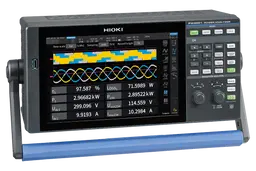


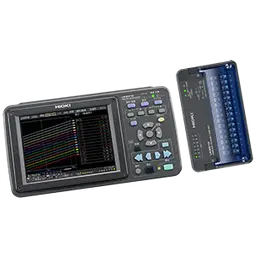

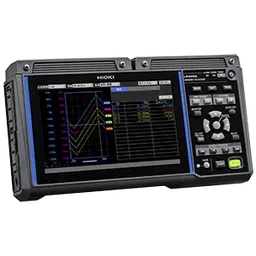


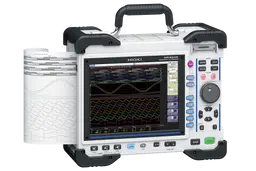


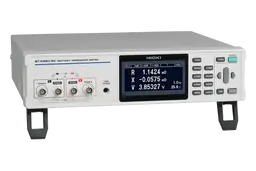


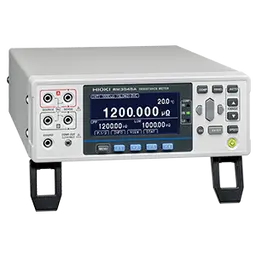
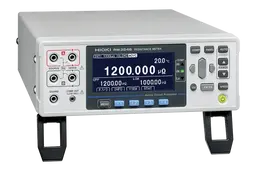
*1 Supported storage varies by instrument. For more information, see the "File Acquisition (Manual)" page.
*2 To transfer the PQ3198's measurement file during the day, it is necessary to stop the measurement once.
*3 Supported browser: Internet Explorer 11 only with Java installed (due to use of Java applets).
*4 Loads files acquired using the LR5000 Utility, a PC application that ships with the Data Mini LR5000 series.
*5 3554-01 and -11 are only compatible with Windows 7.
*6 Setting the clock may cause measurement or integration to pause.
*7 Instrument can be configured using the remote control function.
*8 Instrument can be configured using the instrument setting function.