

Ändern des Bildes oder Fotos während der Messung
Sie können das Bild oder Foto während der Messung ändern. So können Sie das Bild aktualisieren, während die Messdaten intakt bleiben.
1
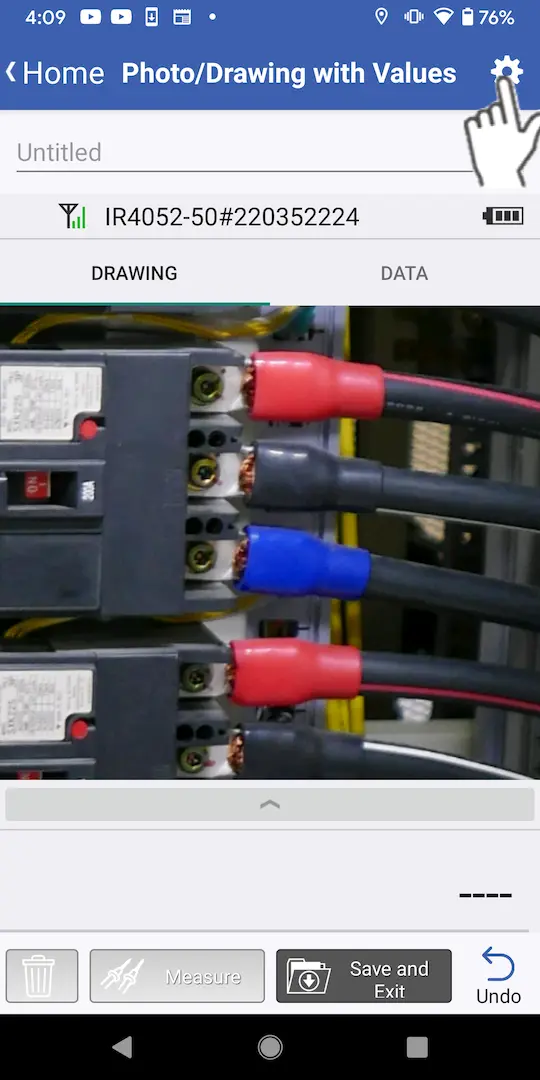
Tippen Sie auf die Schaltfläche Einstellungen oben rechts auf dem Bildschirm.
2
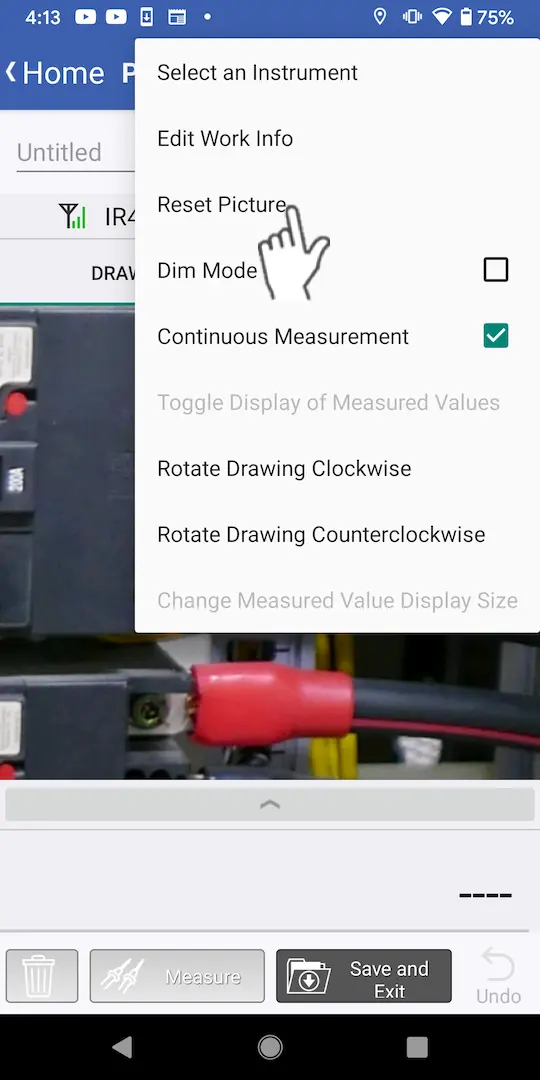
Tippen Sie auf [Bild zurücksetzen].
3
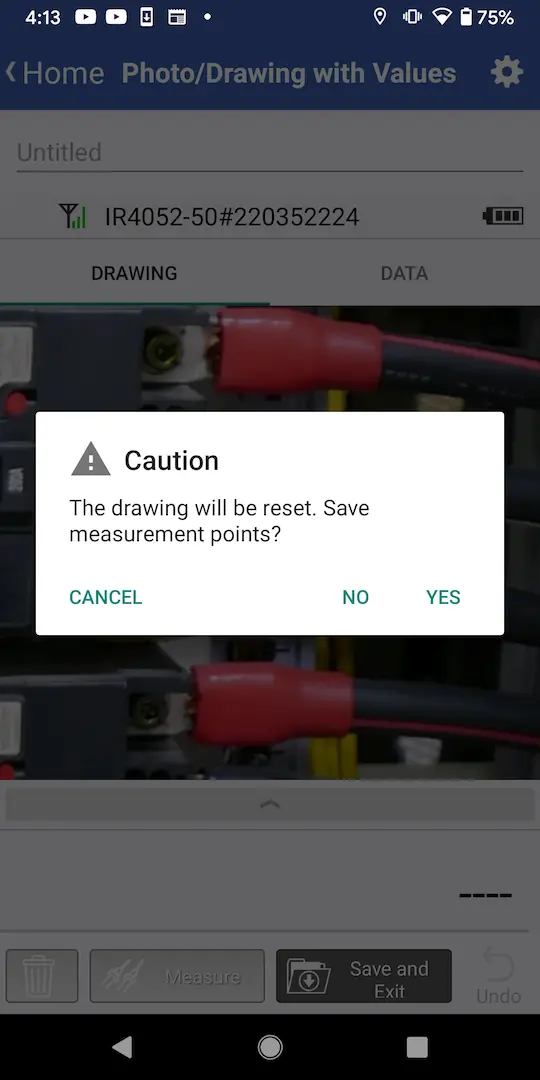
Es wird ein Dialogfeld angezeigt.
・Wenn Sie die Messpunkte löschen und das Bild ändern möchten: Tippen Sie auf [Nein].
・Wenn Sie die Messpunkte beibehalten, aber das Bild ändern möchten: Tippen Sie auf [Ja].
・Wenn Sie die Messpunkte beibehalten, aber das Bild ändern möchten: Tippen Sie auf [Ja].
4
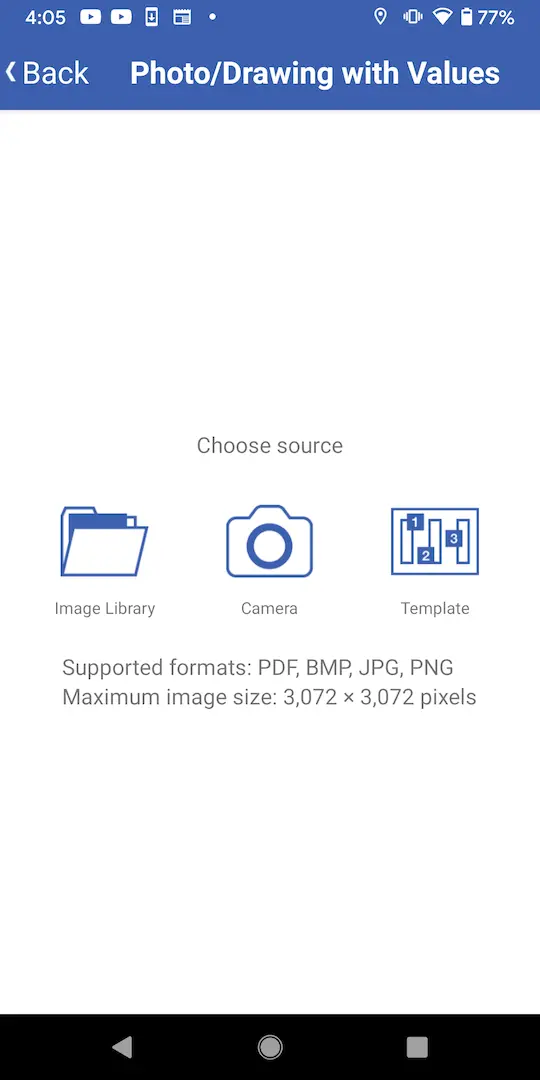
Wählen Sie ein Bild aus.
Sie brauchen Hilfe oder haben Fragen?