

Herunterladen von Umrisszeichnungsdaten (2D, 3D)
Um Umrisszeichnungsdaten (2D, 3D) herunterzuladen, müssen Sie ein GENNECT Cloud Konto oder ein my HIOKI Konto erstellen und sich dann anmelden.
Wählen Sie zunächst das Produkt, das Sie herunterladen möchten, aus dem Listenbildschirm für Umrisszeichnungsdaten (2D, 3D) aus.
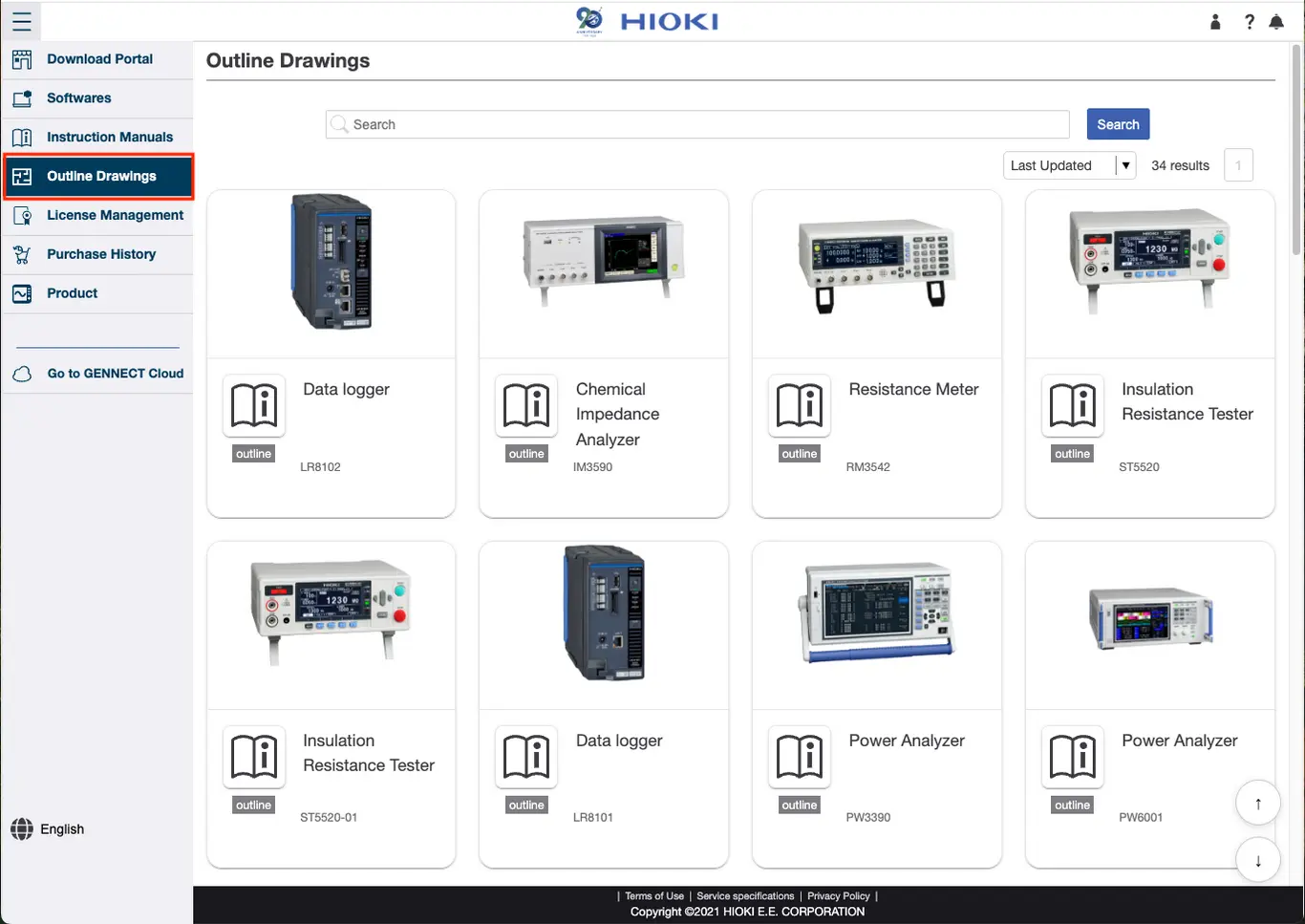
Wechseln Sie dann zum Detailbildschirm für Umrisszeichnungsdaten (2D, 3D), wählen Sie das Datendateiformat und die Produktform aus (z. B. Status der Geräteverbindung, Status der geöffneten/geschlossenen Klemme) und klicken Sie dann auf [Download].
Darüber hinaus ist die Maßstabseinstellung für 2D-CAD-Daten und 3D-CAD-Daten unterschiedlich. Überprüfen Sie daher die tatsächlichen Dimensionswerte in der PDF-Datei mit den Umrissdaten.
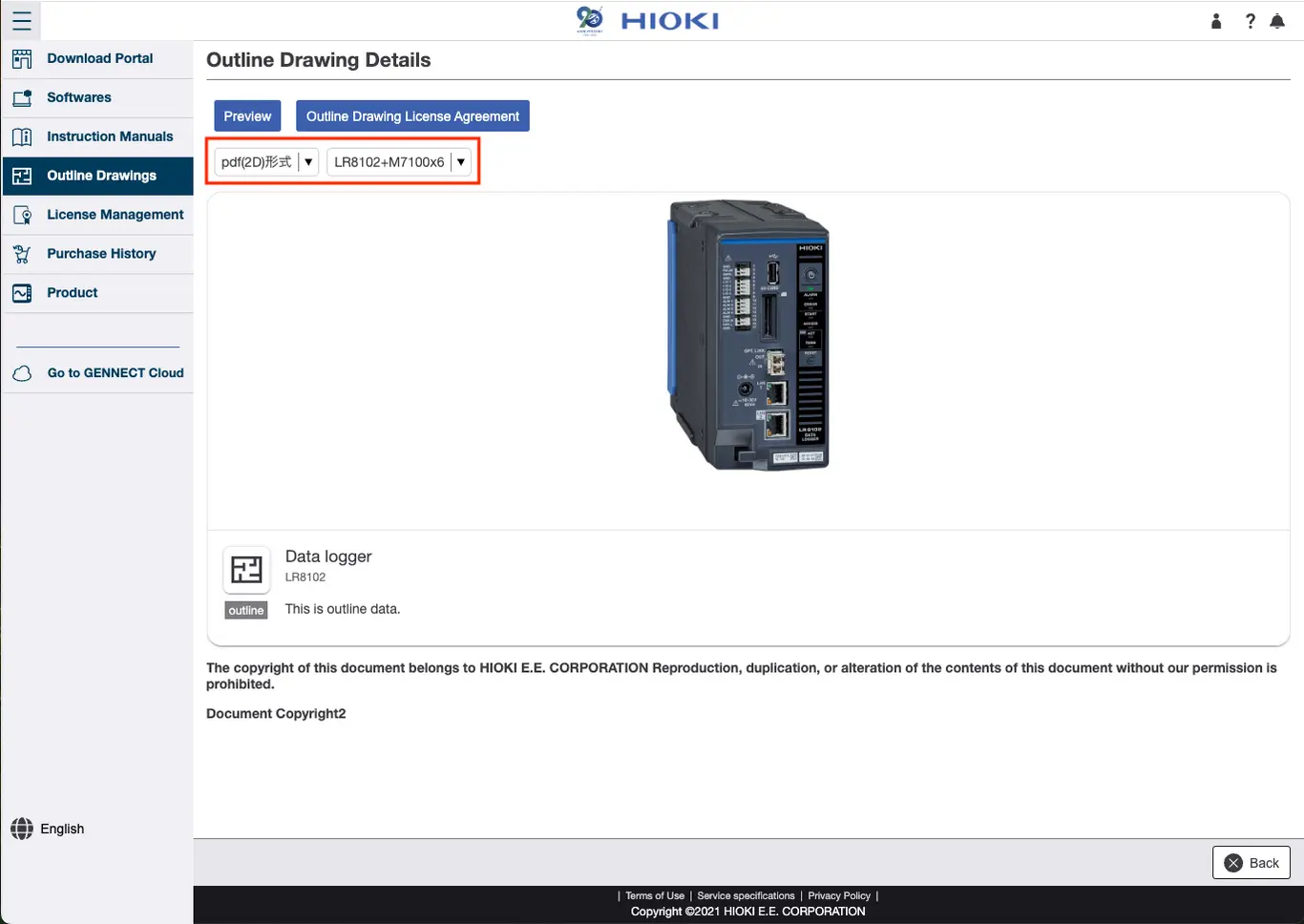
Both DXF (2D) files and STEP (3D) files are CAD data, requiring the use of dedicated software or a viewer.
Hioki does not supply this software or viewer so you should prepare the software or a viewer to use with the files.