

Share battery tester thresholds and battery tester profiles in the cloud (GENNECT Cloud Standard / Pro plans)
- This feature requires a subscription to a GENNECT Cloud Standard or Pro plan.
- The battery tester profile information feature is only supported by BT3554-50.
- Log in to GENNECT Cloud from GENNECT One.
- Open the [Setting on Battery Tester] screen by clicking the "Settings" button in [Console]-[USB].
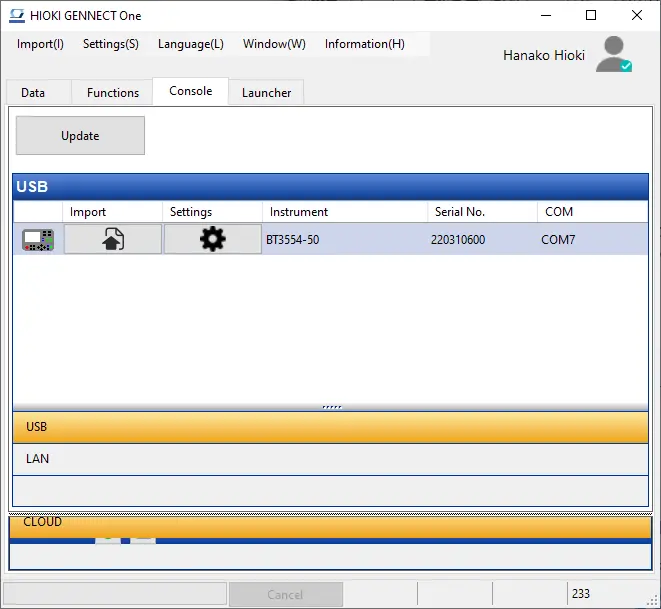
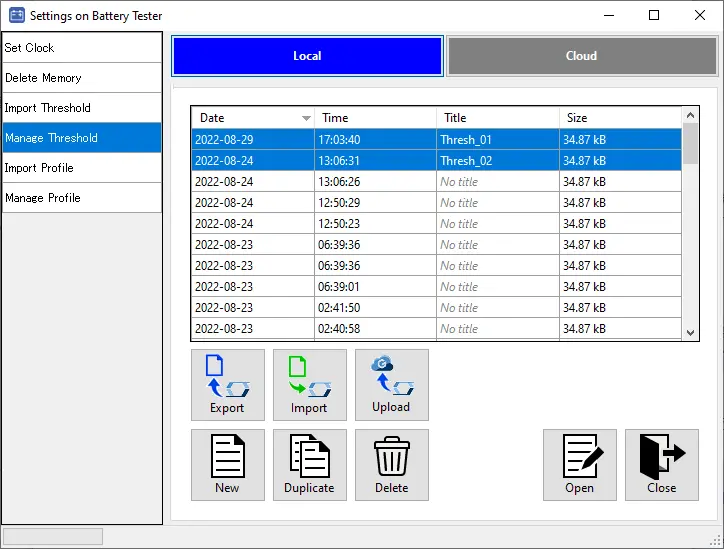
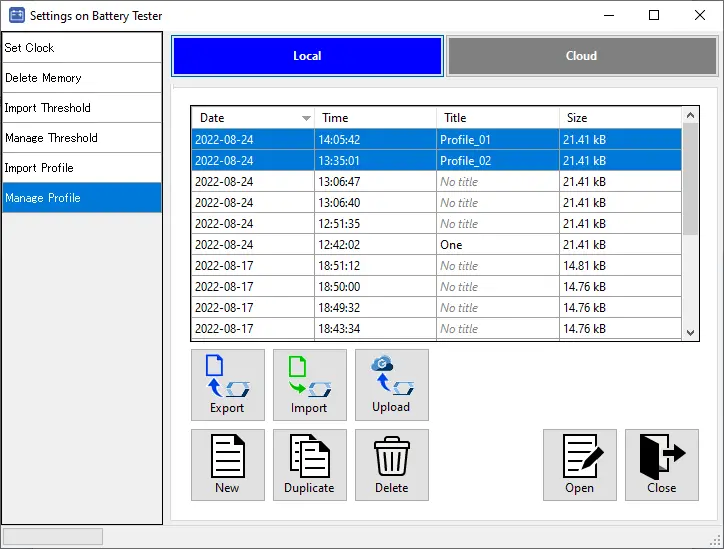
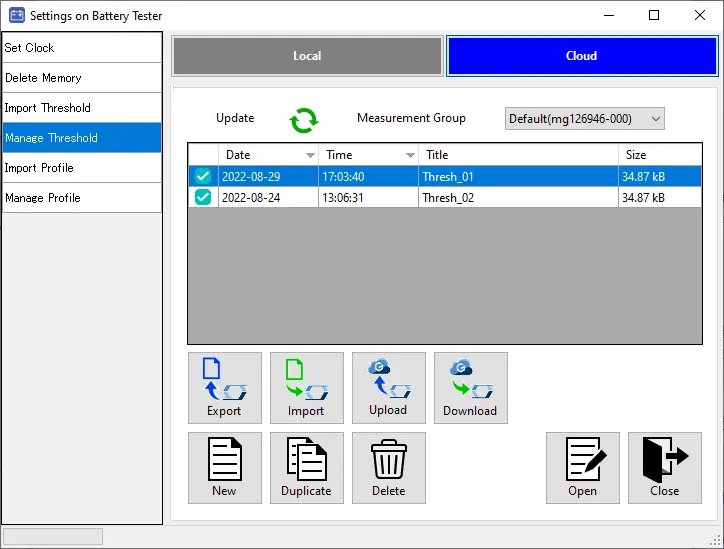
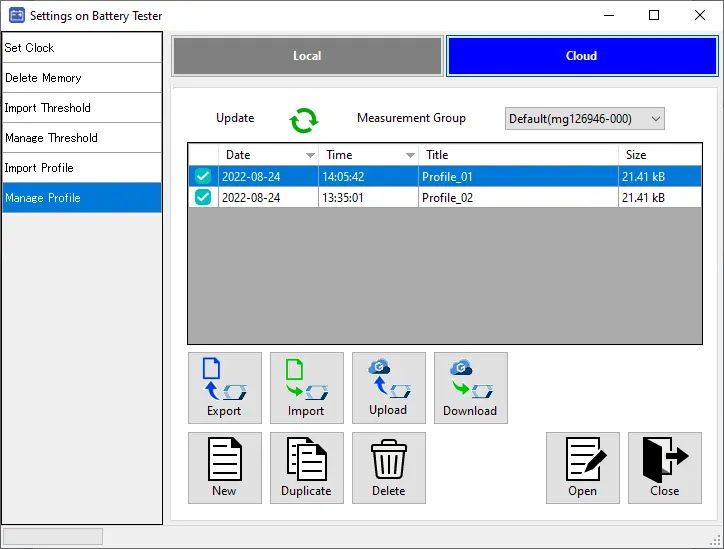
- After logged in to GENNECT Cloud, you will see the [Local] and [Cloud] function buttons on the [Manage Profiles] screen.
In addition, the [Upload] button is displayed on the [Local] screen.
-
On the [Local] screen, select the local threshold tables or profile tables you wish to share and click the [Upload] button.
At this time, the [Select measurement group] screen will appear, so select the measurement group to upload to.
Please refer to the GENNECT Cloud online manual for more information about measurement groups.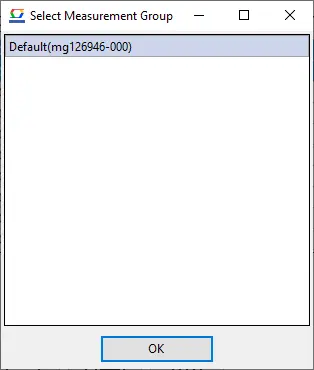
-
The selected threshold tables or profile tables will be uploaded to the [Cloud] screen.
Want help or have questions?