

Install the application
Install GENNECT One by following steps.
- Double click the [setup.exe].

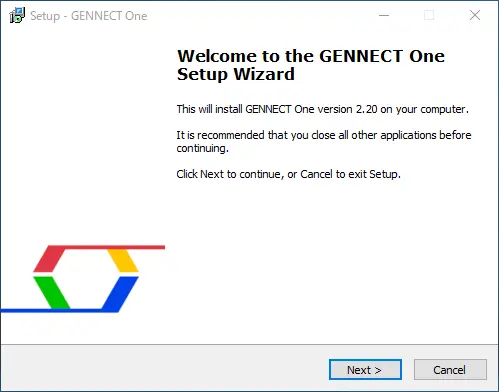
- Click [Next] button.
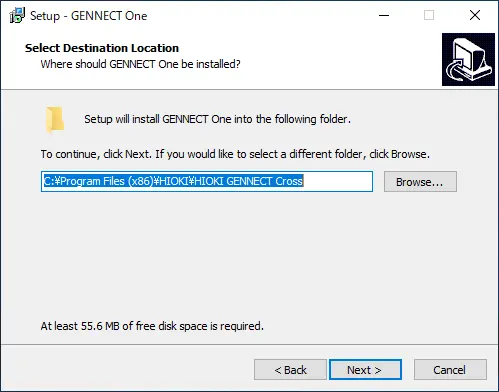
- Click [Next] button, after selecting the destination for installation.
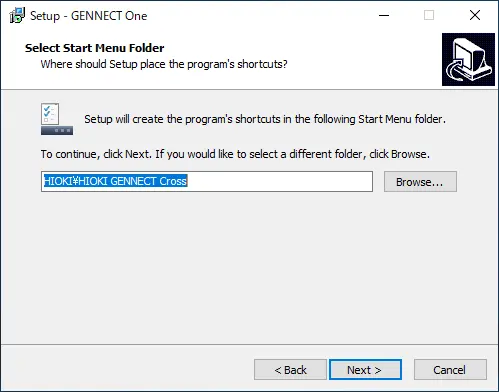
- Click [Next] button, after selecting the program group.
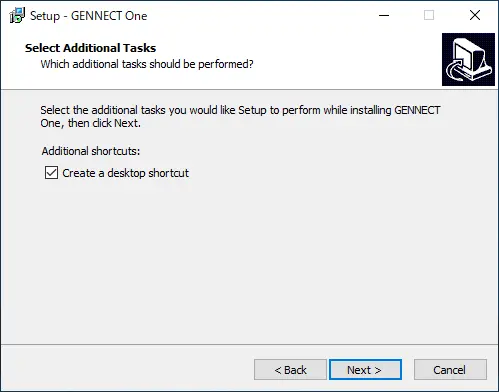
- Click [Next] button, after selecting whether to create shortcut icon.
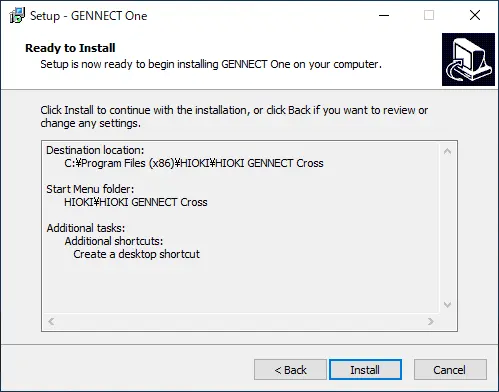
- Click [Install] button.
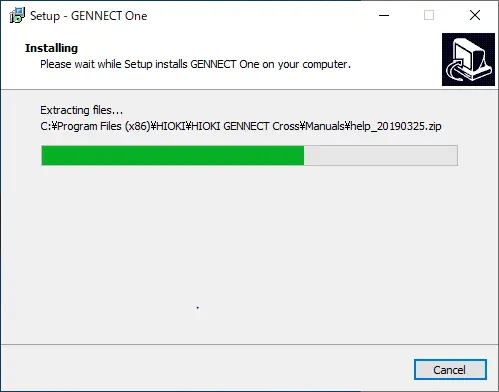
- Installation is completed after a little while.
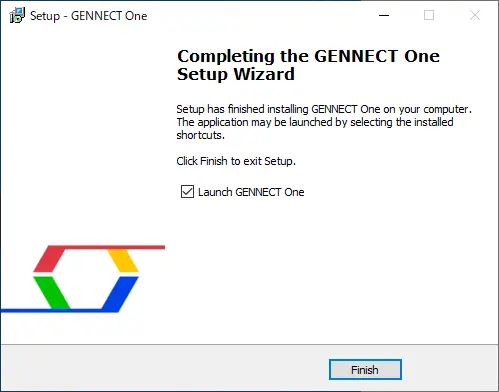
- Click [Next] button to finish the installation.
Want help or have questions?