

Recording measured values using measurement and recording guidance (BT3554-50)
Measured values are recorded along with previously configured profile information.
Additionally, during measurement the battery number that will be measured next is read aloud, guiding the user through the measurement process.
Before using measurement and recording guidance, configure profile information and send it to the BT3554-50.
1
Tap "Battery" on the home screen.
If you cannot find an instrument which can utilize the "Battery" function, please refer to Add other measurement instruments to proceed with this function.

2
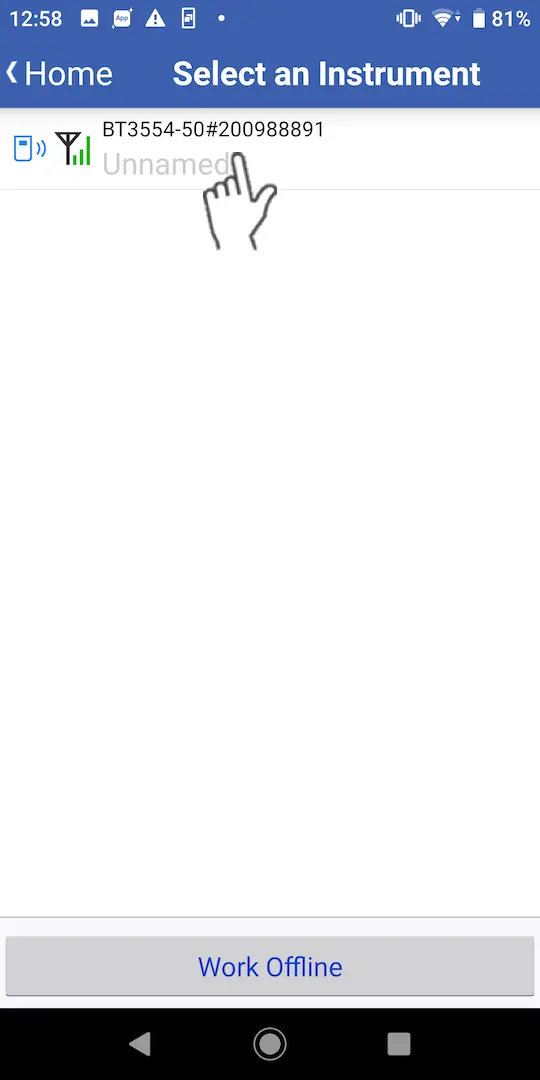
Wait up to 30 seconds until you find the instrument on the "Select Instrument" screen, then select the one which you would like to measure a battery with.
If the instrument has not connected after 1 minute, please refer to 「I can’t connect to GENNECT Cross」
3
Tap the "Measurement Recording Guide" button.
Thresholds cannot be changed while measurement and recording guidance is being used. Start measurement recording guide after first setting thresholds on the instrument.

4
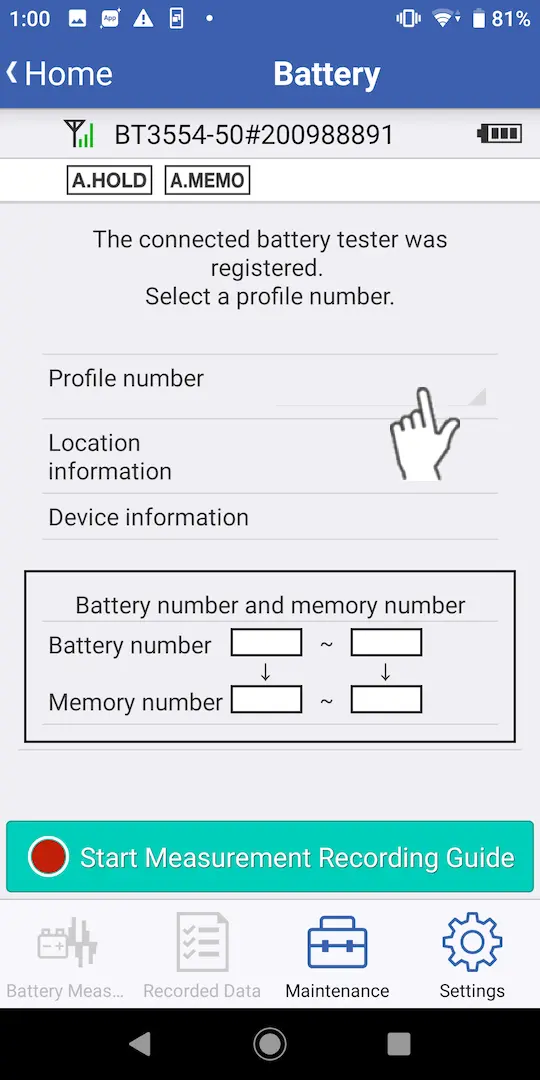
Select the number of the profile set on the BT3554-50 with which you wish to use measurement guidance.

5
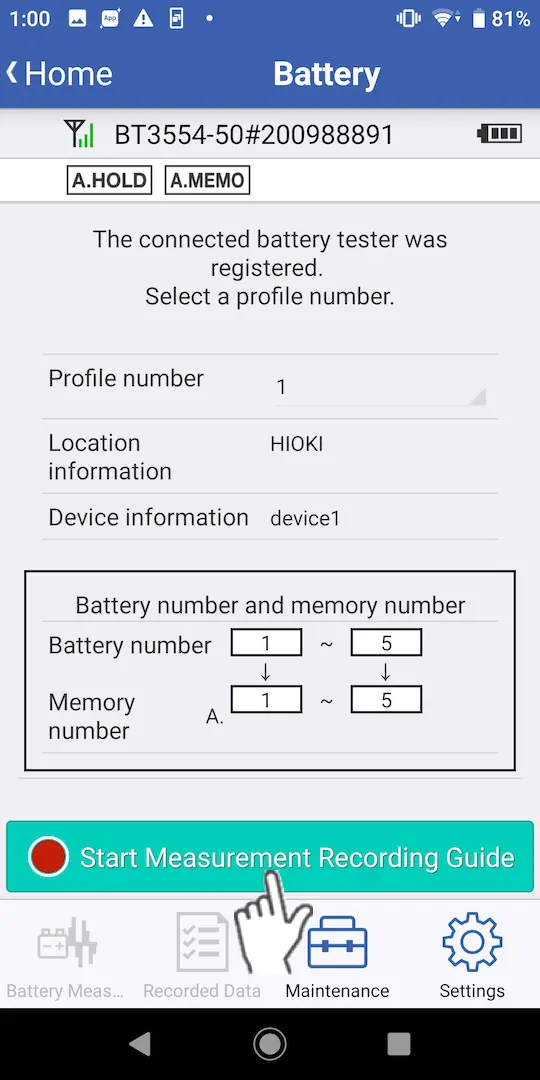
Check the selected profile information and tap the "Start Measurement Recording Guide" button.
6
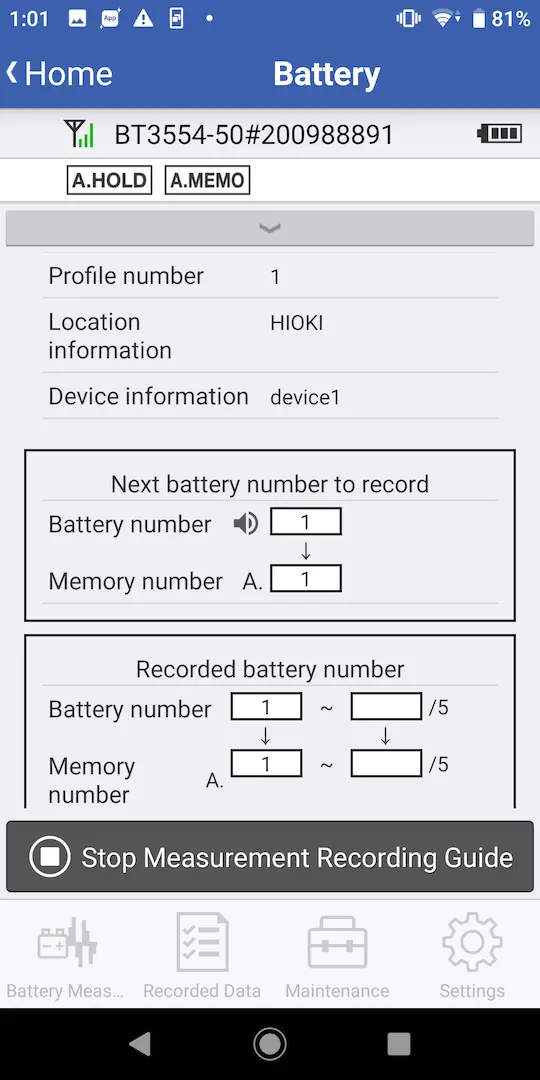
Use the battery tester to measure battery cells. Measured values saved by the battery tester will be recorded along with profile information on your smartphone or tablet.
7
The guidance function will end once the number of measurements set in the profile information has been completed.
Want help or have questions?