

Dim mode (for Illuminance measurement)
You can dim the app’s display so ensure light from the screen does not affect illuminance measurement.
1
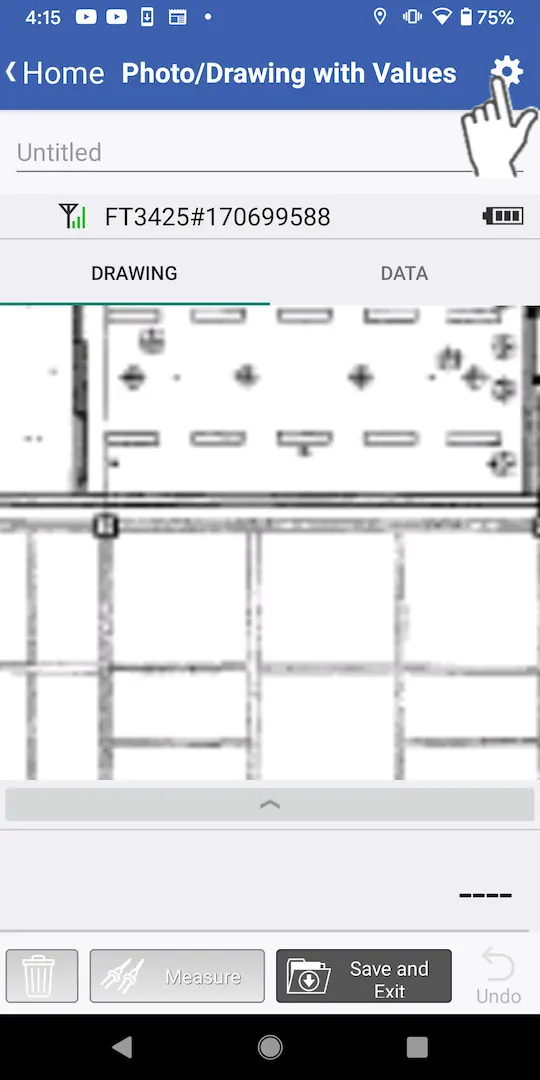
Tap the settings button at the top right of the screen.
2
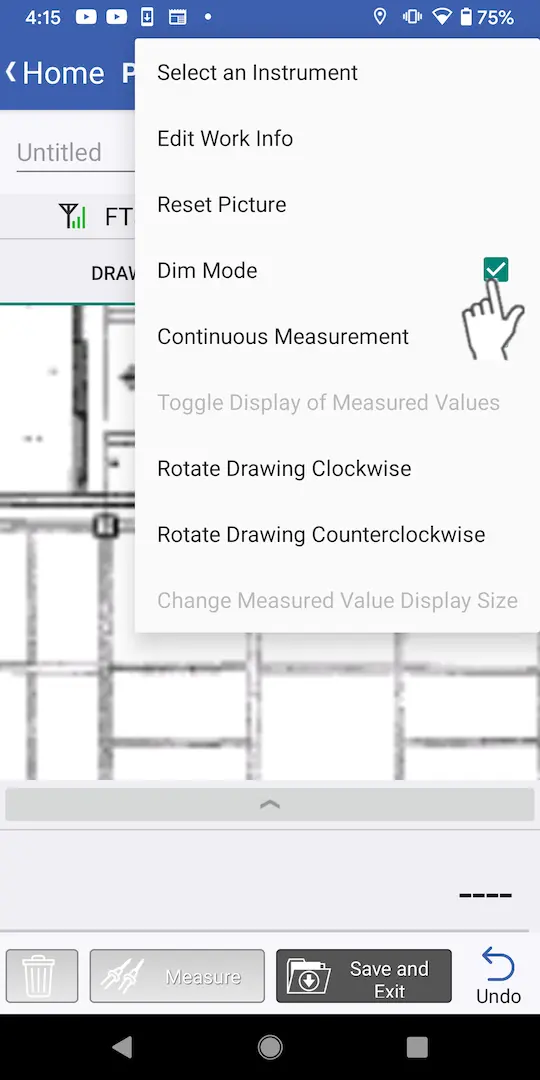
Select the [Dim Mode] checkbox.
3
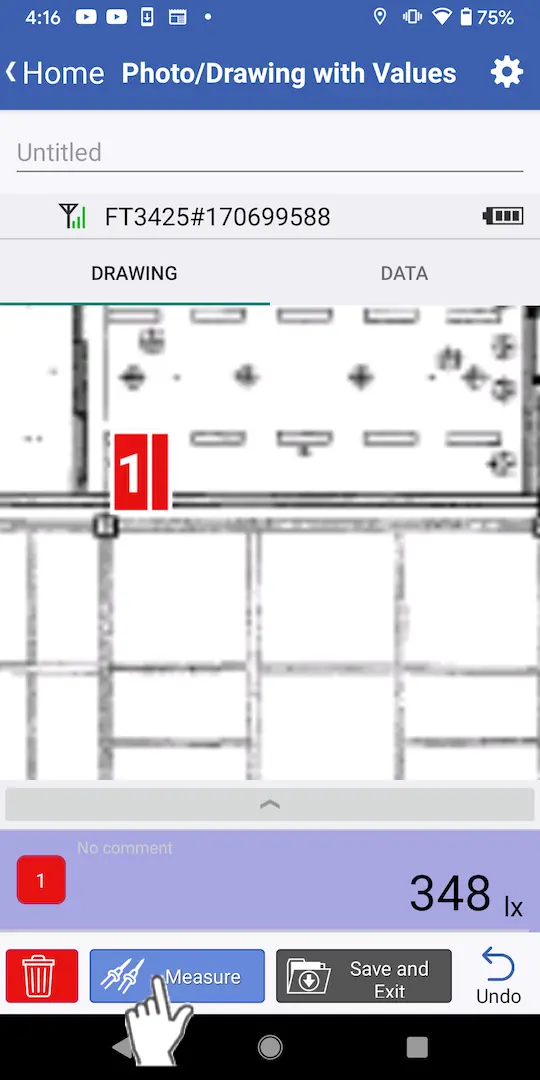
Tap the [Measurement] button.
4
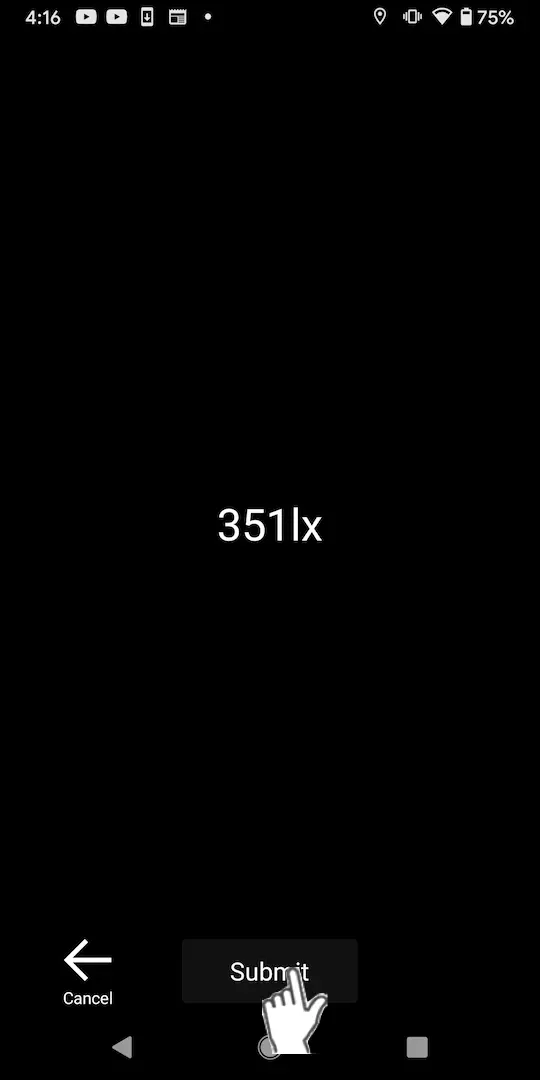
The screen will dim. Tap [Submit].
Want help or have questions?