

Changing the image or photograph during measurement
You can change the image or photograph during measurement. This allows you to update the image while leaving the measurement data intact.
1
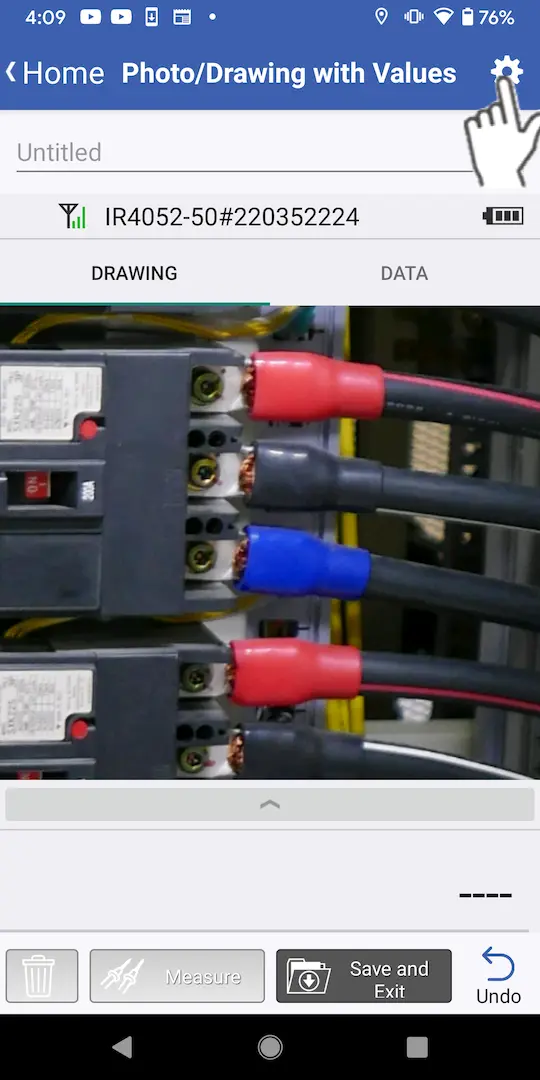
Tap the settings button at the top right of the screen.
2
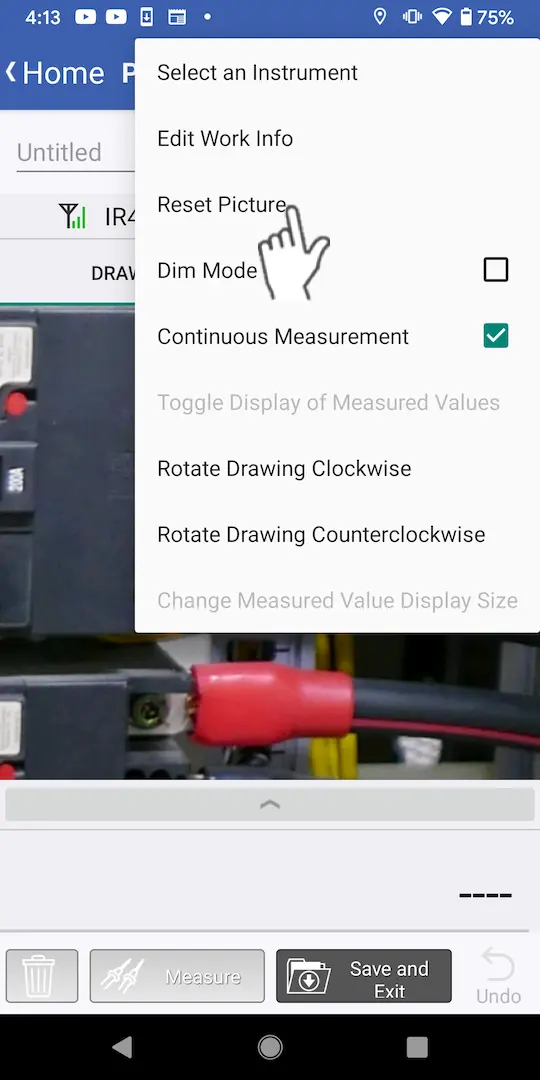
Tap [Reset Picture].
3
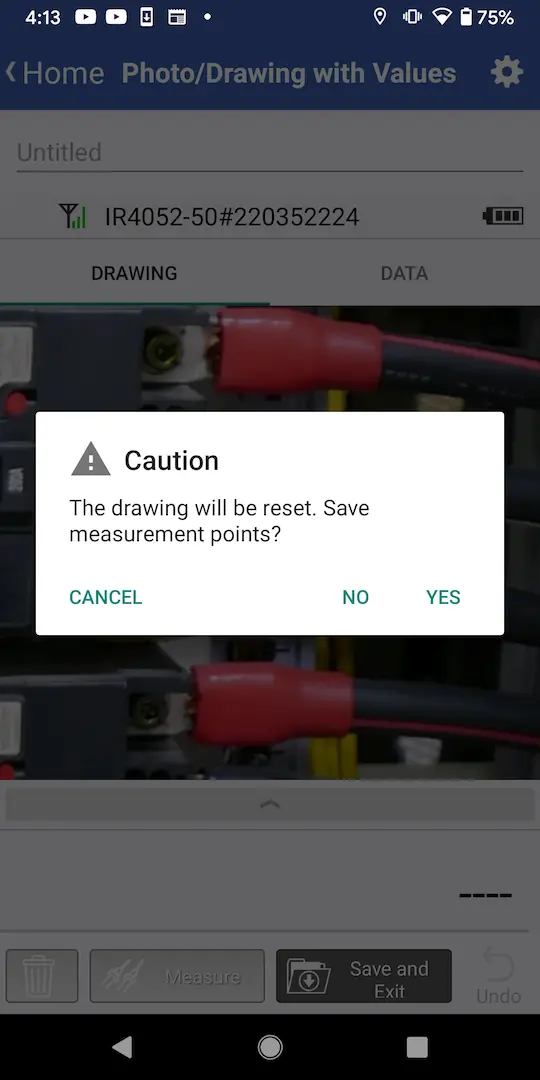
A dialog box will be displayed.
・If you wish to delete the measurement points and change the image: Tap [No].
・If you wish to leave the measurement points intact but change the image: Tap [Yes].
・If you wish to leave the measurement points intact but change the image: Tap [Yes].
4
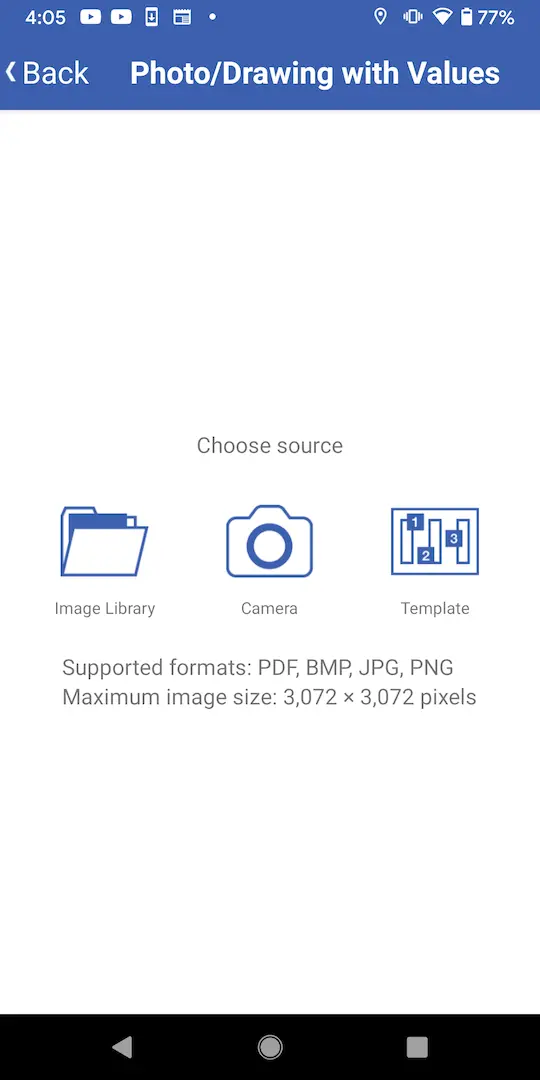
Choose an image.
Want help or have questions?