

Add search tags
If you add search tags (place, users name and etc.) on your measured data, you can easily find it when you search the data later.
1
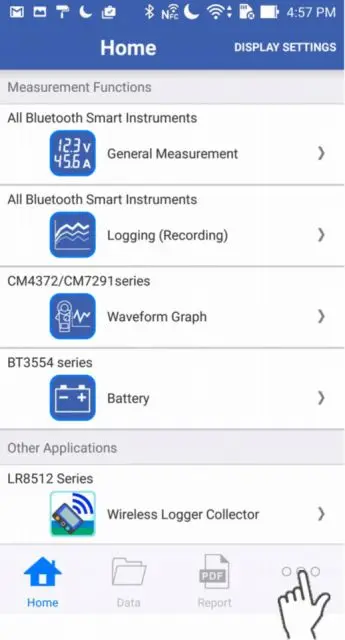
Tap "Other" on the bottom right corner.
2
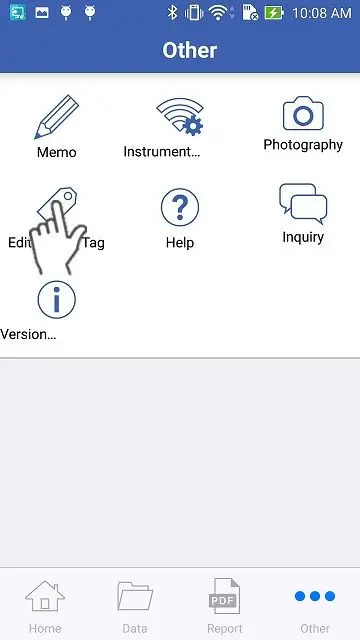
Tap the "Edit Search Tag" button.
3
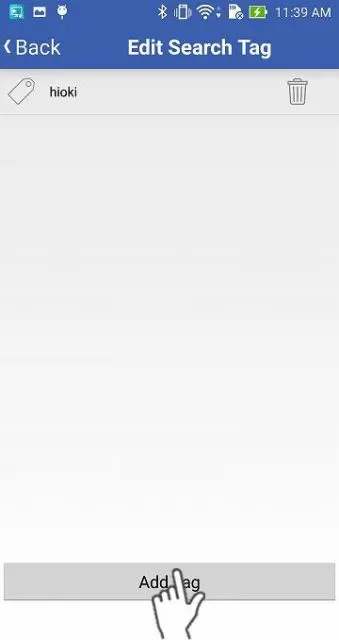
When you would like to add a new tag, tap the "Add Tag" button and enter its name.
If you tap the tag, you can edit the name. Tap the recycle bin icon when you would like to delete it.
4
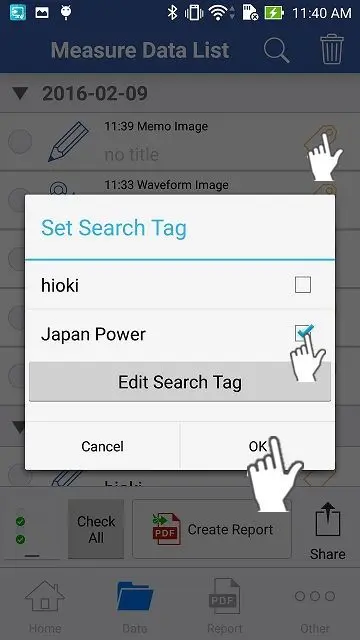
Select the "Data" icon or "Report" icon, for the data and add tags.
Once tags are added to the data, it is high-lighted and becomes searcheable by the "Search Tag" function.
Want help or have questions?