

Re-measurement
If the “Do not check re-measurements” option is enabled
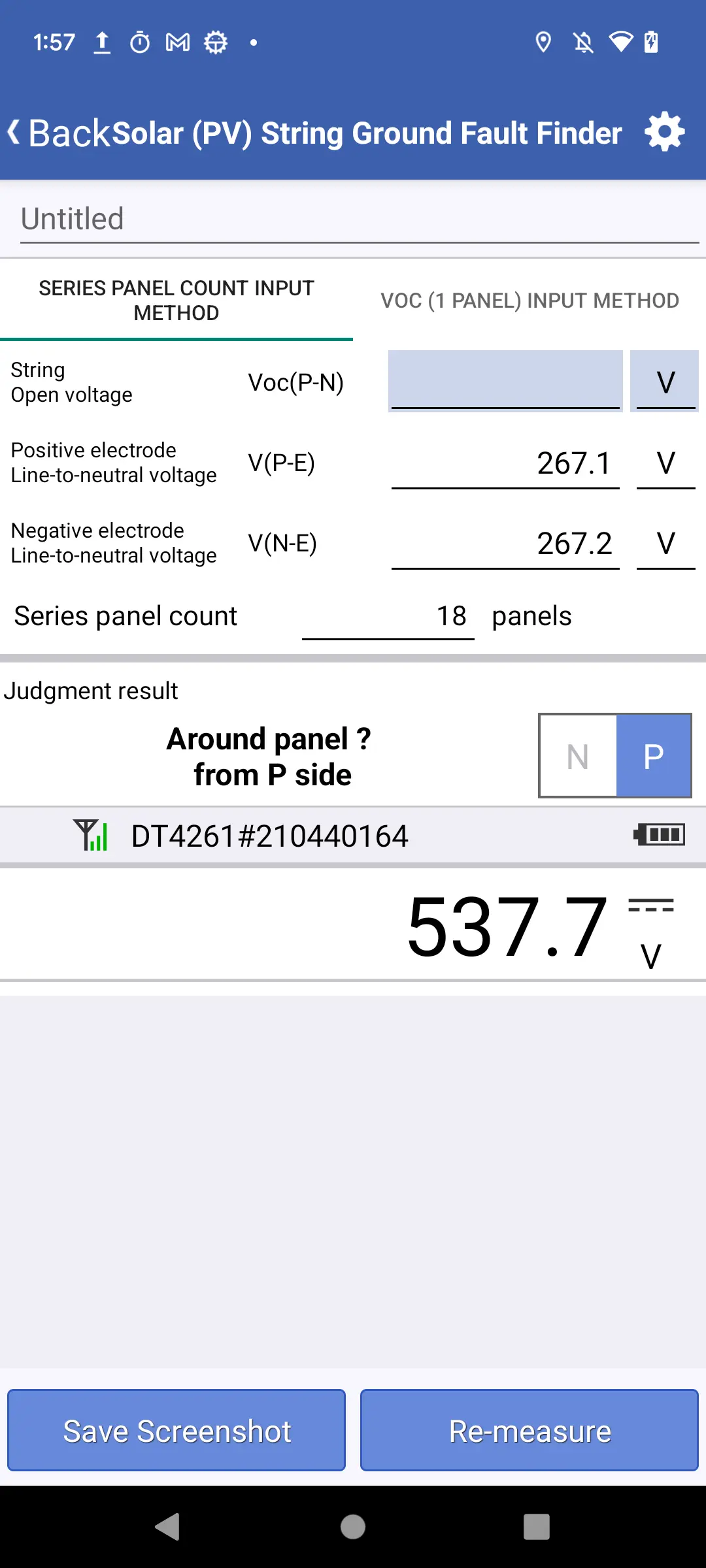
Tap the measure button or press the [HOLD button on the instrument] to overwrite the previously entered measured value.
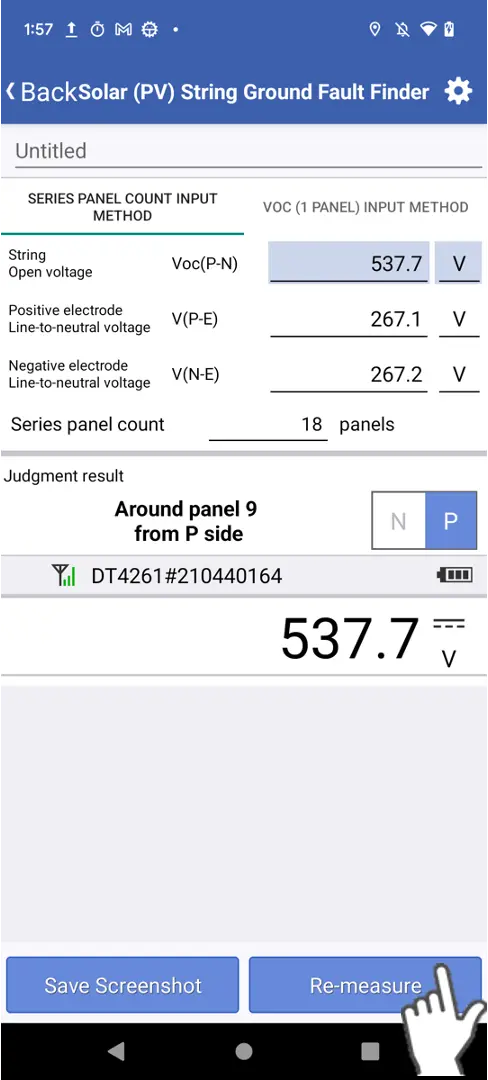
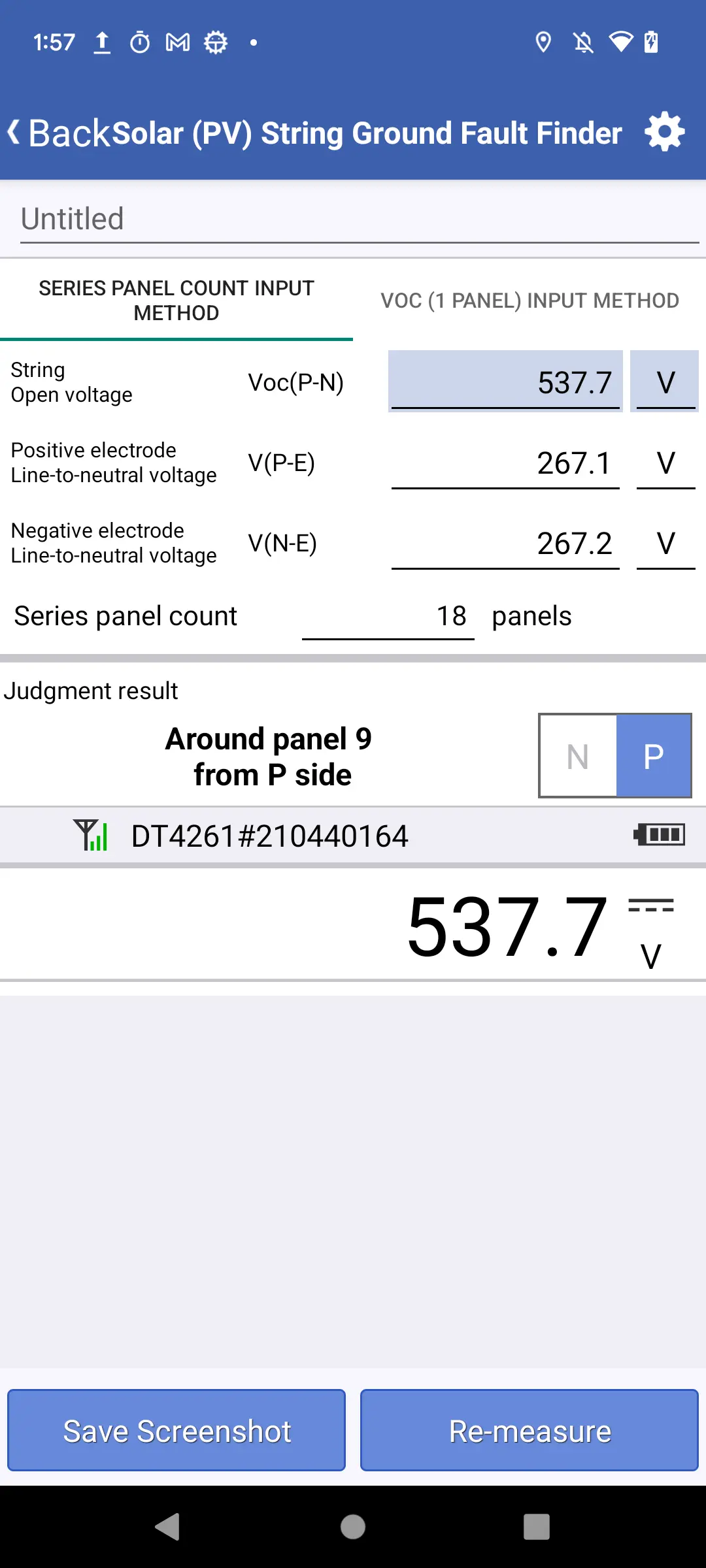
If the “Do not check re-measurements” option is disabled
If you tap the re-measure button, a dialog box confirming whether you wish to clear the previously entered measured value will be displayed.
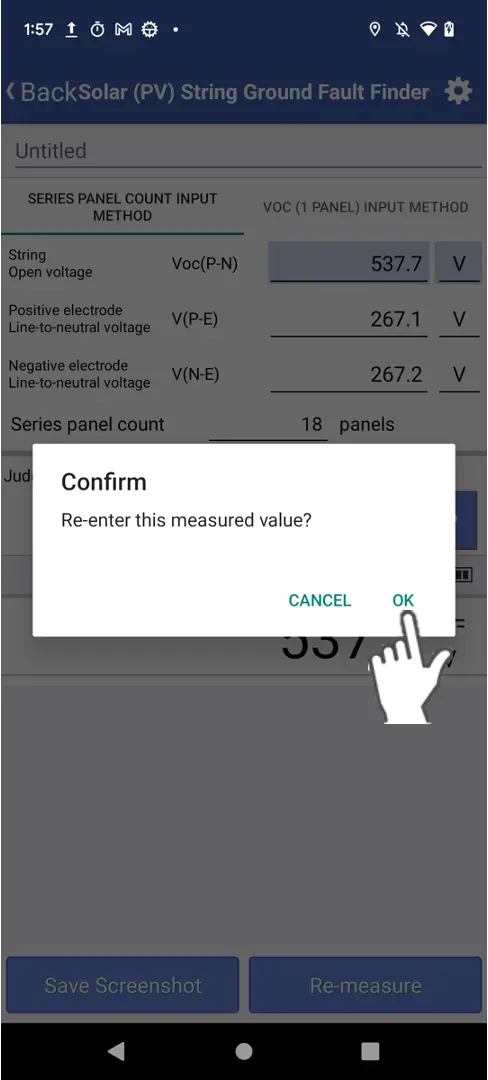
Tap OK to clear the measured value.
Want help or have questions?