

Preparing for Measurement
1
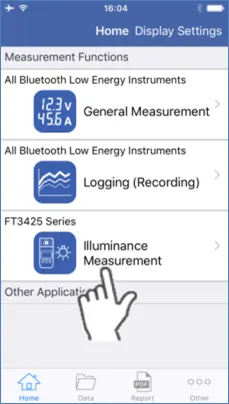
Go to the Home screen and select “Illuminance Measurement”.
2
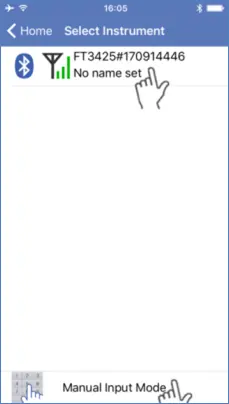
Select the device.
If the instrument is not connected, select “Manual Input Mode”.
3
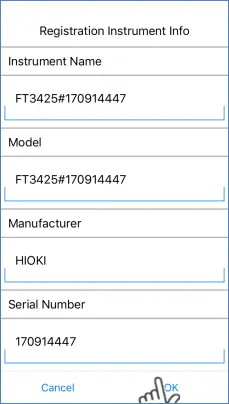
Register the instrument and tap OK.
The following screen will only be displayed if “Manual Input Mode” is selected.
4
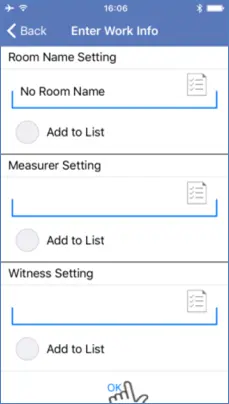
Enter the Work Information and tap OK.
5
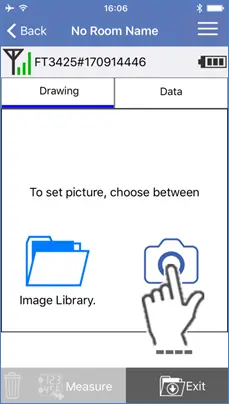
Select “Camera”.
To use an existing image, tap “Image Library”.
6
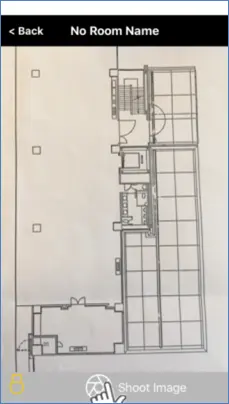
Tap “Shoot Image”.
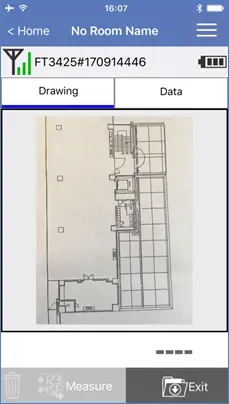
The image can now be incorporated into the measurement.
Want help or have questions?