

Saving measured values
1
When a measured value is held by the instrument, the app will save that value automatically.
Press the instrument’s HOLD button or use the auto hold or equivalent function to hold measured values.
Each time a measured value is held, it will be added and saved by the app. (Caution: When using the HOLD button, one value is saved each time the HOLD button is pressed and released.)
Each time a measured value is held, it will be added and saved by the app. (Caution: When using the HOLD button, one value is saved each time the HOLD button is pressed and released.)

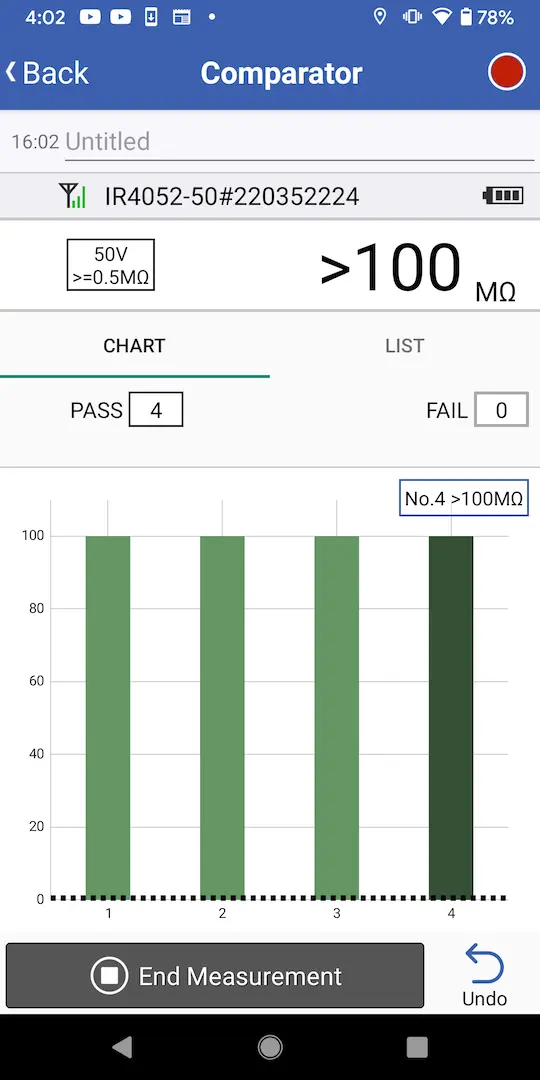
The smartphone app does not have a button for saving values. Instead, save values using the instrument’s hold function.
Want help or have questions?