

Changing the graph display format
1
Tap the “Y” (△) button.
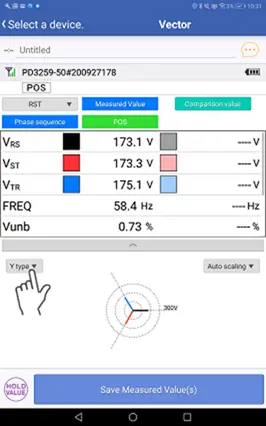
2
Selecting the desired format will cause the graphs display format to change.
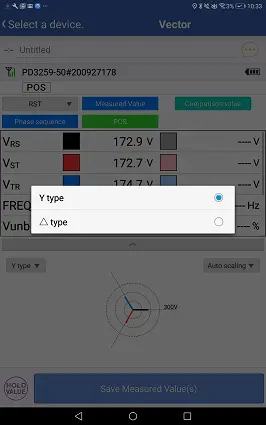
Y format characteristics
Line-to-line voltages and the amount of phase shift from the reference (R-S) will be displayed using polar coordinates.
Phase shift increases in the counterclockwise direction.
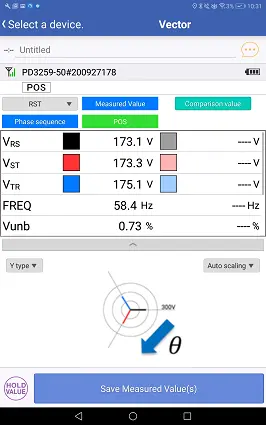
Large phase shifts are indicated as follows:
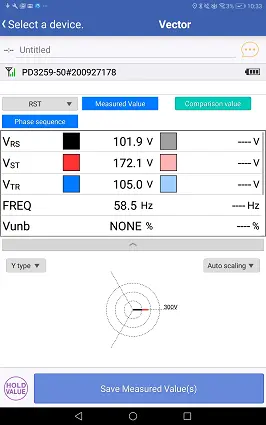
△ format characteristics
Line-to-line voltages and the amount of phase shift from the reference (R-S) will be displayed using triangles. Equilateral triangles indicate no voltage value or phase shift.
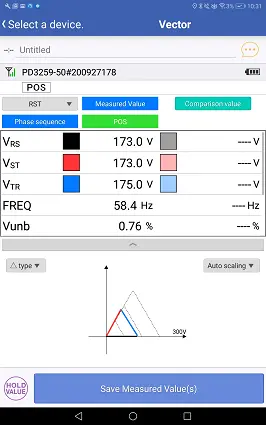
Distorted triangles indicate voltage value or phase shift.
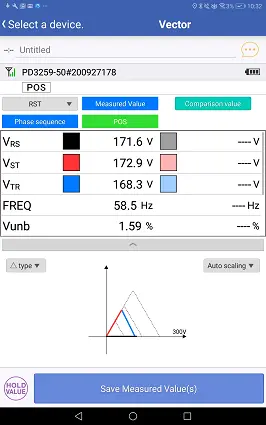
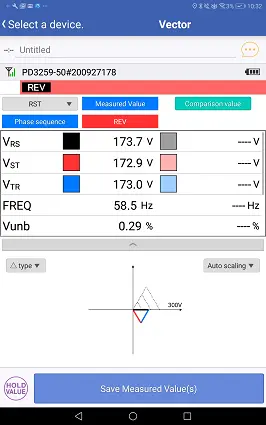
Proper phase connections are indicated by normal triangles, while reverse phase connections are indicated by inverted triangles.
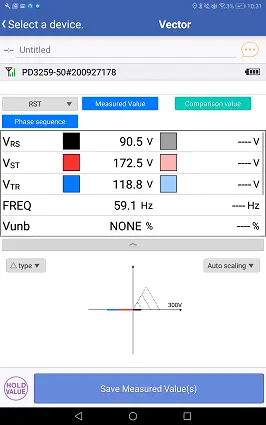
Large phase shifts are indicated as follows:
Want help or have questions?