

Repeating measurement, deleting data, and changing judgment conditions
Repeating measurement
1
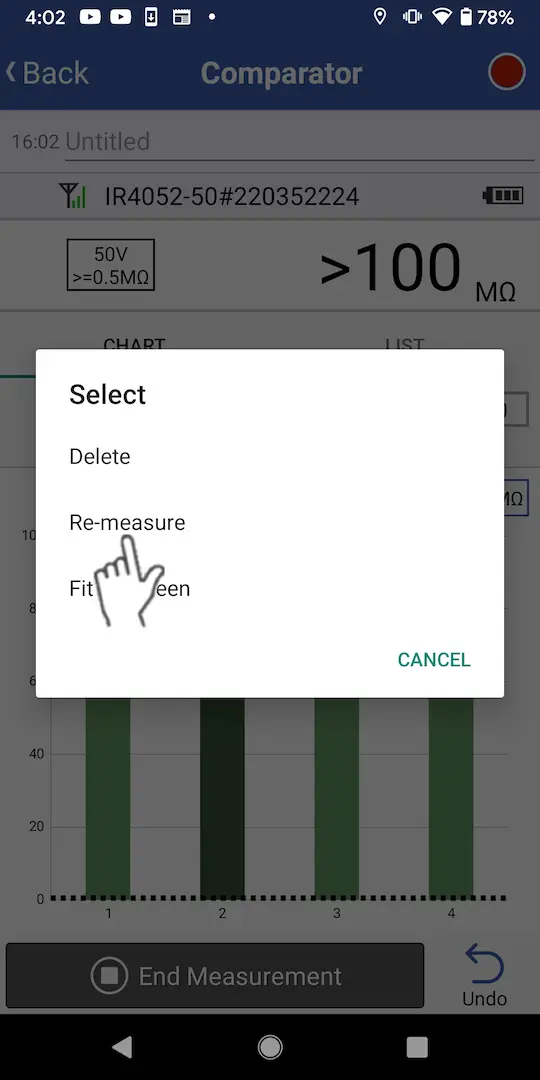
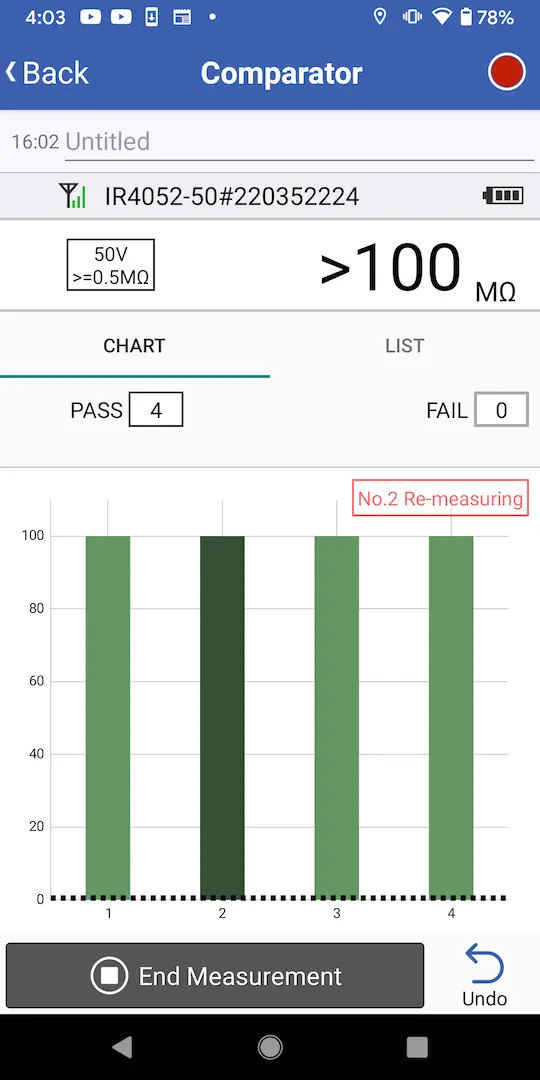
To repeat measurement, long-tap the measured value you wish to remeasure on the graph or list screen and choose [Remeasurement].
Once you have chosen [Remeasurement], holding a measured value on the instrument will cause the original measured value to be overwritten and saved in the app.
Deleting data
1
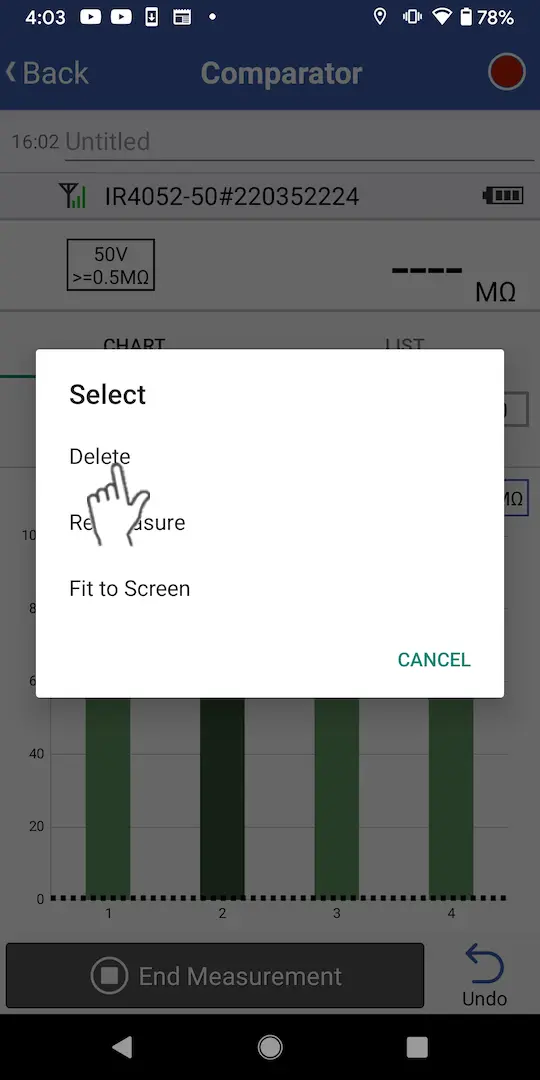
To delete data, long-tap the measured value you wish to delete on the graph or list screen and select [Delete].
You can tap the [Undo] button to undo the last operation.
Changing judgment conditions
1
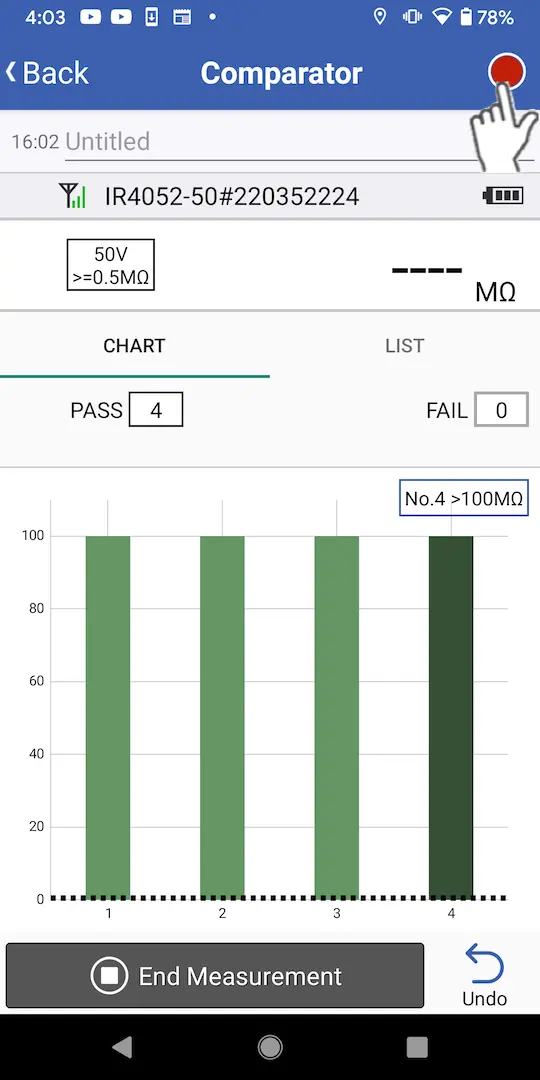
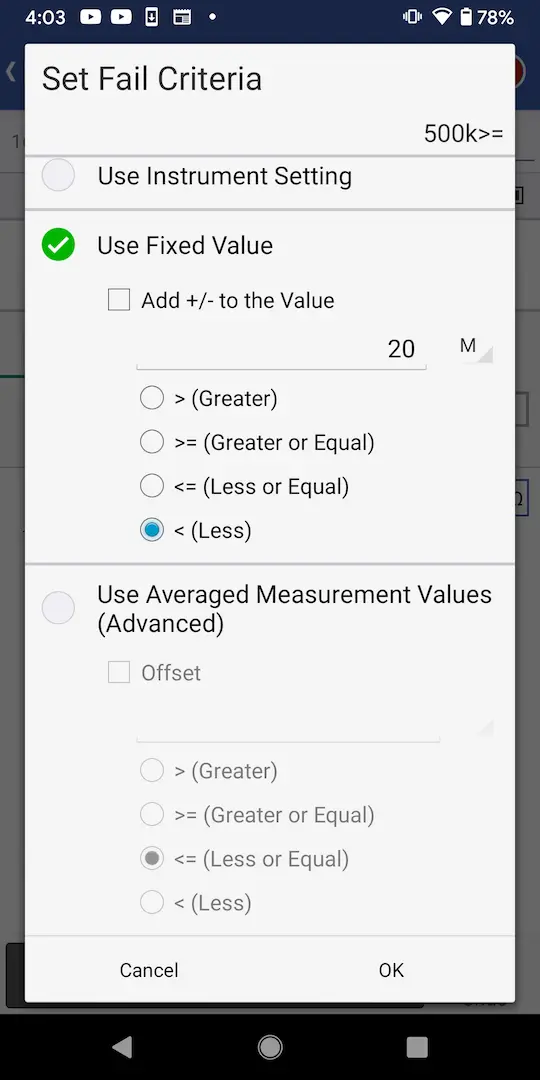
You can change judgment conditions, even after measurement has started, by tapping the round red button at the top right of the screen.
Want help or have questions?