

Checking data
1
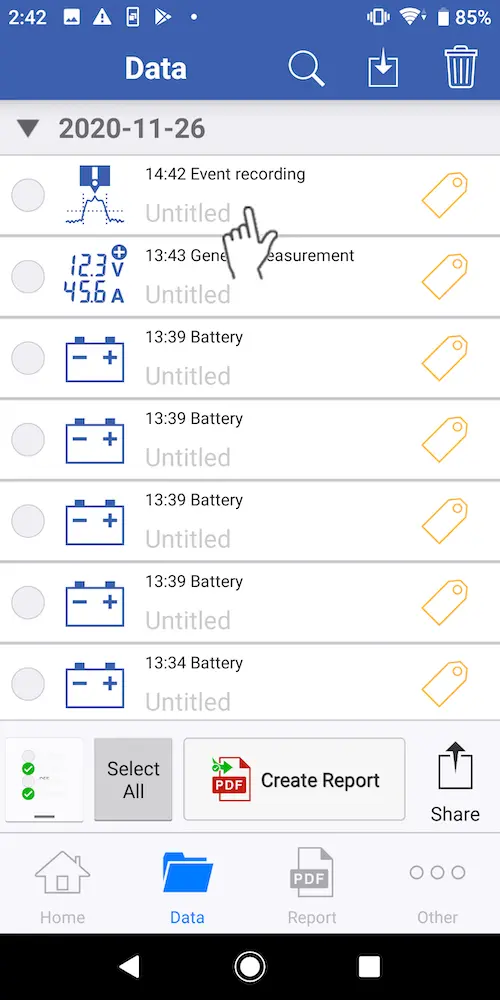
Select the data you wish to check on the [Data] screen.
2
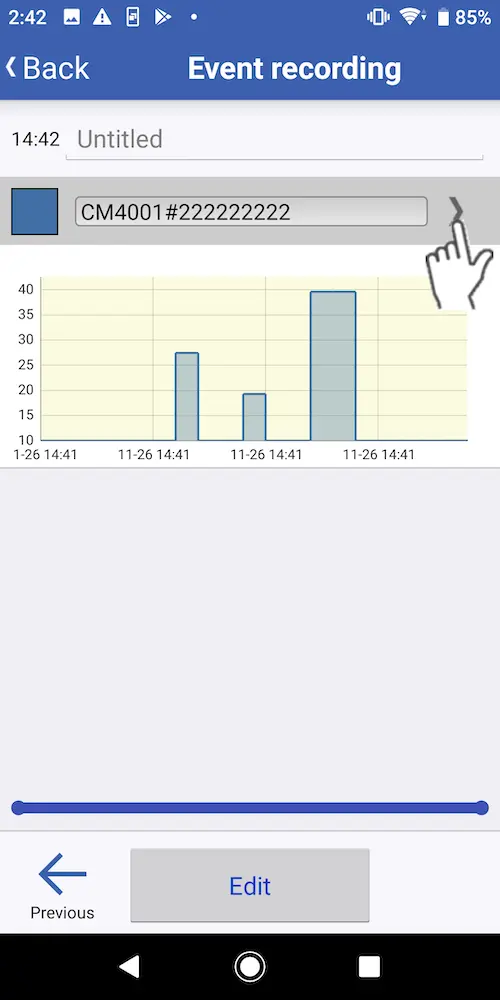
Tap to the right of the data set’s name.
3
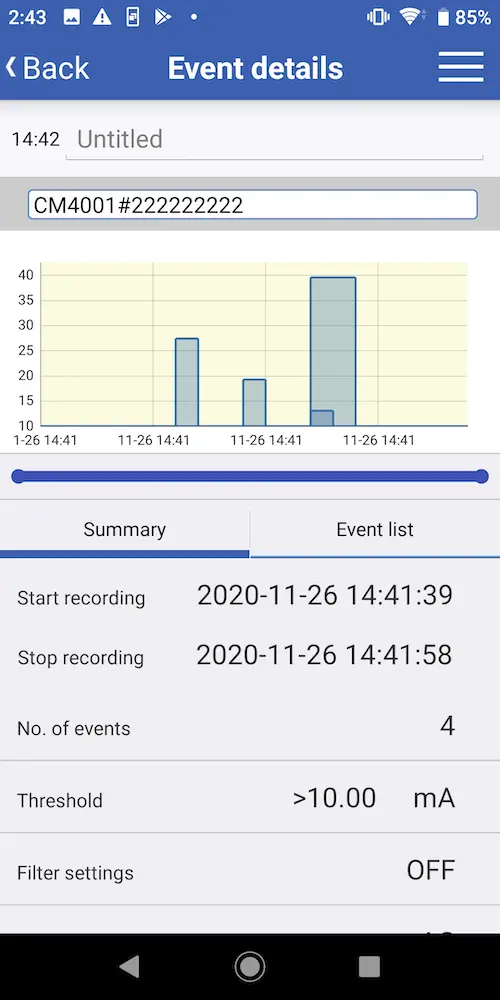
The app will display a screen with detailed information about the event data.
You can tap [Summary] to check the number of events and the associated threshold.
You can tap [Event list] to review a list of event data for the recording interval.
You can tap [Event list] to review a list of event data for the recording interval.
Want help or have questions?