

Locating the grounded panel (common to all input methods)
1
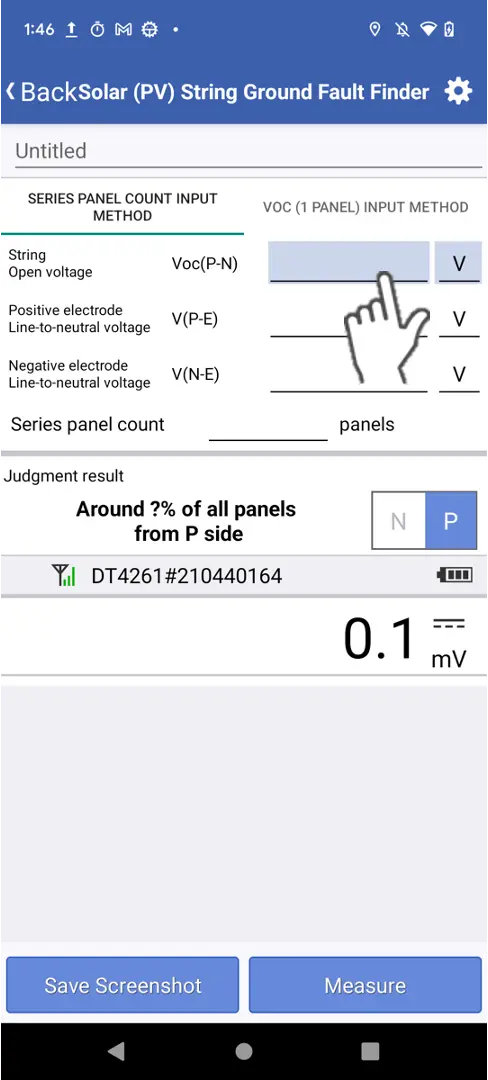
Tap the field into which you wish to enter a measured value to select it.
The background of the selected field will turn green, and you’ll be able to enter a measured value.
2
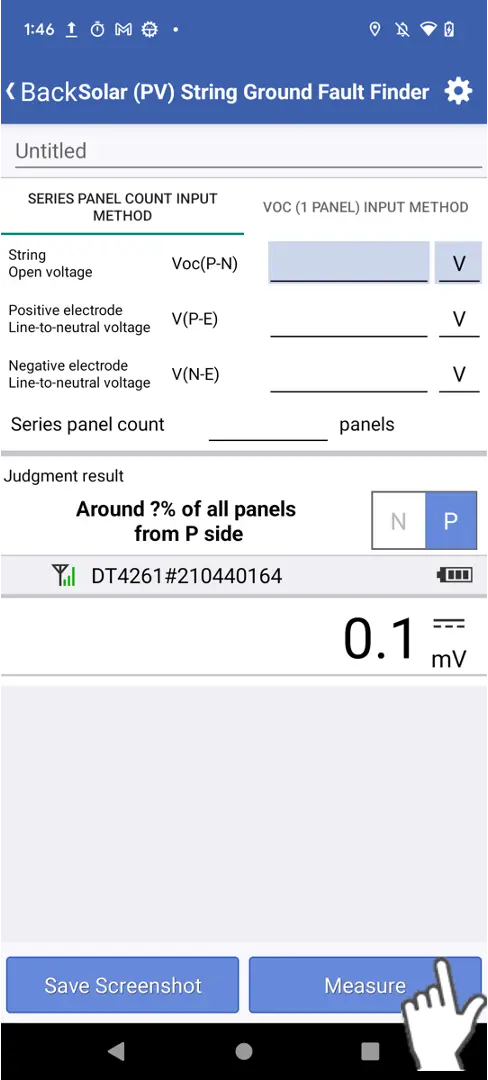
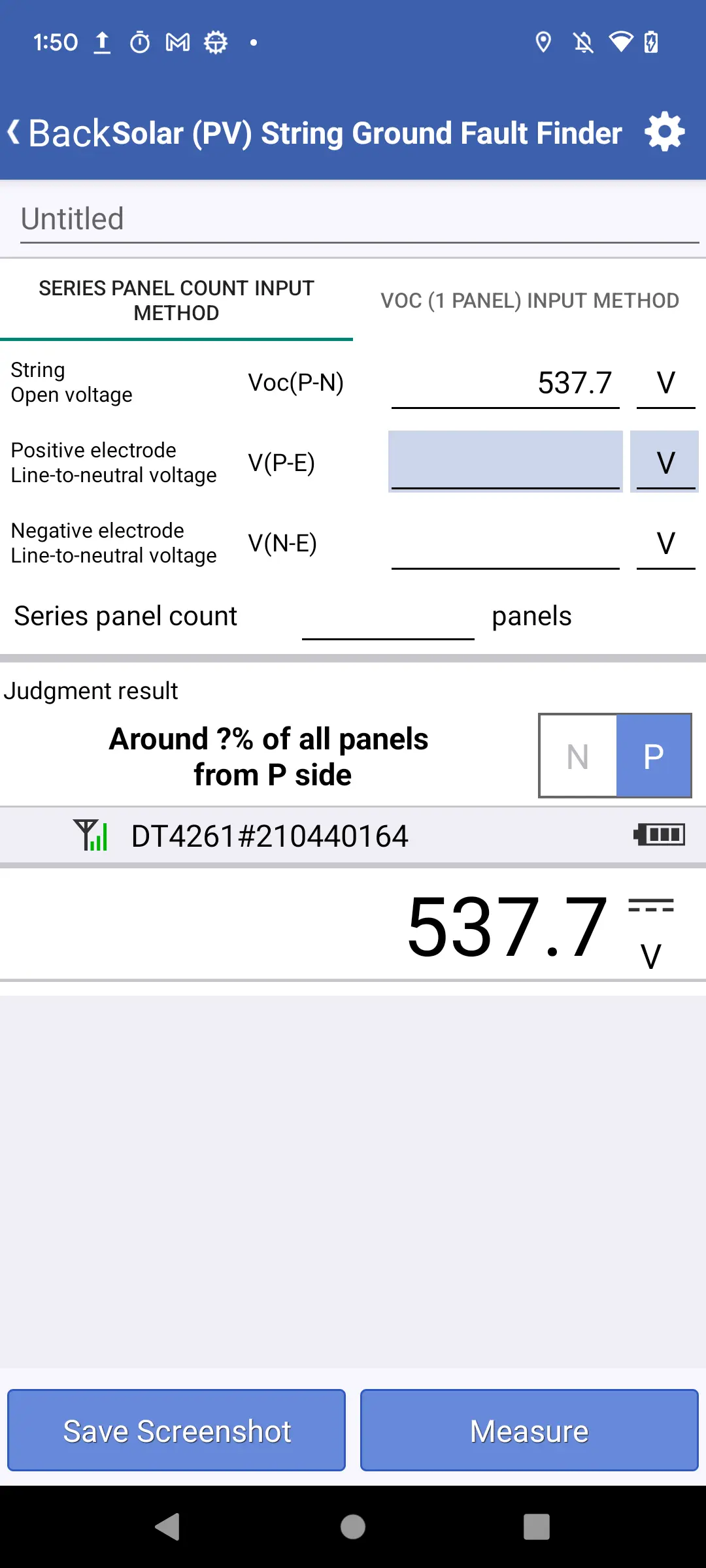
Tap the [measure button] or press the [HOLD button on the instrument] to enter the measured value.
3
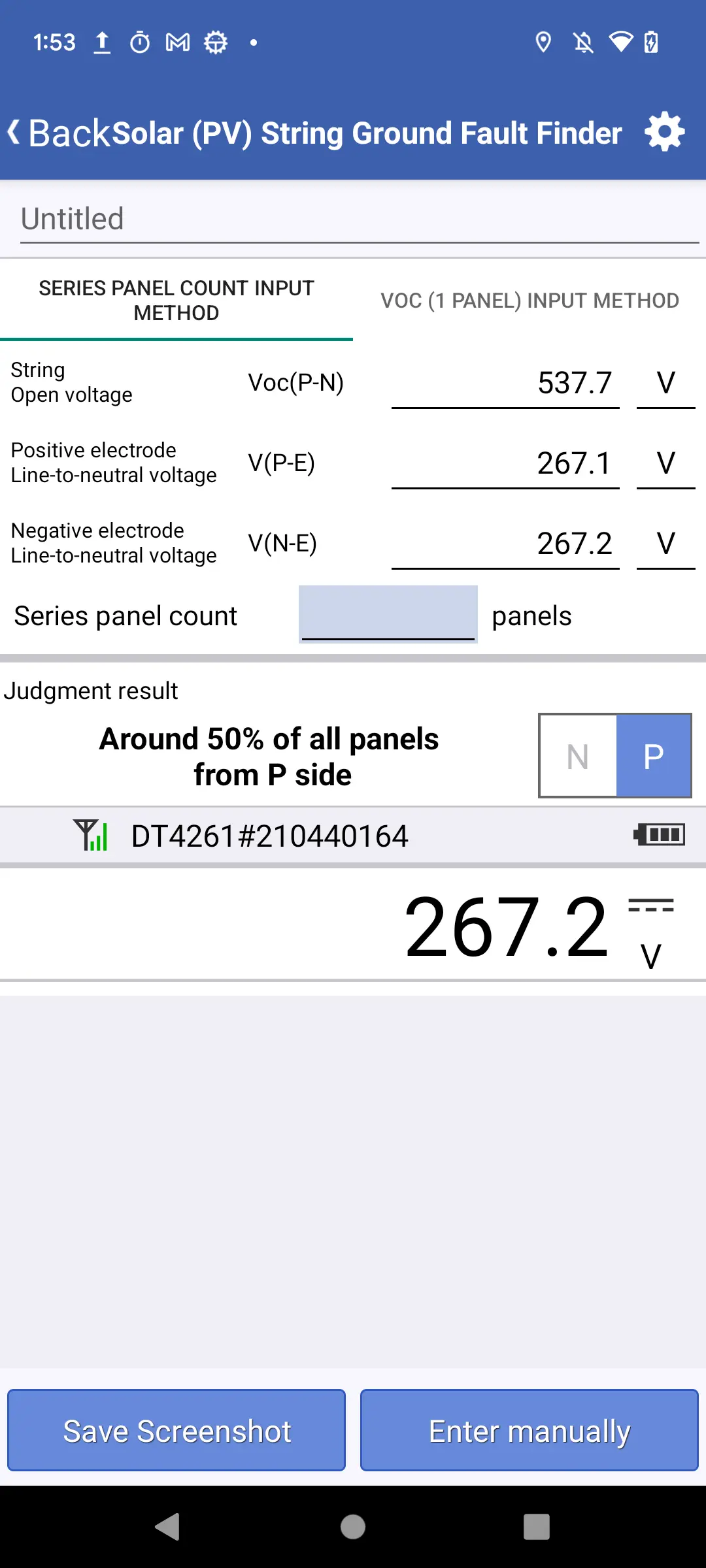
Once all the values needed for the calculation–Voc(P-N), V(P-E), and V(N-E)–have been entered, the test result will be displayed.
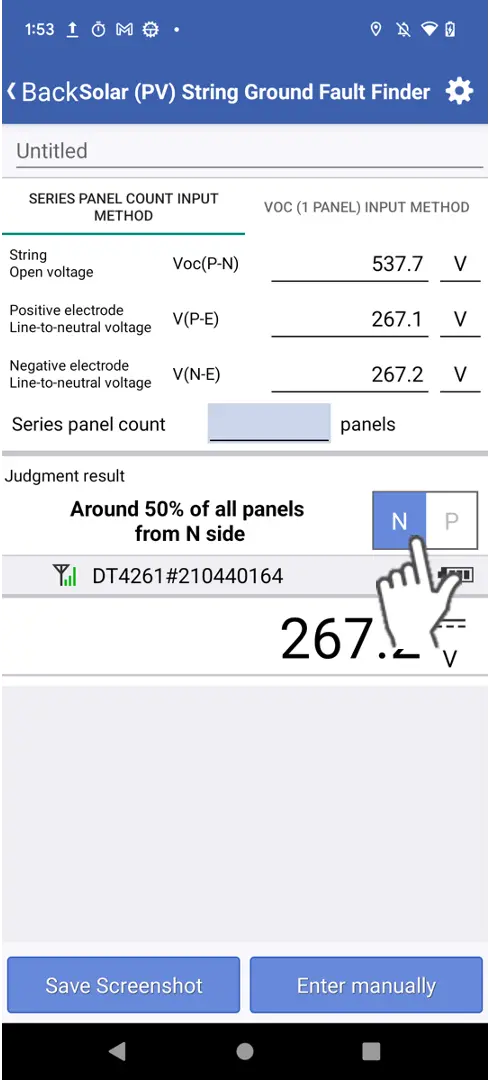
If no information is added by the user (total panel number or open circuit voltage of one solar panel), the test result will be a percentage. In this case, the number of all solar panels is considered 100%. The output represents the percentage to this total number of solar panels from either the positive or negative side in which a ground-faulted solar panel is located.'
4
You can toggle the start point for the ground fault point count between the P and N sides using the toggle button.
5
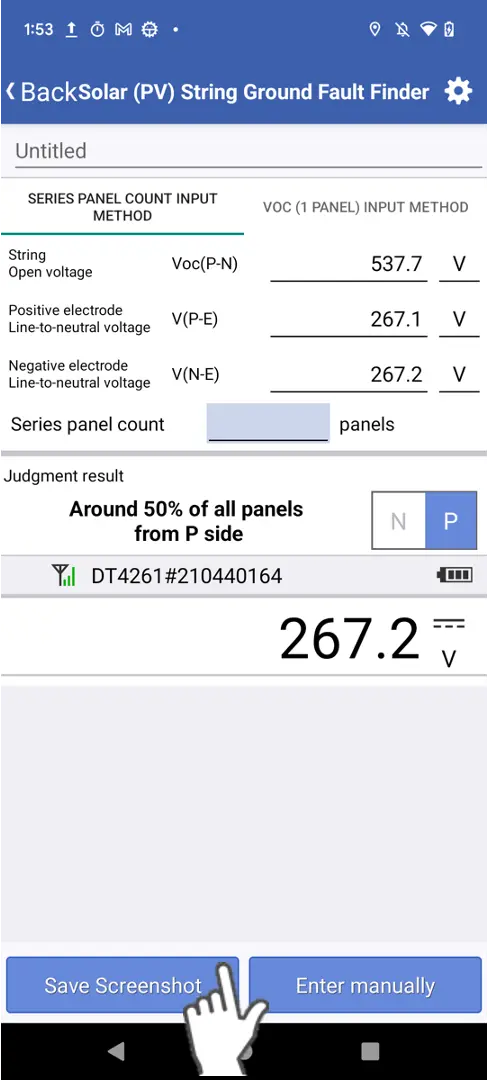
You can save the results using the button for [Save Screeshot].
Want help or have questions?