HIOKI
GENNECT
Cloud
One
Cross
Top
Applications
Functions
FAQ
Download
Manual
Contact Us
This website uses cookies.
We use cookies to personalise content and ads, to provide social media features and to analyse our traffic. We also share information about your use of our site with our social media, advertising and analytics partners who may combine it with other information that you’ve provided to them or that they’ve collected from your use of their services. You consent to our cookies if you continue to use our website.

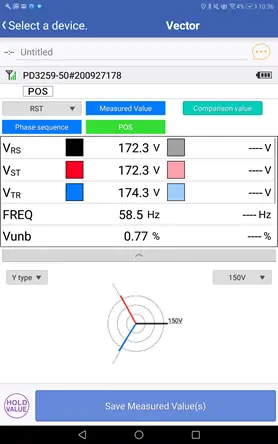
Changing the graph scale

The graph scale is set automatically based on the maximum voltage value. (When auto-scaling is enabled)

1
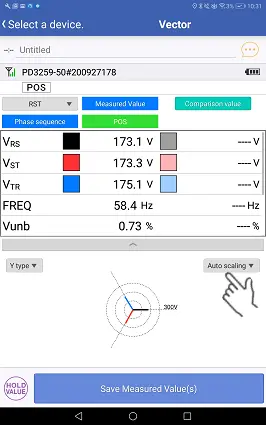
To change the range, tap the auto-scaling button.
2
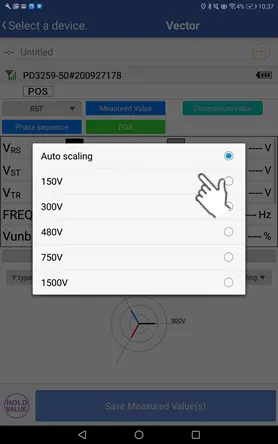
Selecting the desired range value will cause the graph maximum range to change.
If a voltage value exceeds the maximum range, the graph corresponding to that voltage value will flash.
Want help or have questions?

Search


Table of contents


Create new account
Login