

Changing the phase notation
The default display is set automatically based on your devices language setting.
1
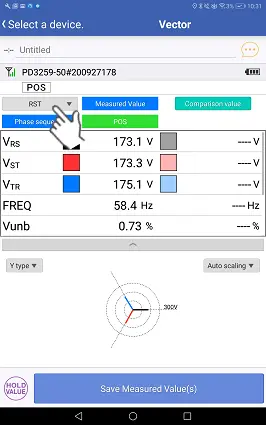
Tap the [RST (ABC, L1L2L3)] button.
2
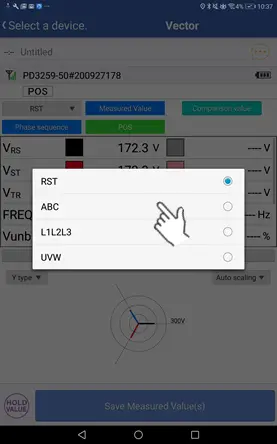
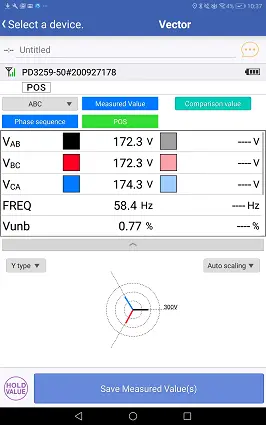
Selecting the desired notation will cause the labels affixed to measured values to change.
Want help or have questions?