

Changing operation during measurement
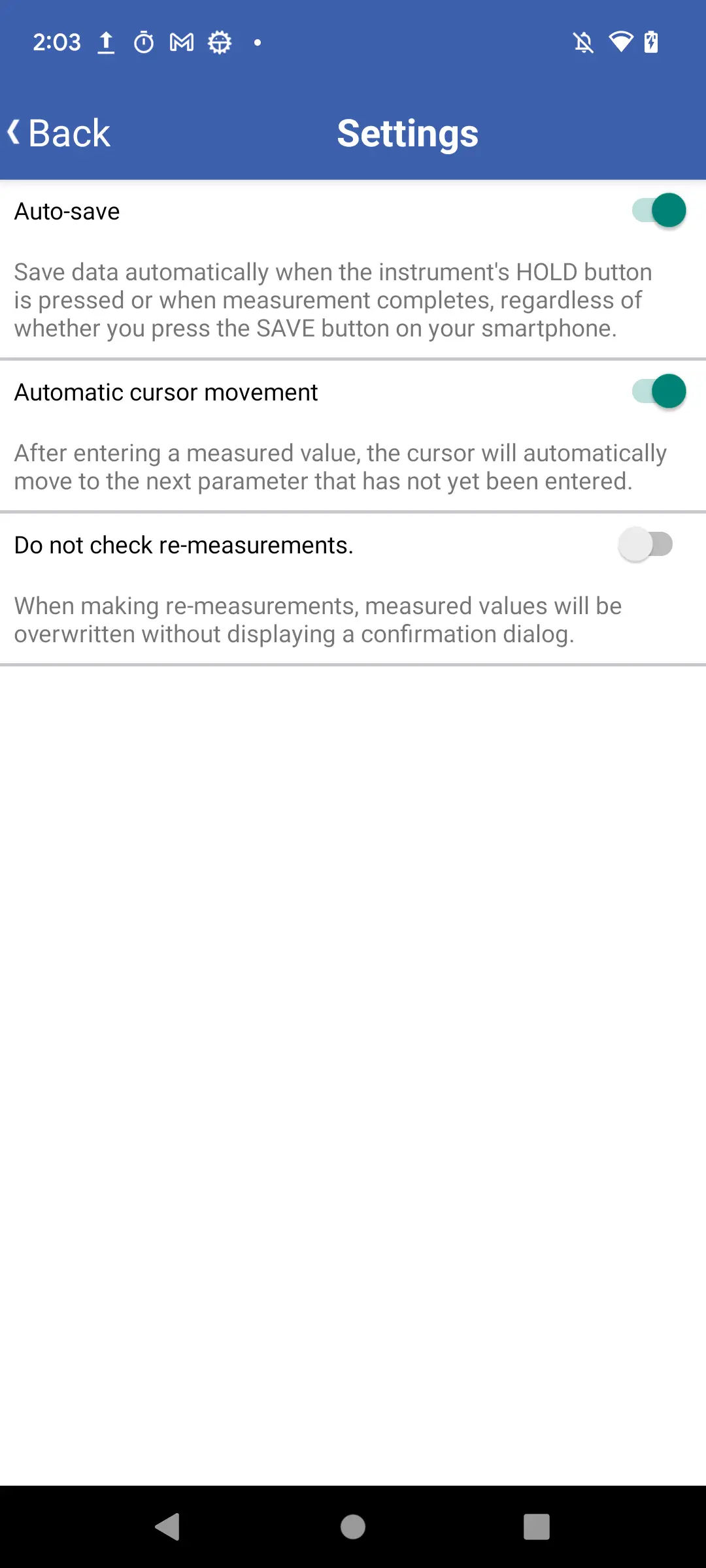
The following settings can be changed:
·Auto save
·Automatic cursor movement
·Do not check re-measurements
Auto save
When this setting is enabled, the measured value will be automatically entered in the selected measured value field when the instrument's HOLD button is pressed.
*Please note that this function is not built in some measurement instruments.
*Please note that this function is not built in some measurement instruments.

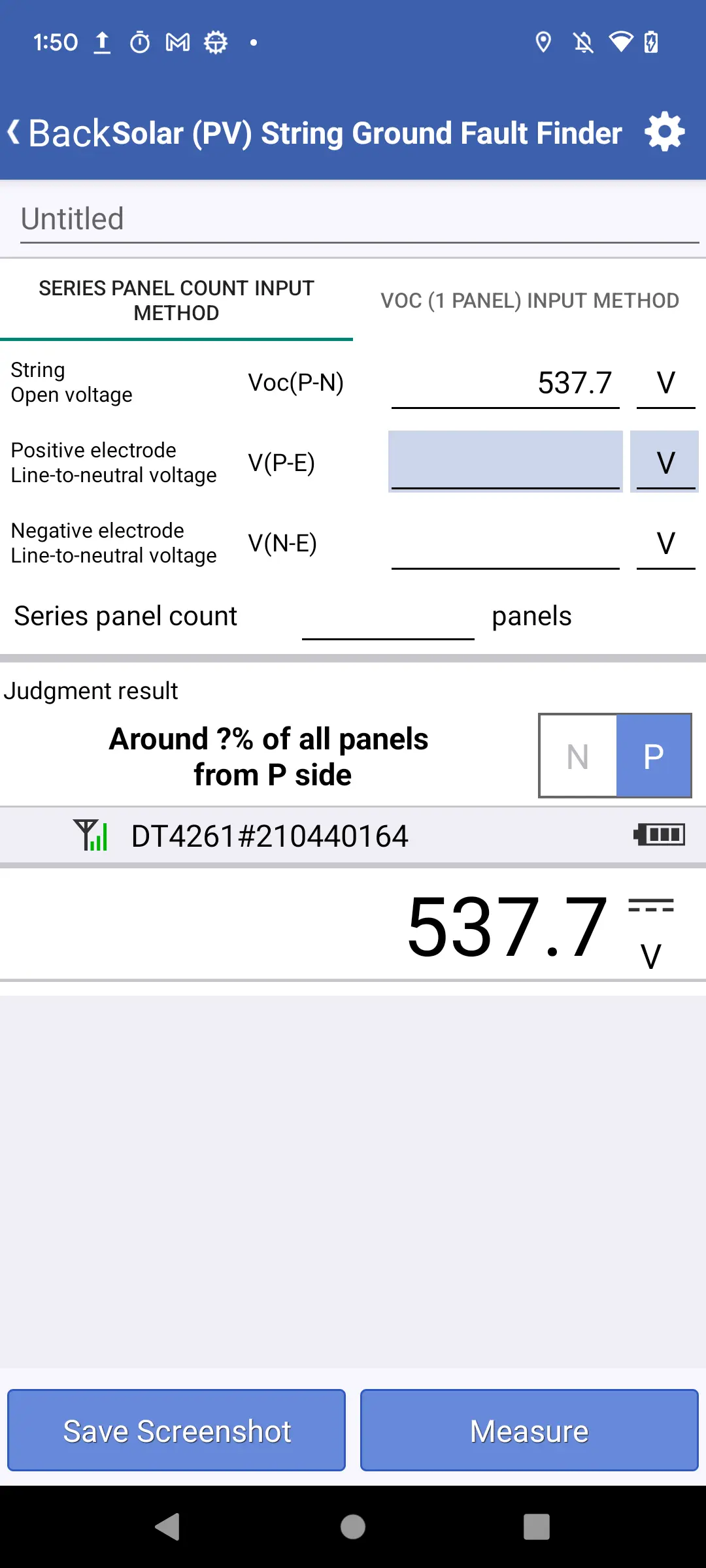
When this setting is disabled, pressing the instrument's HOLD button will not cause the measured value to be entered.
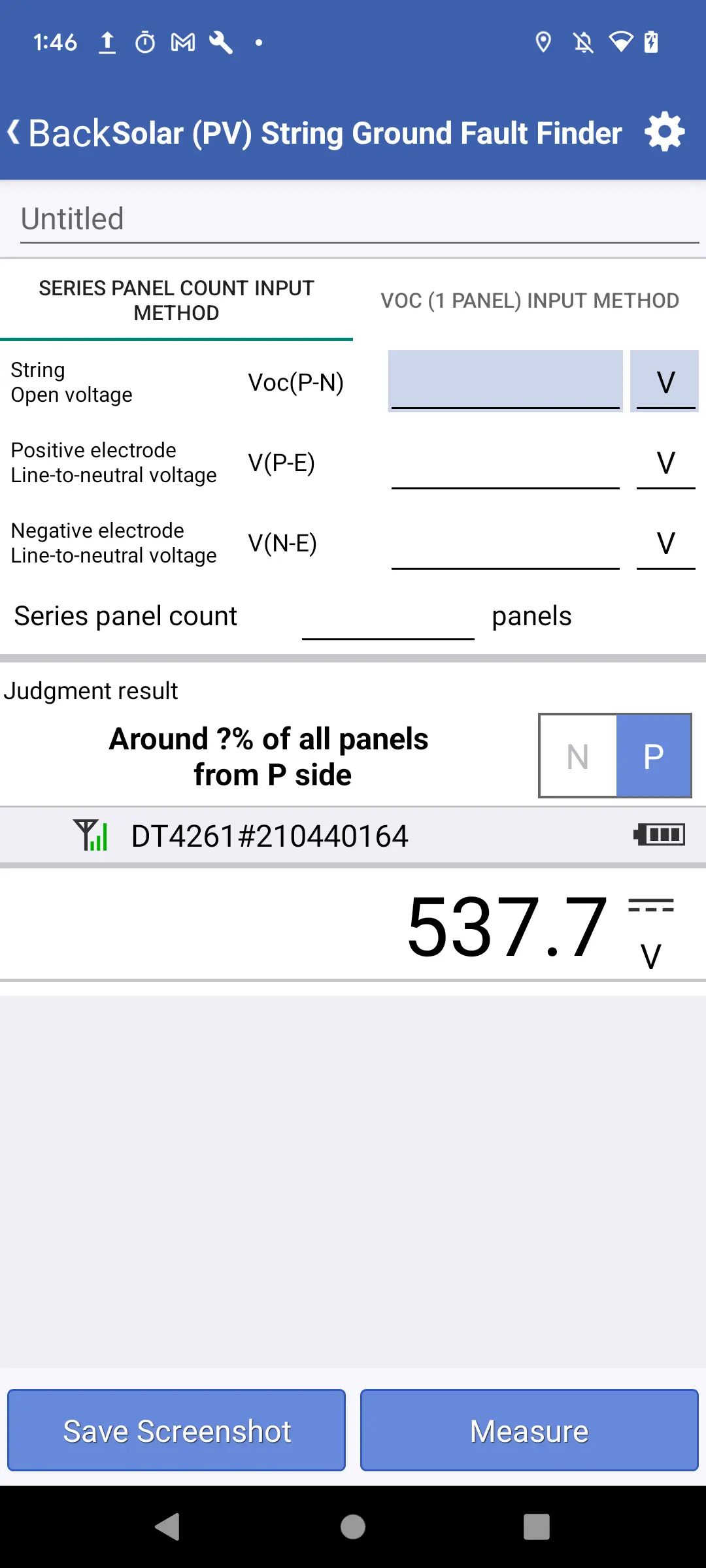
Automatic cursor movement
When this setting is enabled, the cursor will automatically move to the next measured value field without a value.
When this setting is disabled, the cursor will not move.
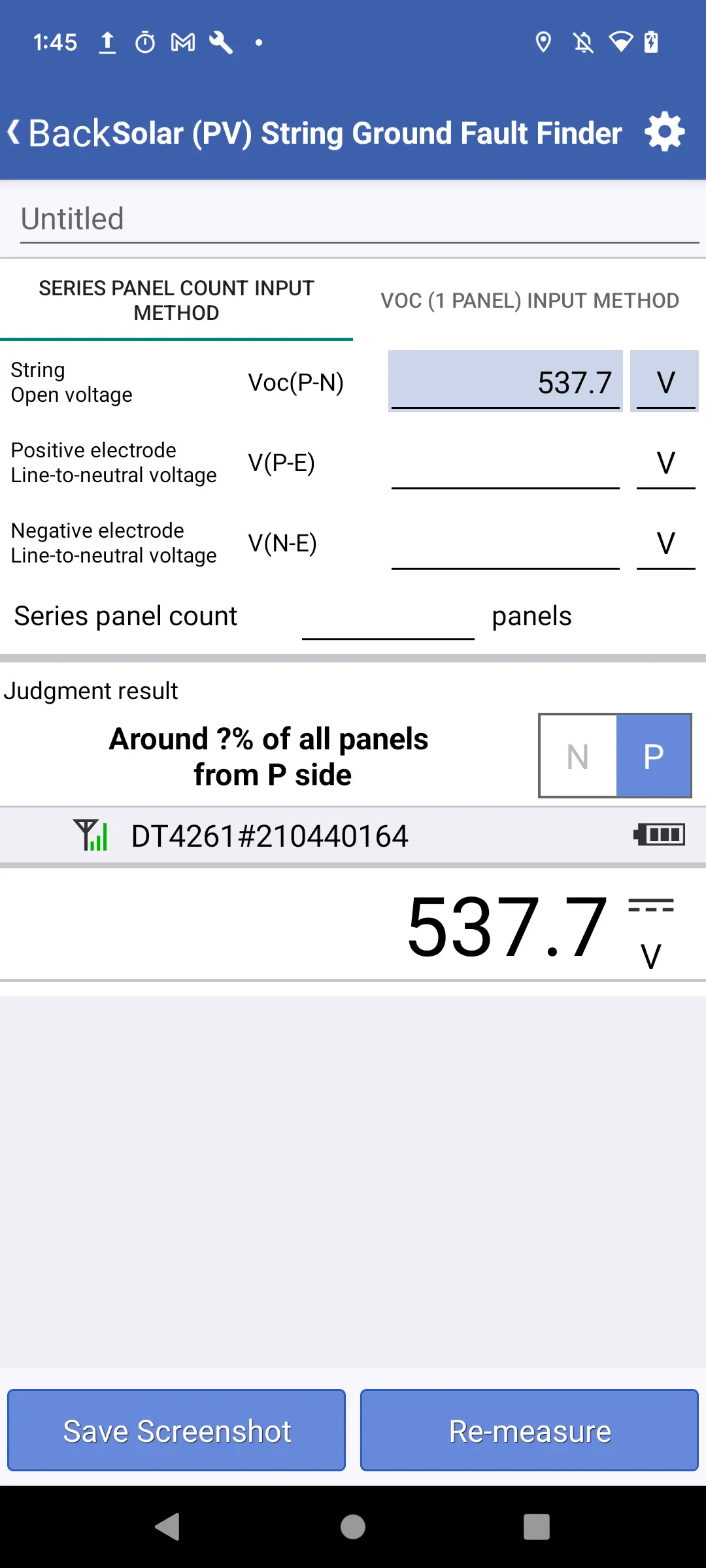
Do not check re-measurements
When this setting is enabled, the previously entered measured value will be overwritten without displaying a confirmation dialog when you tap the [re-measure button] or press the [instrument's HOLD button].
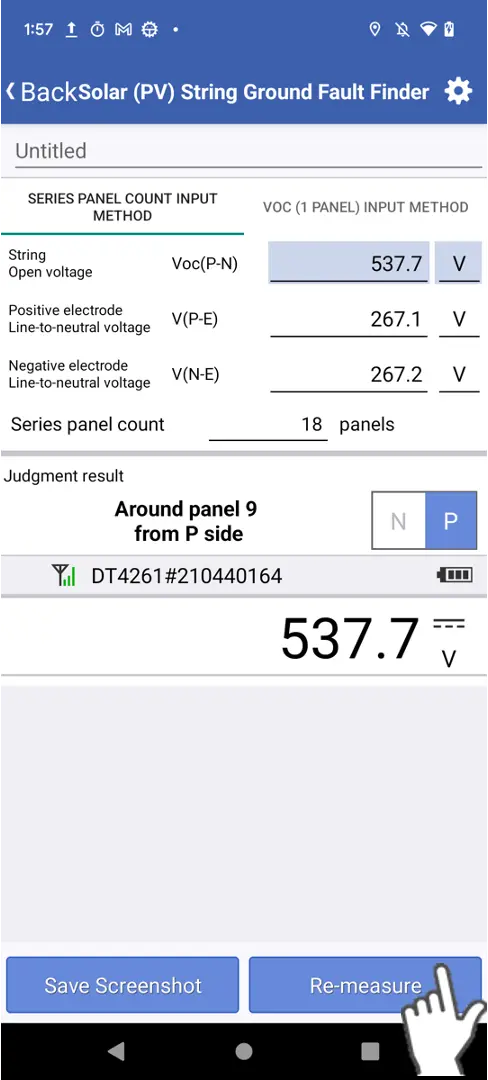
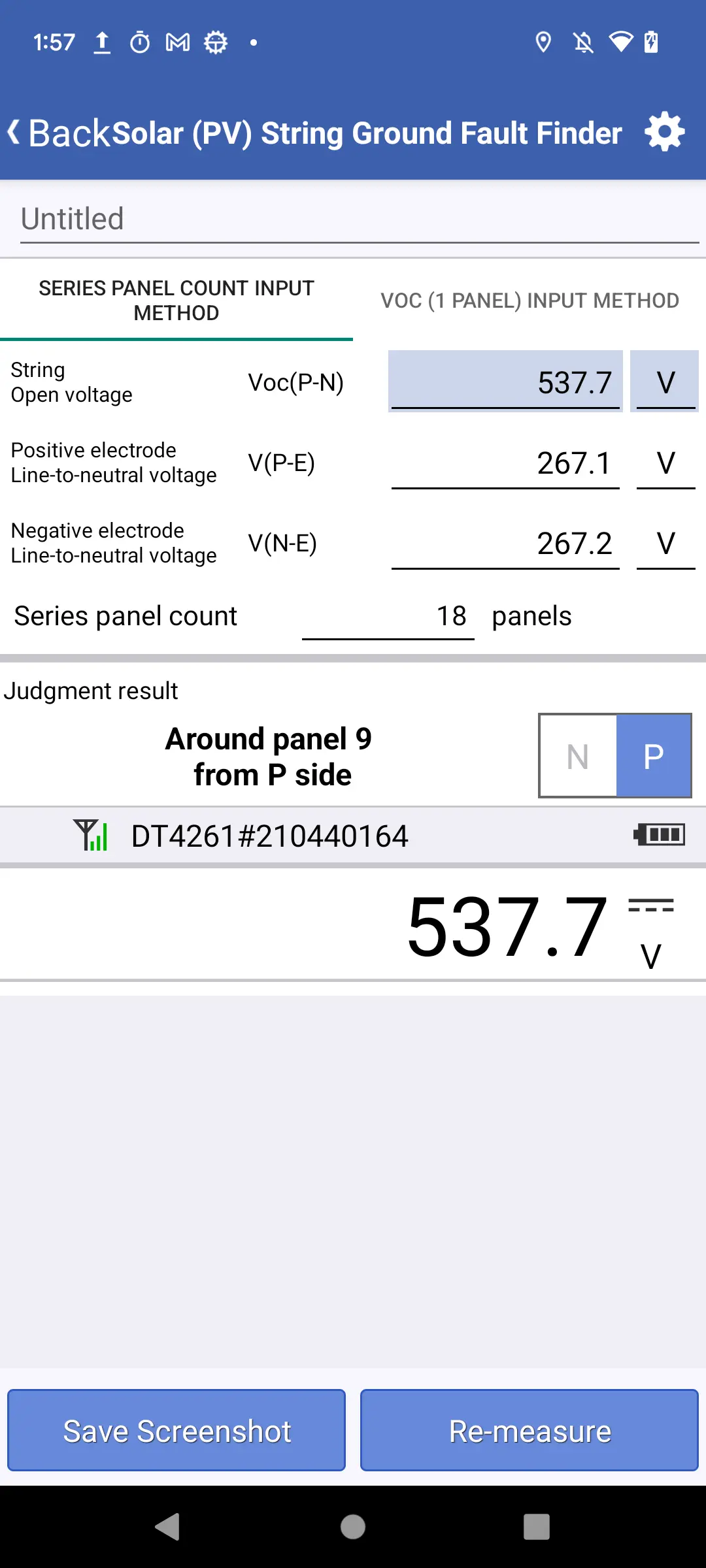
When this setting is disabled, a confirmation dialog will be displayed when you tap the re-measure button.
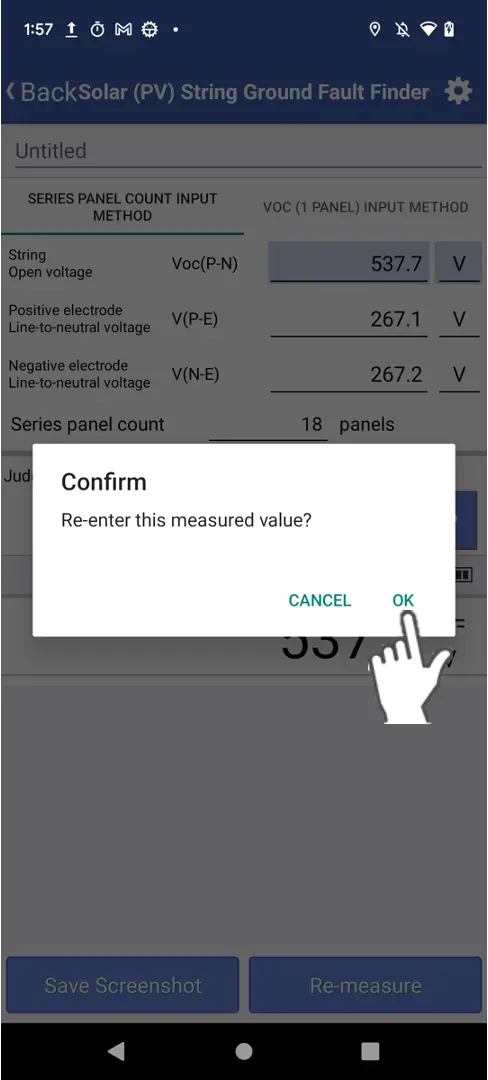
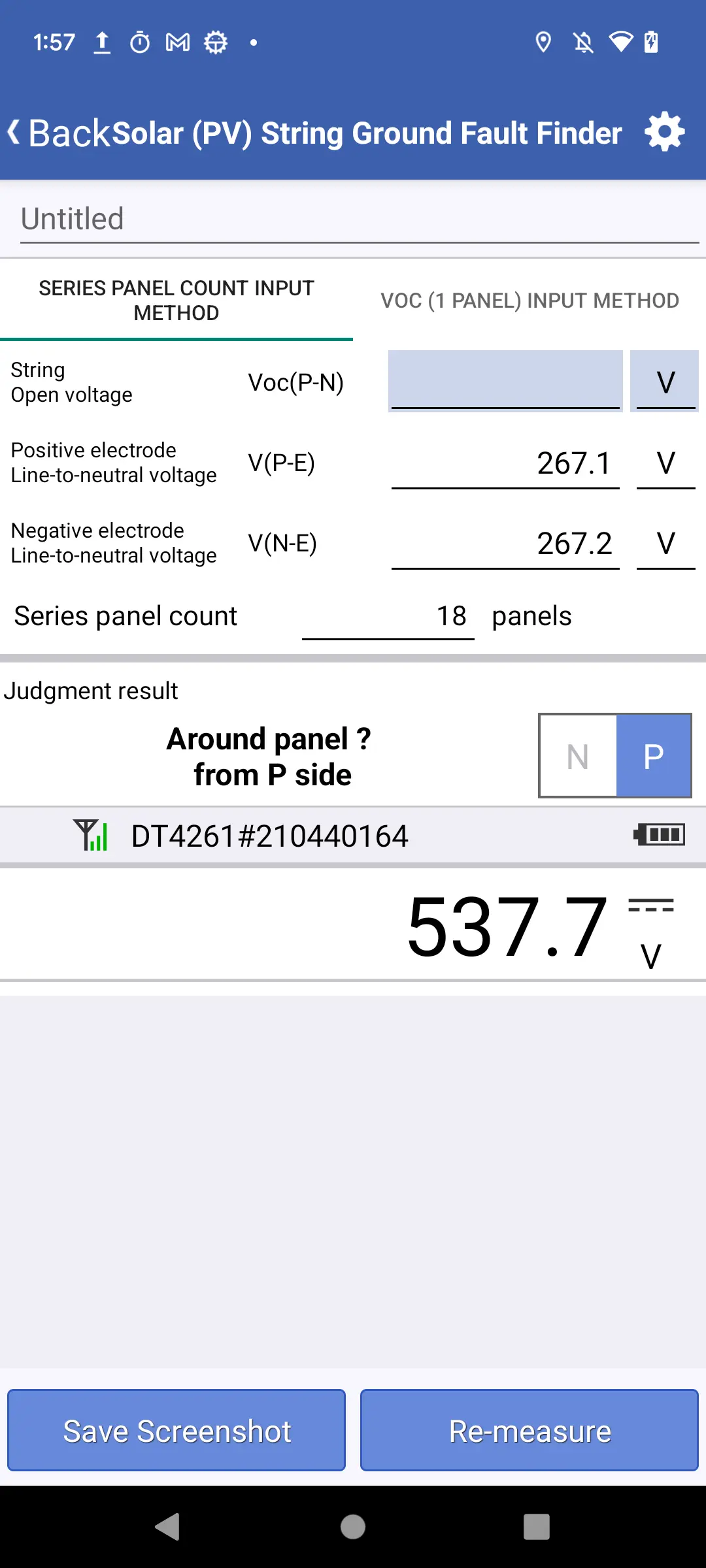
Tap OK to clear the measured value.
Want help or have questions?