

Receiving GENNECT Cloud alarms (notifications)
Alarm notifications set up in GENNECT Cloud can be received as push notifications on smartphones and tablets on which GENNECT Cross has been installed.
If you are not logged in to GENNECT Cloud, first log in.
Configuration method
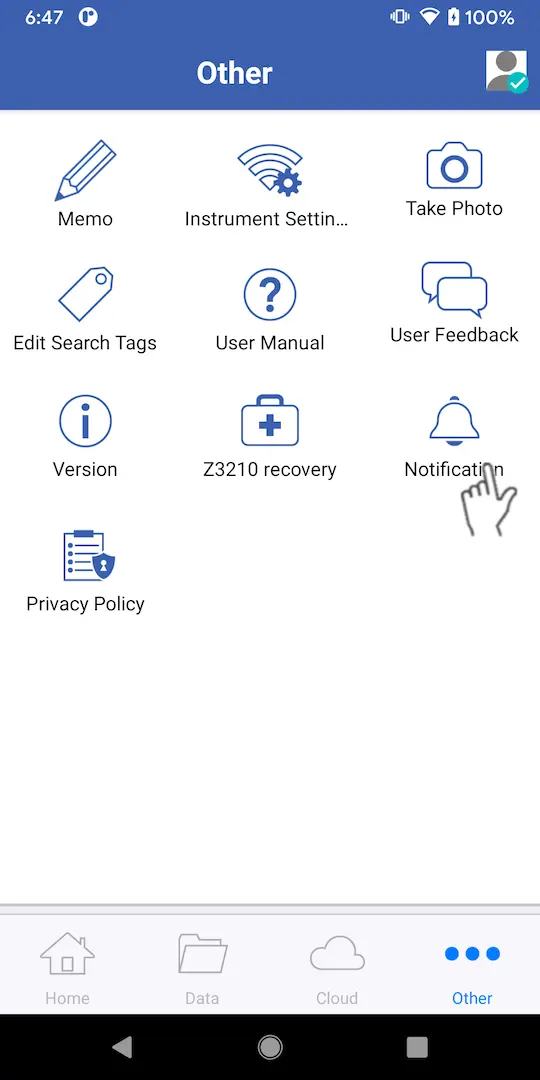
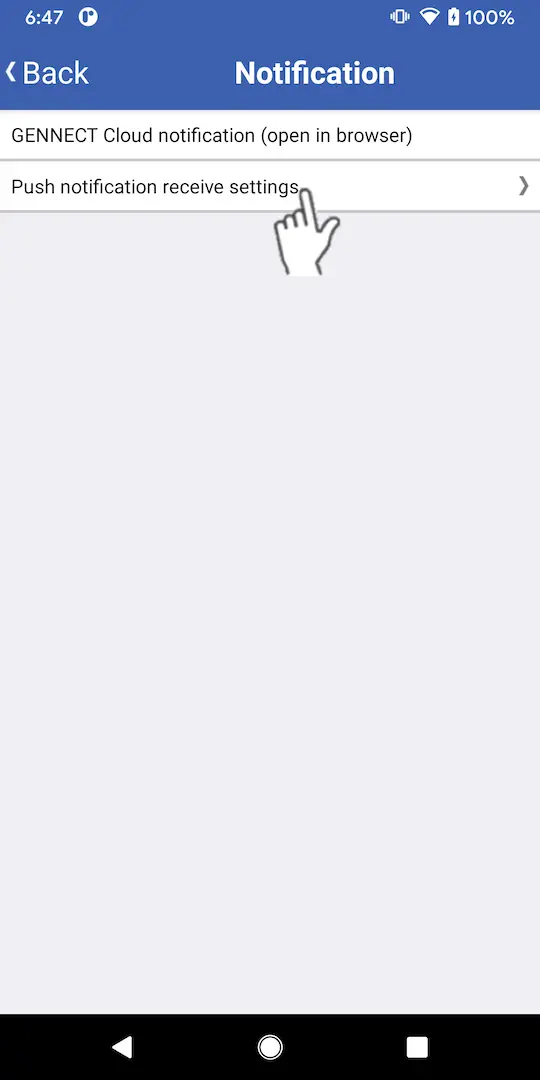
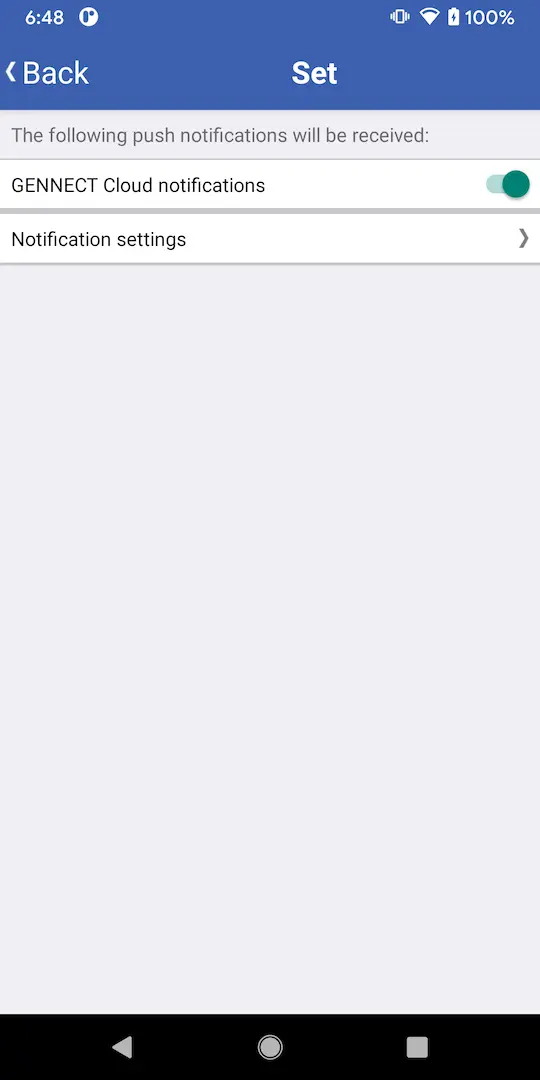
How to set which notifications to receive
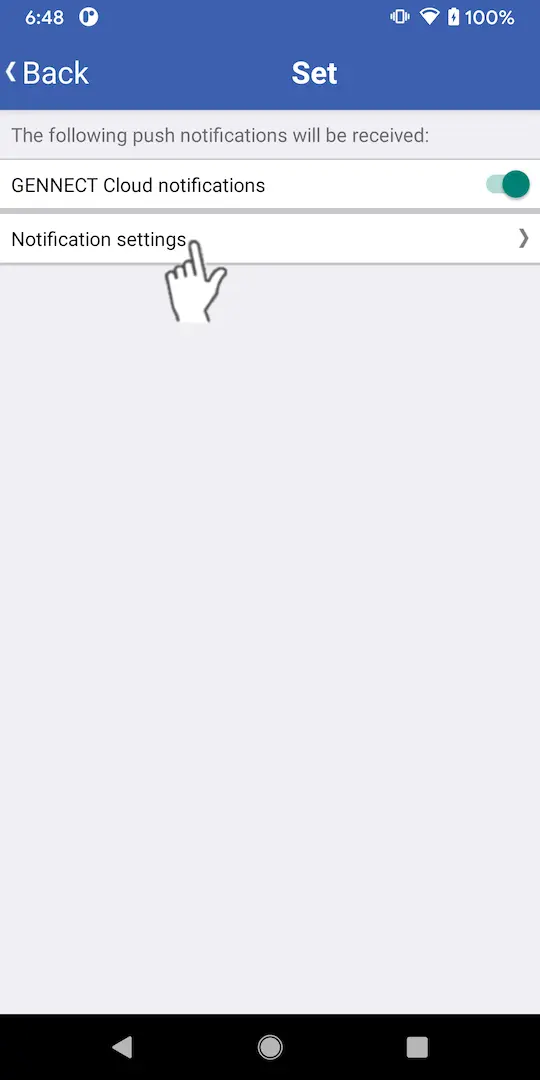

Receiving notifications
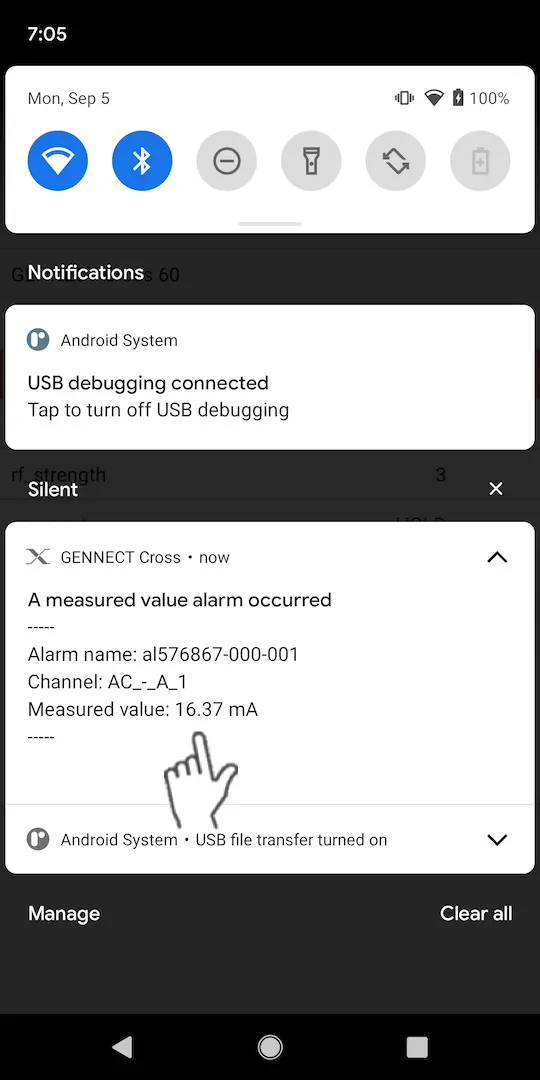
When an alarm set up in GENNECT Cloud occurs, you’ll receive a notification.
You can open the GENNECT Cloud login page by tapping the notification. Once you log in, you can review the notification’s content.
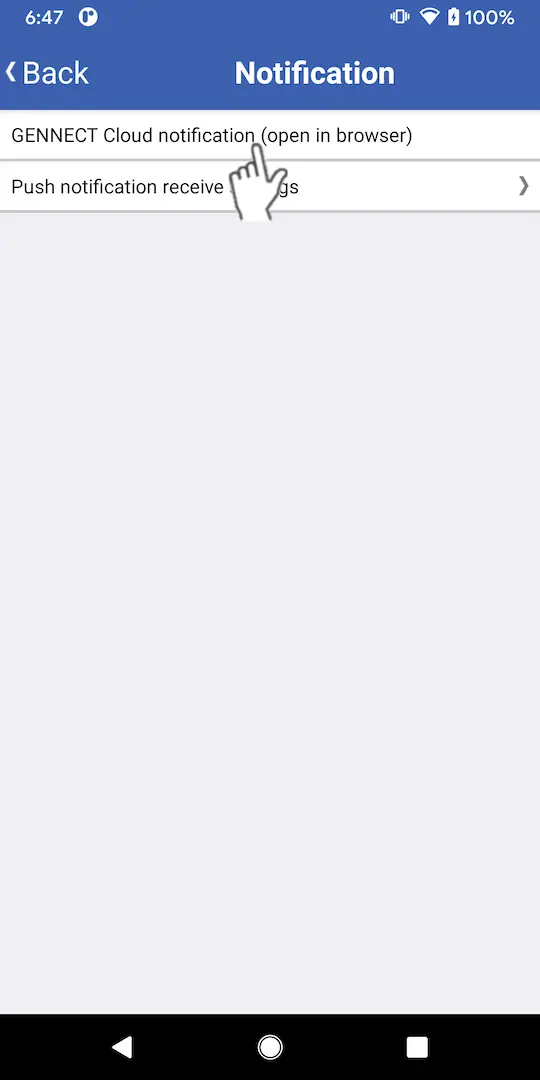
You can also review notification content from [GENNECT Cloud notification (open in browser)] on the app’s [Notifications] menu.
Disabling receipt of notifications
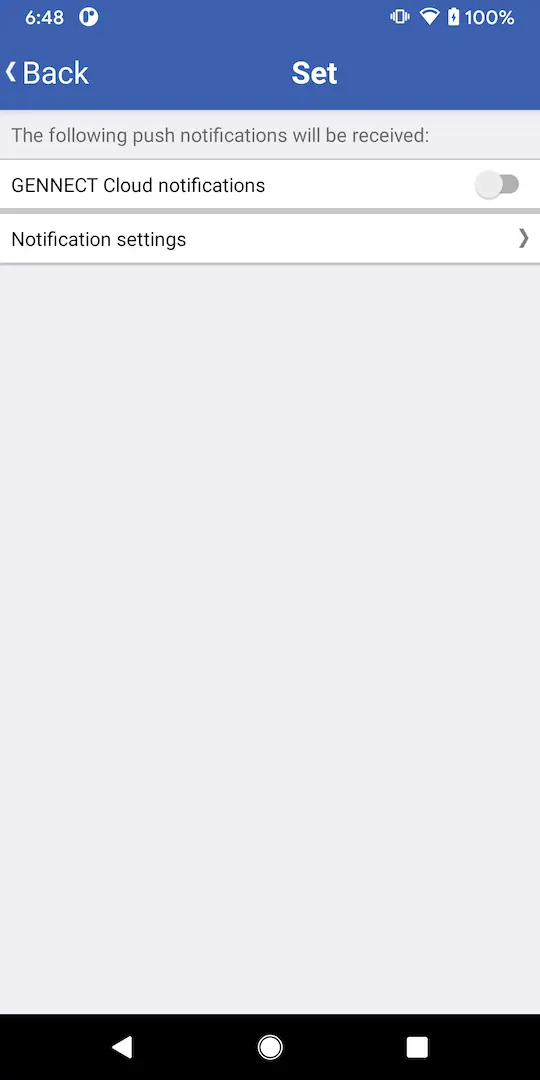
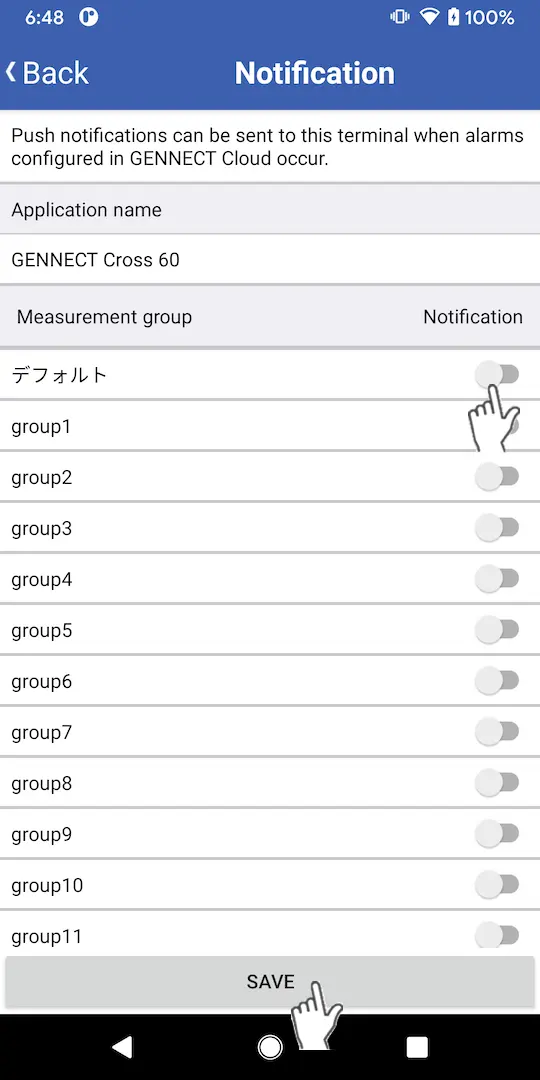
If you do not wish to receive notifications, tap [Notifications] on the [Other] screen and set [GENNECT Cloud notifications] under [Push notification receive settings] to [Off] or disable notifications for the measurement group under [Notification settings].
Instances in which notification is not set up
notification setting is not set in the following instances:
1.When the number of applications that can be registered in the account has been exceeded
The maximum number of applications (smartphones/tablets) that can be registered varies with the login account’s plan. Either purchase a cloud extension license or have a user with administrator privileges log in to GENNECT Cloud and disable one of the enabled applications.
2.When the number of applications that can be registered with the default measurement group has been exceeded
The maximum number of applications (smartphones/tablets) that can be added to the default measurement group varies with the login account’s plan. Either extend your cloud extension license or have a user with administrator privileges log in to GENNECT Cloud and disable one of the enabled applications that’s registered with the default measurement group.