

Connect your measurement instruments to the GENNECT Cross
1
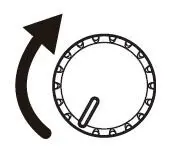
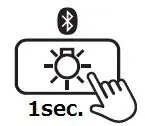
Turn on your measurement instrument and enable the Bluetooth function.
Please refer to the instrument’s instruction manual for more details.
Example, using the CM4372/CM4374
2
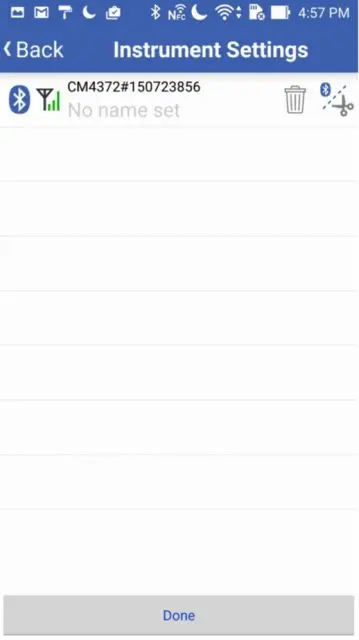
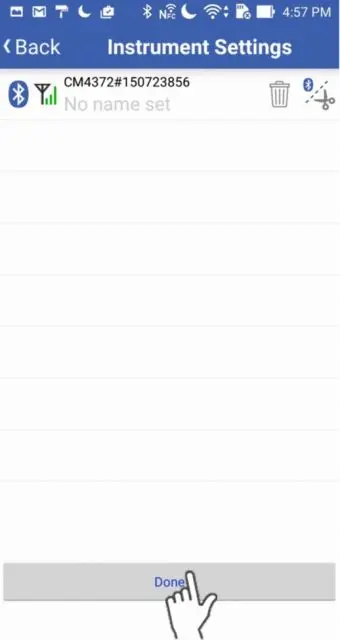
Start the GENNECT Cross and wait for 5 to 30 seconds on the Instrument Settings screen.
If the instrument hasn’t connected after 1 minute, please refer to「I can’t connect to GENNECT Cross」
3
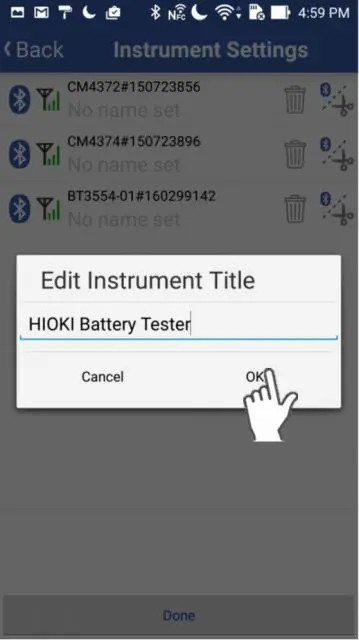
Tap on the added measuring instrument to give it a name of your choice.
4
After the instrument is registered, please go back to the Home screen by pressing "Exit" button.
Want help or have questions?