

Save measured values
1
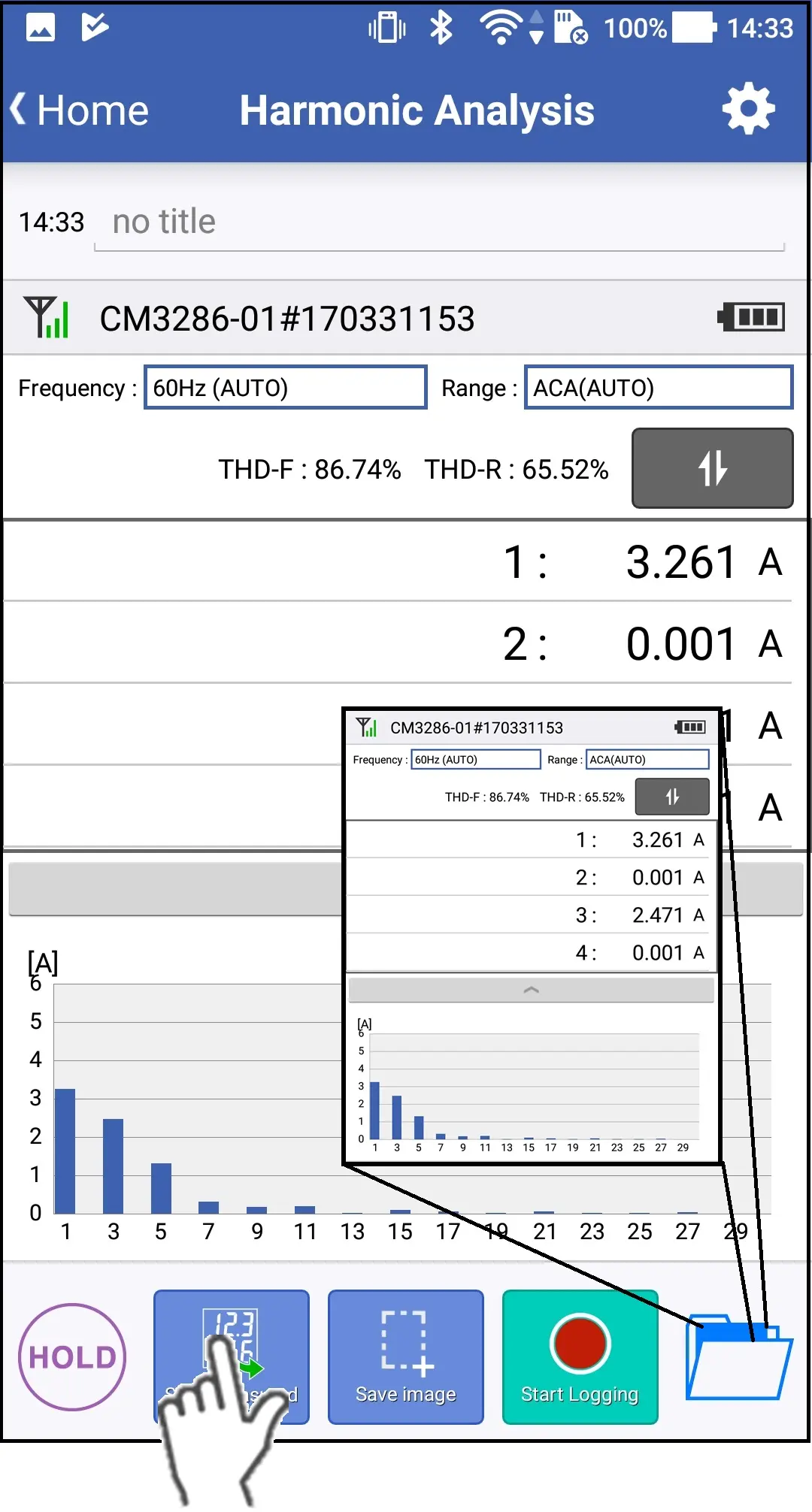
Tap the "Save measured value"button, then harmonic analysis values from 1st to 30th order will be saved.
Regardless of the displayed order, all of the 1st to 30th orders are saved.
Every time you tap the "Save measured value" button, new readings are saved and added to the data file.
Every time you tap the "Save measured value" button, new readings are saved and added to the data file.
2
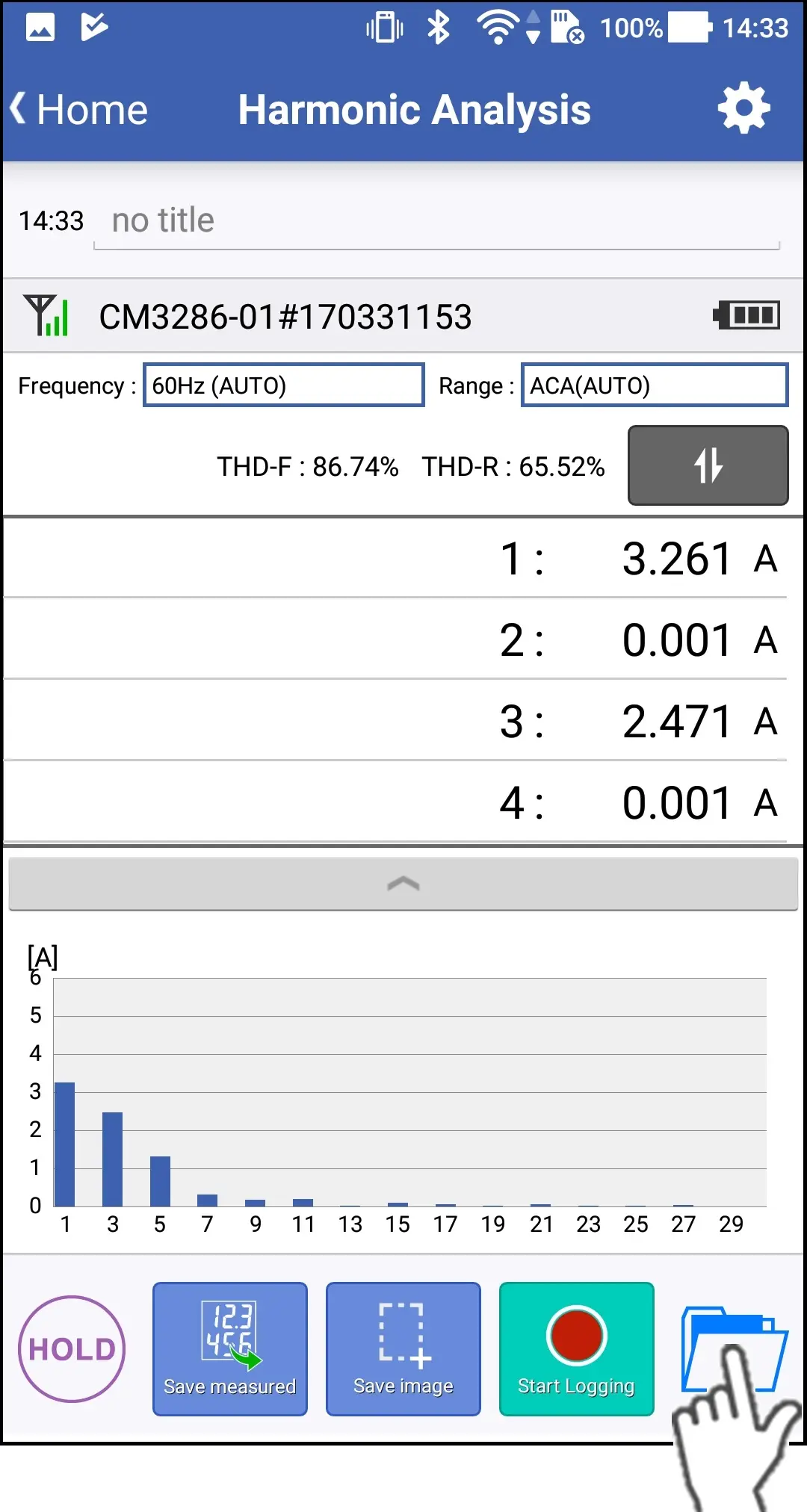
The list of saved data will be shown after tapping the folder icon on the bottom right corner.
3
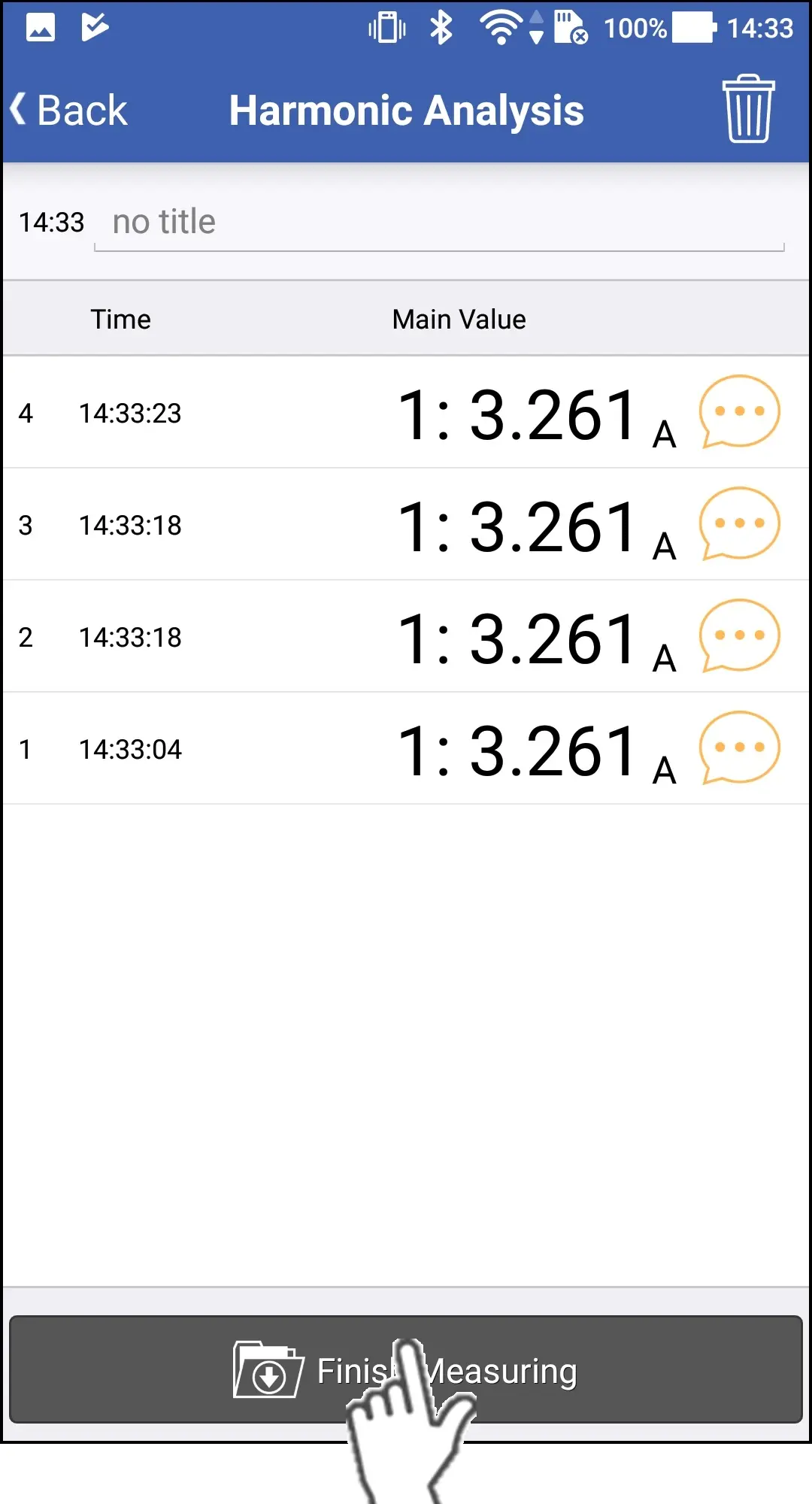
When you would like to finish the measurement, please tap the "Finish Measuring" button.
Want help or have questions?