

Deleting Data
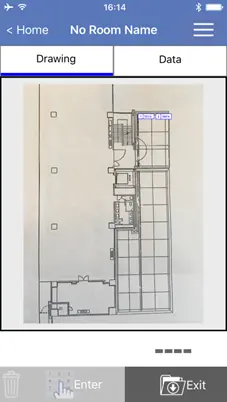
Deleting from the Drawing tab
1
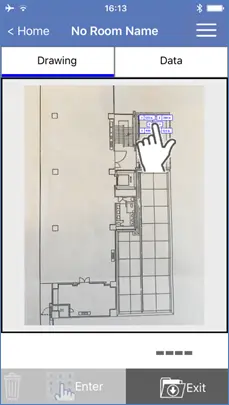
Select the data icon.
2
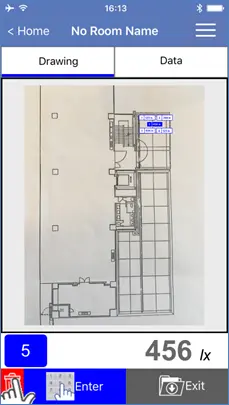
Tap the Trash Can icon.
3
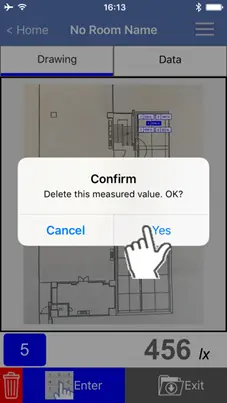
Tap “Yes” to confirm.
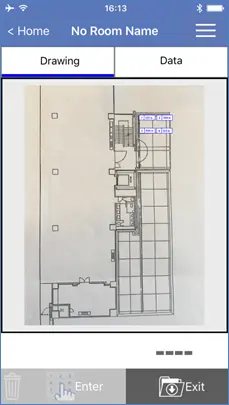
Data is deleted.
If measured data was not saved (data icon is red), this dialog window will not appear.
If measured data was not saved (data icon is red), this dialog window will not appear.
Deleting from the Data tab
1
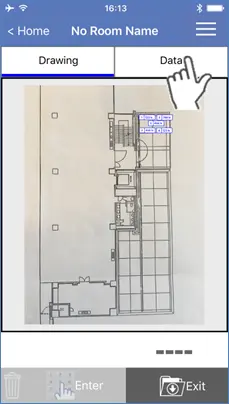
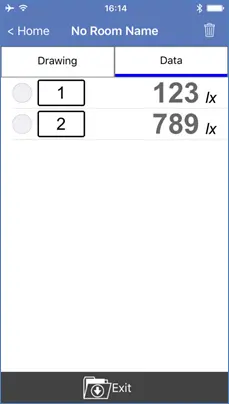
Tap the “Data” tab.
2
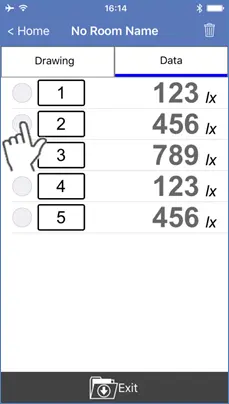
Enable the radio button next to the data you would like to delete.(Multiple selections allowed.)
3
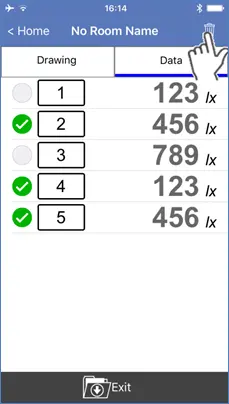
Tap the Trash Can icon.
4
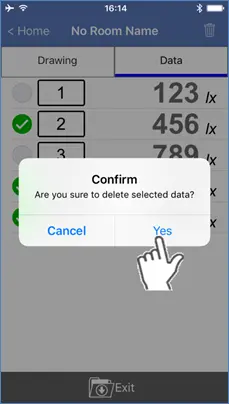
Tap “Yes” to confirm.
Data is deleted.
Want help or have questions?