

Take photo
1
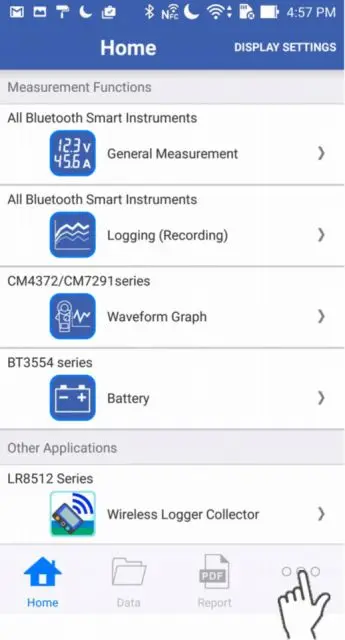
Tap "Other" on the bottom right corner.
2
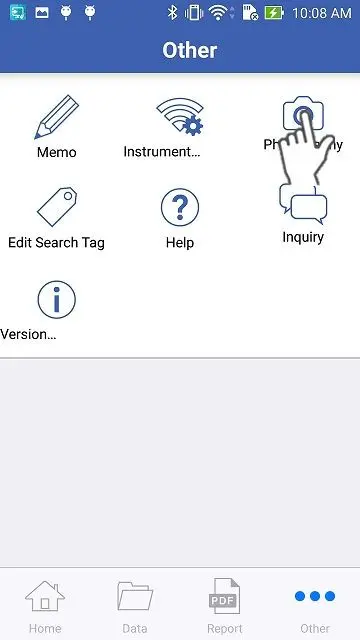
Tap the "Take Photo" button.
3
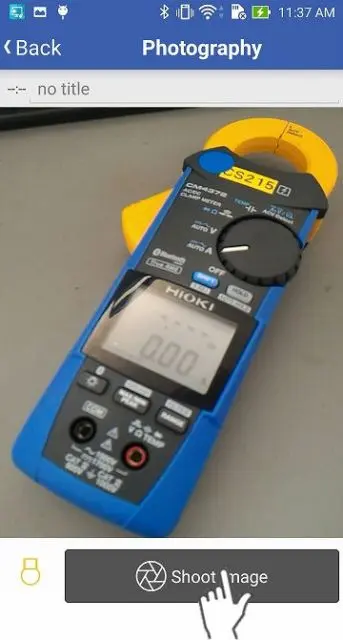
Tap the "Take Photo" button and a picture image will be saved in the data list.
If you are using a smartphone with a light, you can turn it on and off by tapping the button on the bottom left corner.
Want help or have questions?