

Use the "Auto Save" function
1
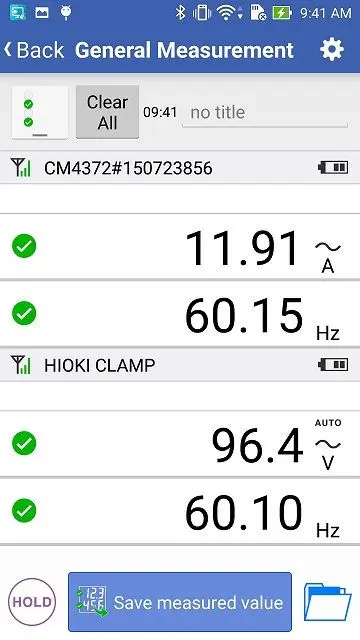
Open the "General Measurement" screen and after the measuring instrument is connected, press the HOLD button of the measuring instrument.
Please note that this function is not built in some measurement instruments.

2
The measured value will be saved in your smartphone automatically.
3
When you would like to save other data, disable the HOLD status and then press the HOLD button again.
Example, using the CM4372/CM4374. By using the AUTO HOLD function, you can save the data even when holding the test leads.

4
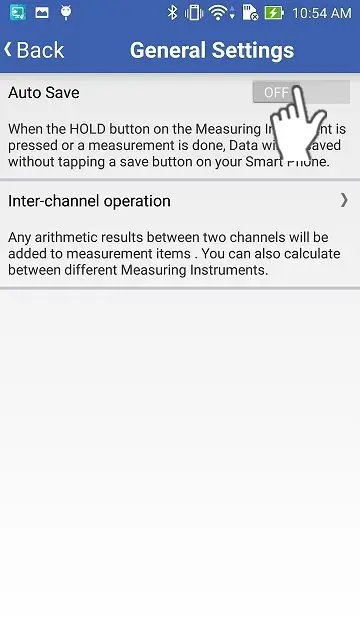
In order to disable this function, please turn off the "Auto Save" from the settings on the "General Settings" screen.
Want help or have questions?