

Logging in as a trial user
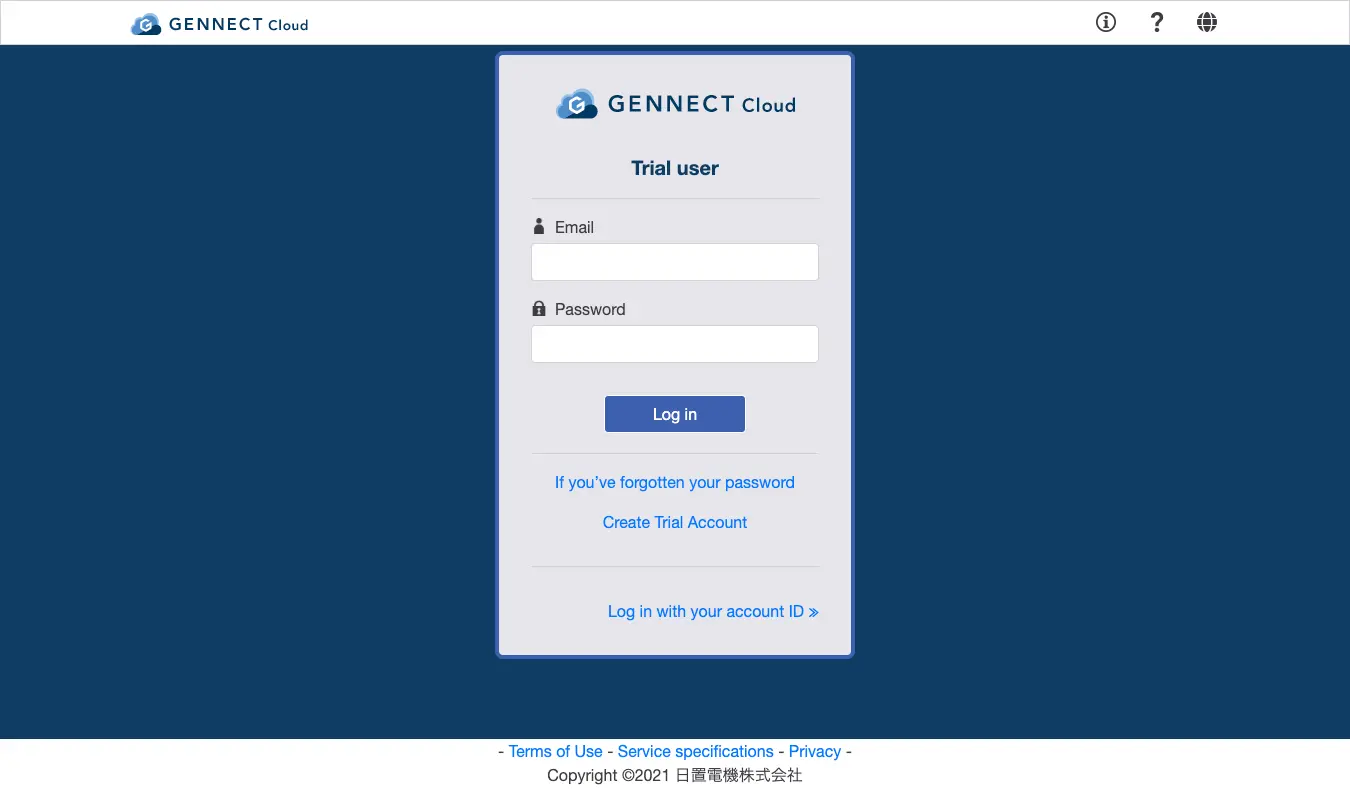
Access the [Login page] (https://cloud.gennect.net/app), enter the email address and password you specified when creating your trial user account, and click [Log in].
When you log in, you’ll be able to use the monitor, drive, alarm, and other functions.
Register applications from the Windows application GENNECT One and from the mobile app GENNECT Cross.
For more information about how to register applications, see each application’s documentation.
Want help or have questions?