

Creating reports manually
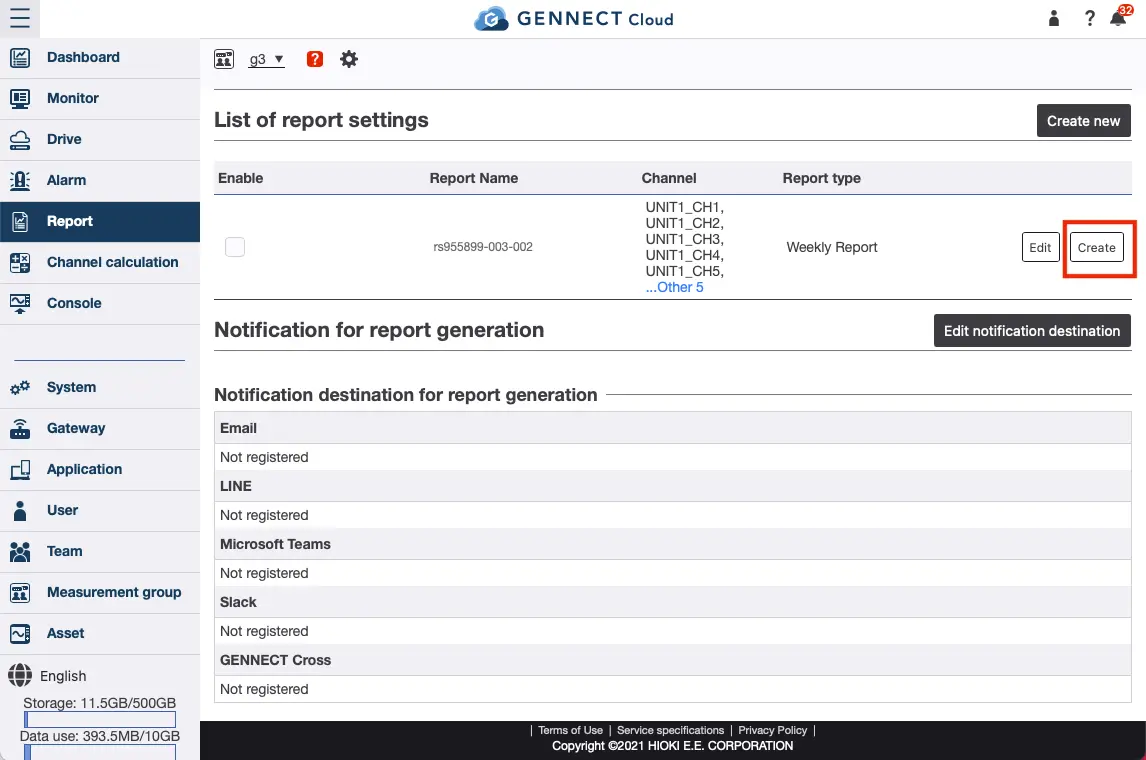
Click [Report] on the left menu.
From [List of report settings], click [Create] for the report you wish to manually create.
Select the time period for the report you wish to create and click [Create].
It will take a few seconds to a few dozen seconds to generate the report, so do not move around the screen and wait.
When the report generation is complete, a PDF file will be automatically downloaded.
Want help or have questions?