Searching for, registering, and disconnecting Wireless Logger
Wireless Loggers are only supported by GENNECT Remote gateways.(In Japan only)
Note that this function cannot be used with GENNECT One or GENNECT Cross.
LR8512, LR8513, LR8514, LR8515, LR8520 Wireless Logger Series, and,
LR8530, LR8531, LR8532, LR8533, LR8534, LR8536 wireless unit series are available.
These are collectively referred to as "Wireless Logger".
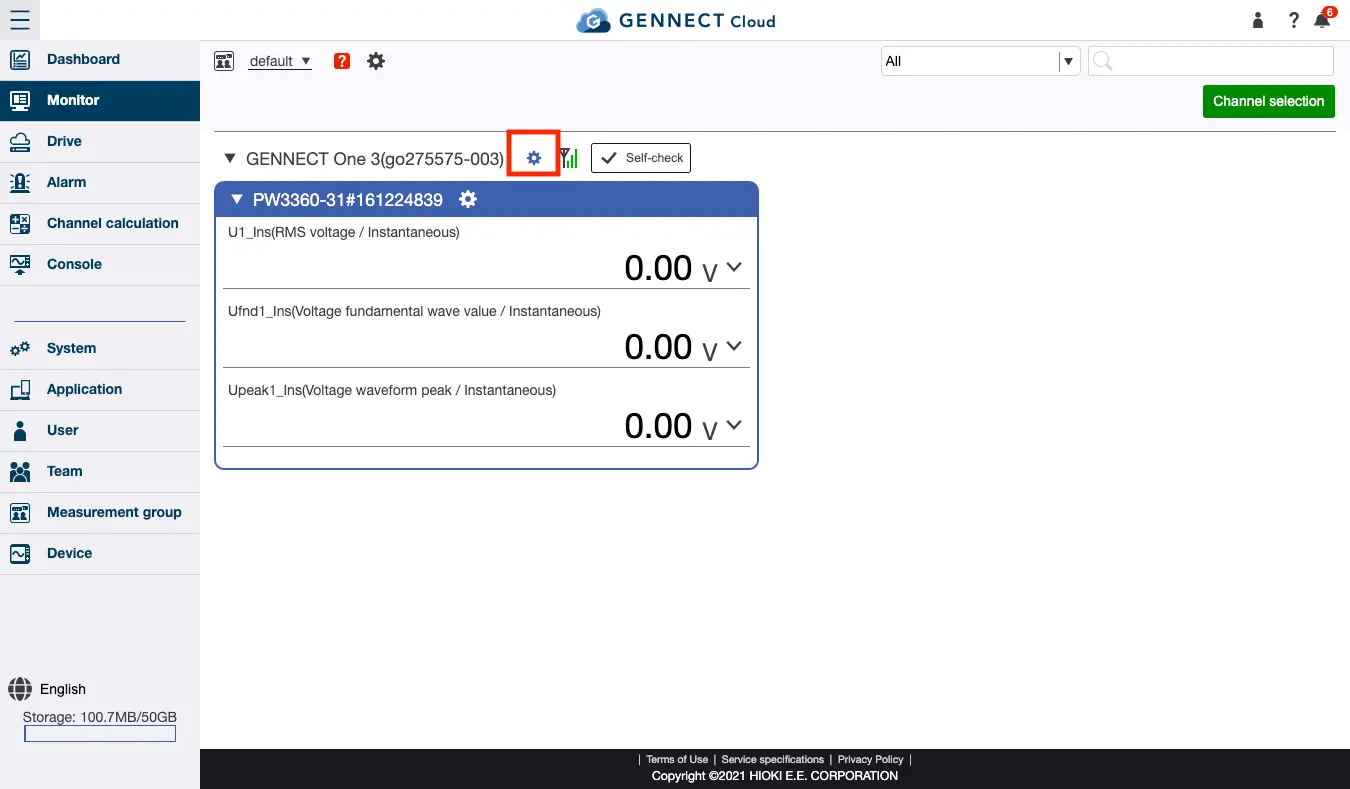
Clicking on the Settings button to the right of the gateway name will display information about the gateway.
From here you can search for, register, and deregister wireless loggers.
Please refer to "Configure Wireless Logger Settings" for how to change the settings of registered wireless loggers.
Searching for a Wireless Logger
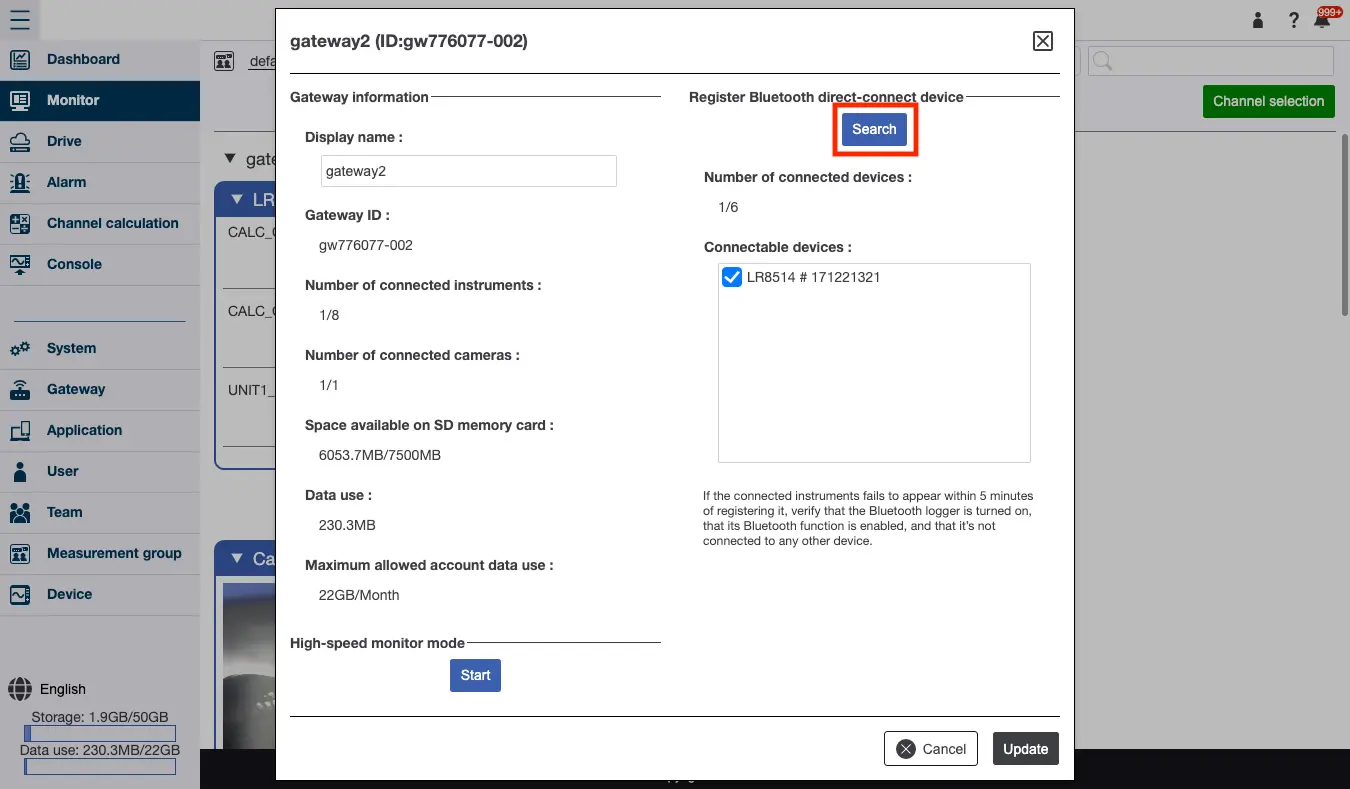
Click [Search] to start searching for Wireless Loggers near the gateway. Before searching, verify that the Wireless Logger is powered on, that it’s communication function is enabled, and that the logger in question is not communicating with any other devices.
Registering or disconnecting a Wireless Logger
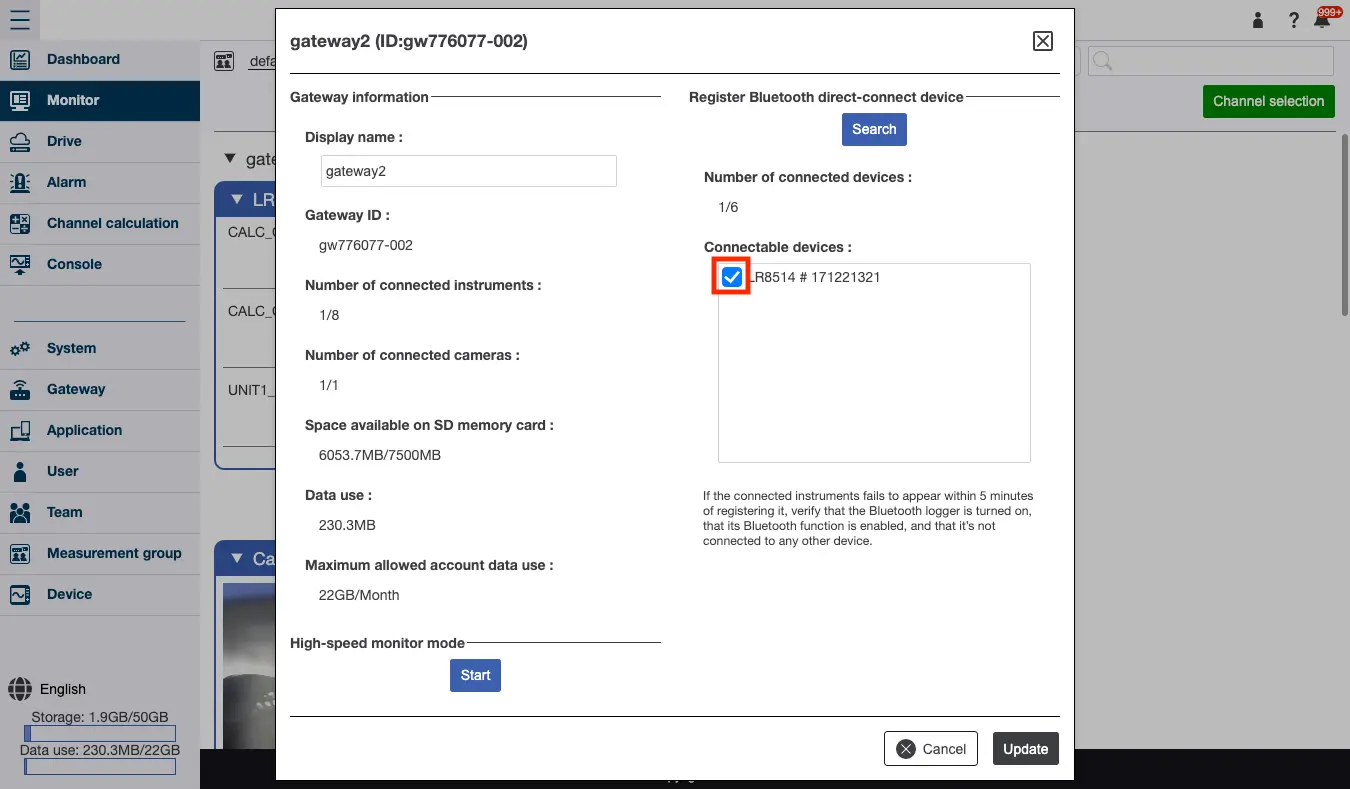
Once the search is complete, a list of Wireless Loggers to which the gateway can connect will be displayed.
Select the checkboxes for any Wireless Loggers you wish to connect to the gateway, and deselect the checkboxes for any loggers you wish to disconnect from the gateway. Then click [Update].
It may take several minutes to establish a connection with each logger and upload any GENNECT polled data.