

Registering a Slack account as an alarm notification recipient
You can register a Slack account and then send notifications to that account when alarms occur.
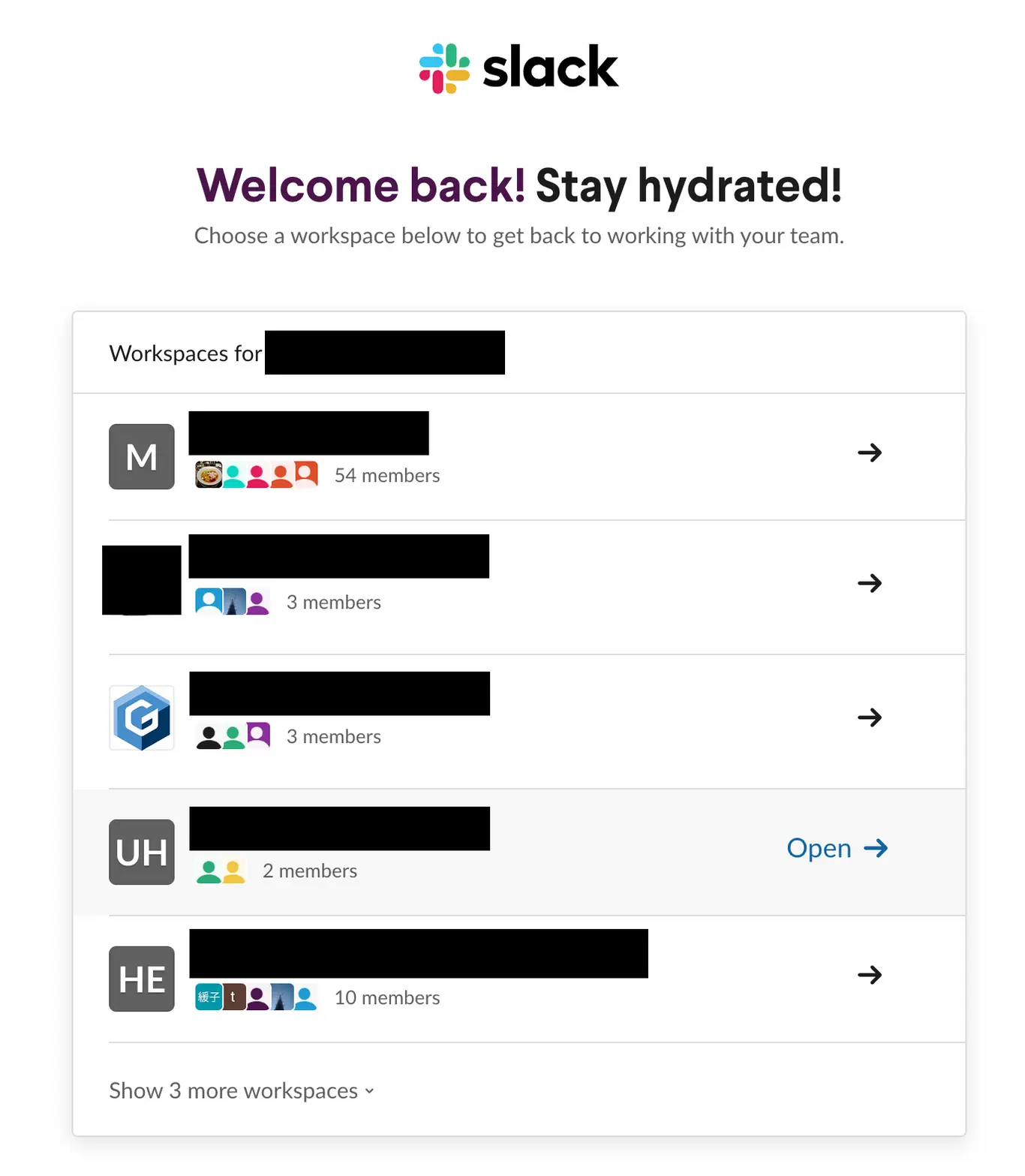
Signing in to Slack and selecting a workspace to notify
Sign in to your Slack account and select the workspace you wish to notify.
Setting the incoming webhook
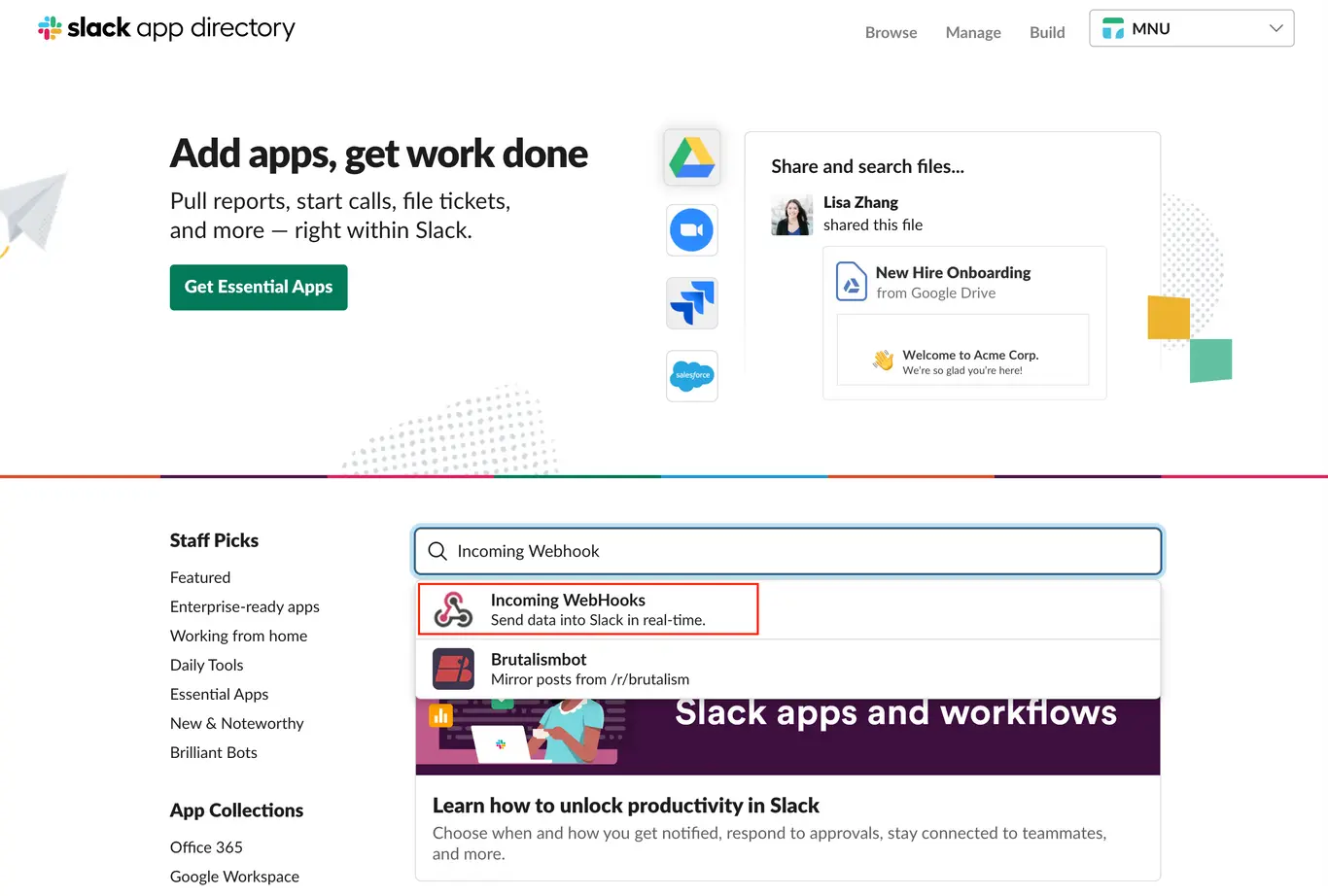
Select [Incoming Webhook]
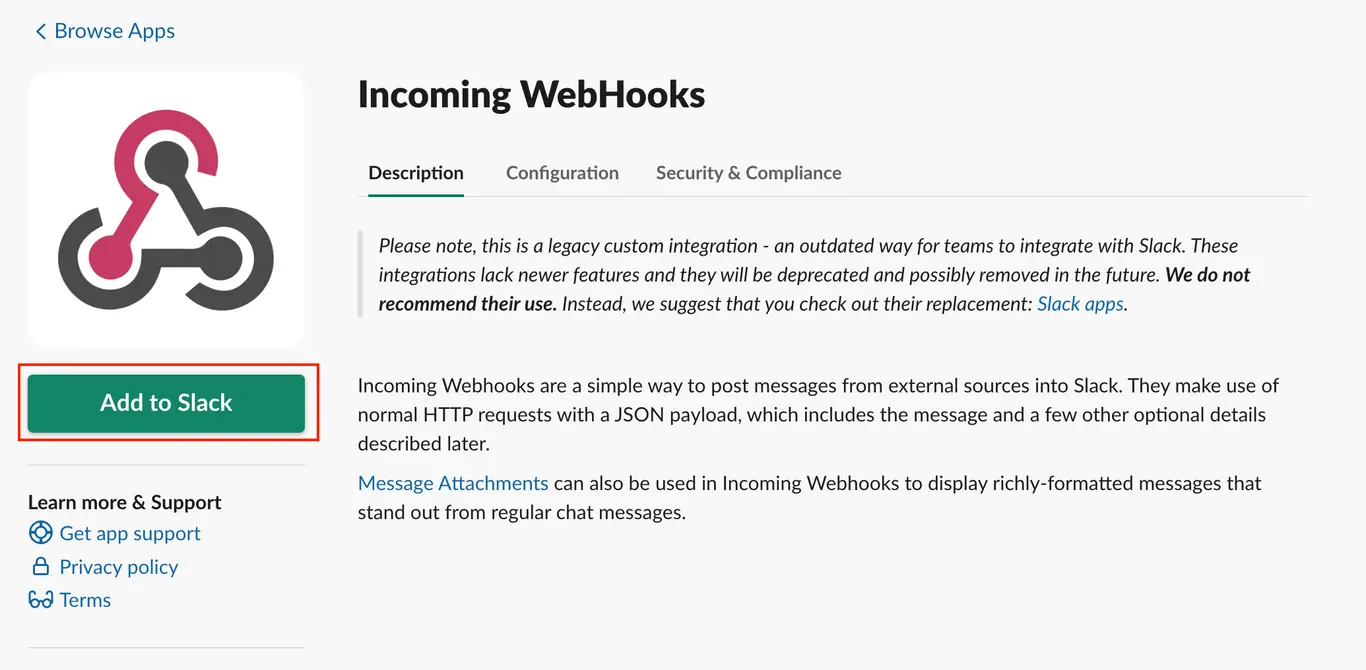
Click [Add to Slack].
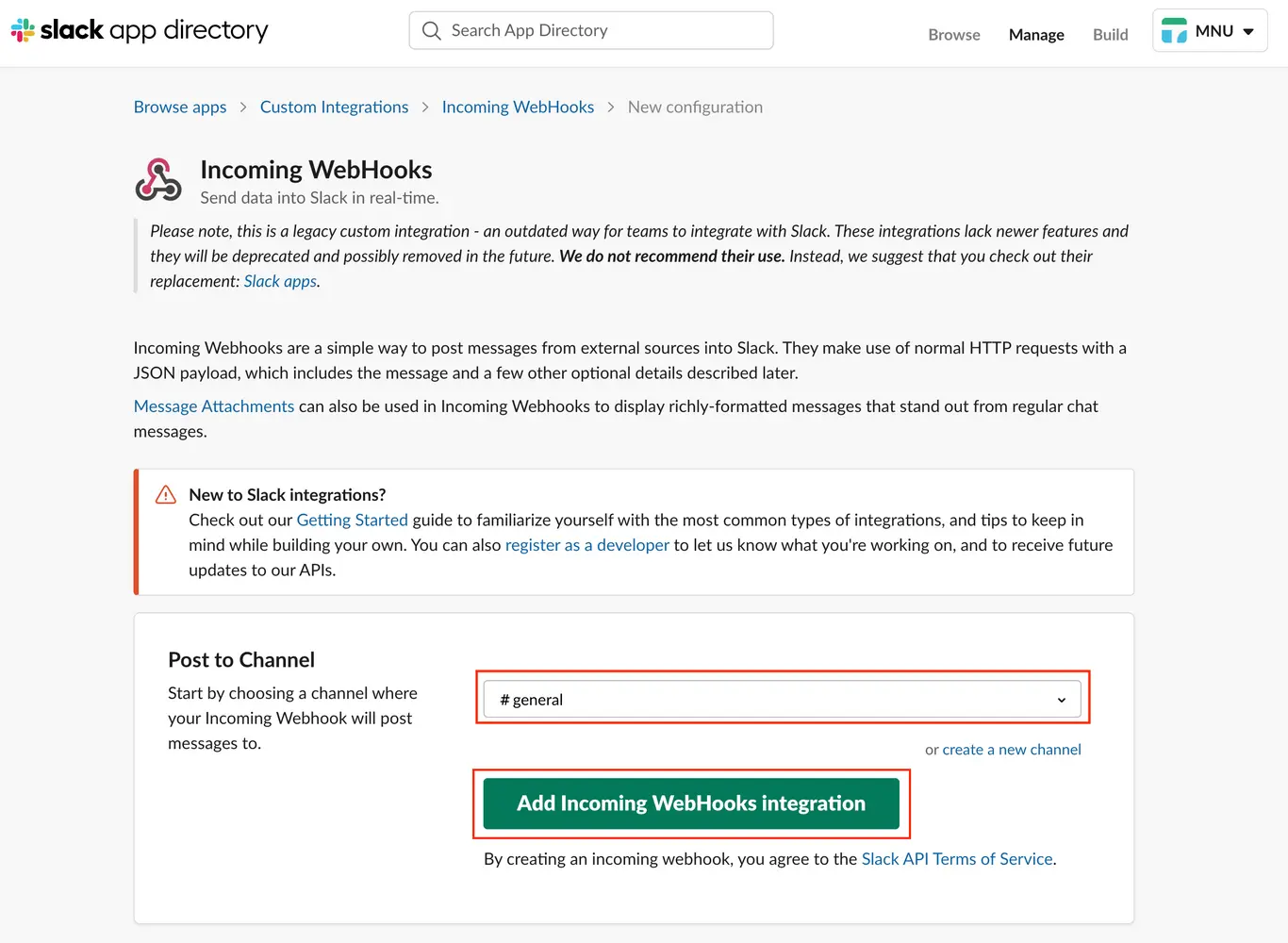
Select the channel for which you wish to report alarms and click [Add incoming webhook integration].
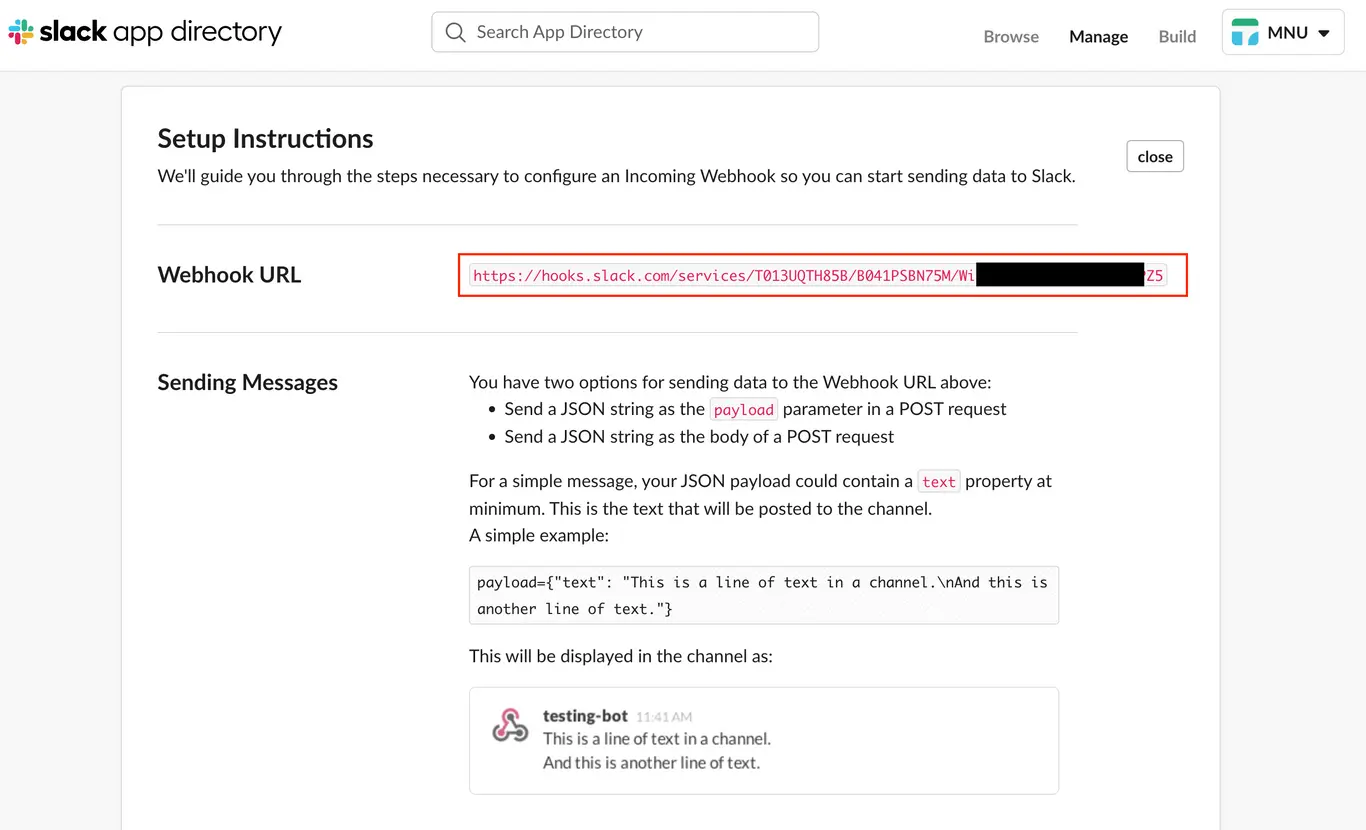
Copy the displayed webhoook URL.
Registering the webhook URL with GENNECT Cloud
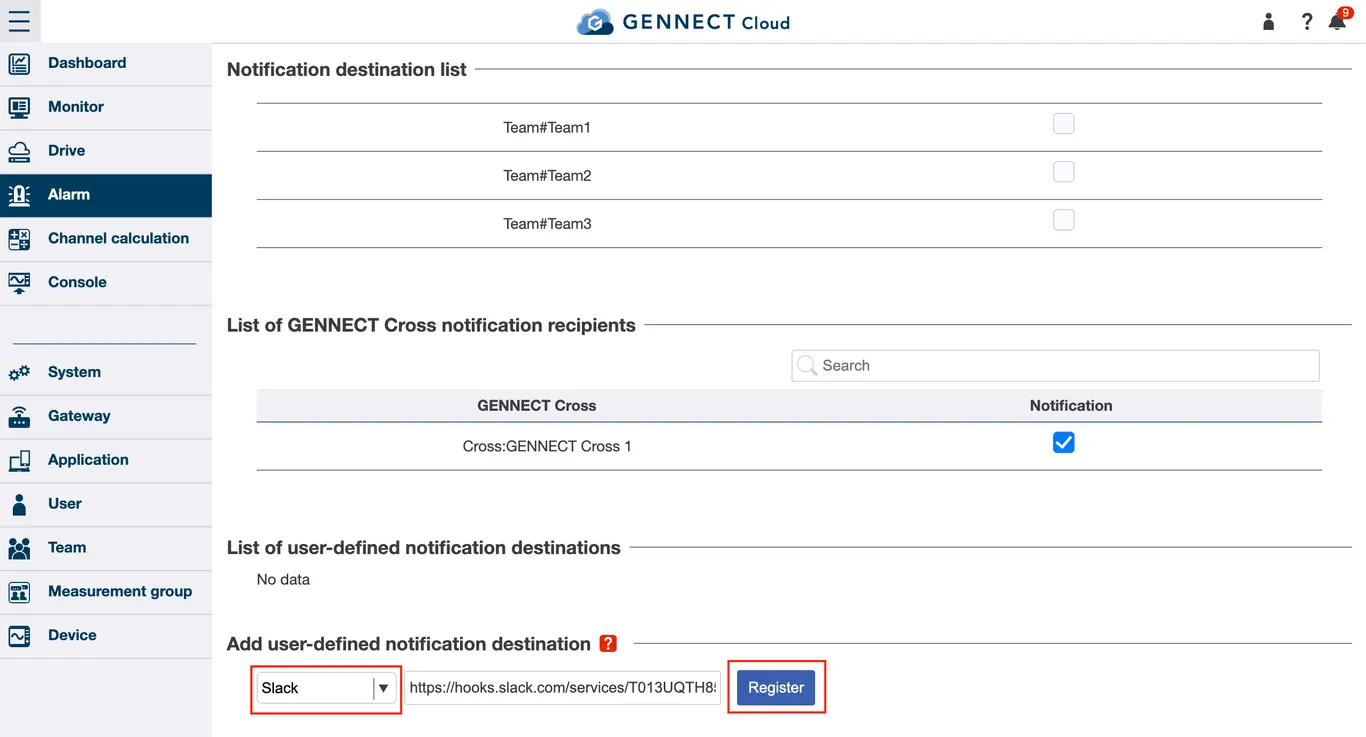
On the GENNECT Cloud alarm notification recipient screen, select [Slack] to add as a user-specified recipient, paste the copied URL in the text box, and click [Register].
Want help or have questions?