

Registering a new user
Displaying the user registration screen
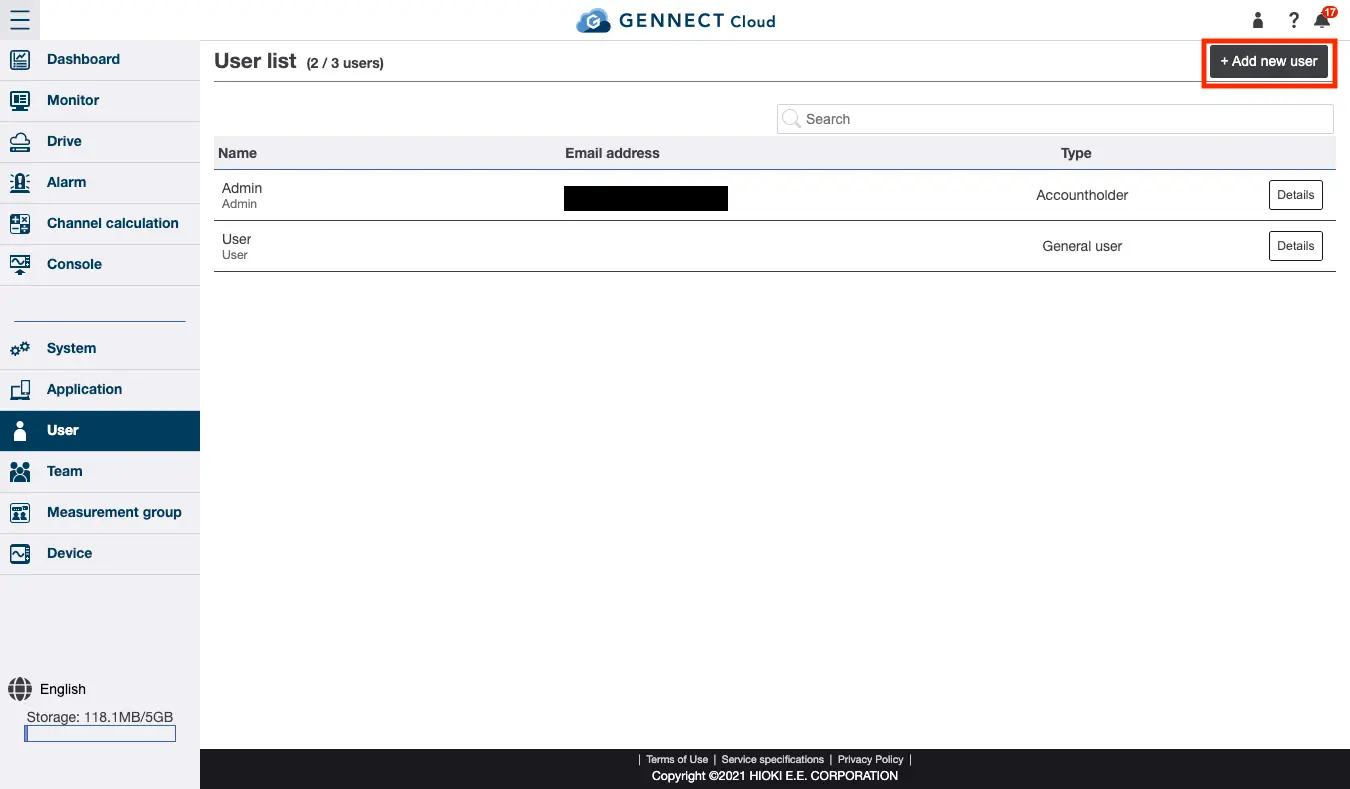
Click [Register new user] on the user screen.
Registering a user
Enter or select the following information and then click [Create]:
- User ID
- Username
- Email address
You can create a user without entering an email address. If you enter an email address, you will need to complete the email address authentication process after clicking [Create] in order to verify that you have entered a valid address. This process can be skipped if the address you enter has already been authenticated. - Password
- User type
Select either [Administrator] or [General user]. Functions listed as “Administrators only” in this manual are only available to administrators. - List of measurement groups
Select the measurement group to which you wish to assign the new user. If the user type is [Administrator], the new user will be assigned to all measurement groups with [Full access]. If the user type is [General user], select the privilege level from [Full access / Viewing only / No attributes]. For more information about measurement groups, see “[Administrators only] Measurement groups.” - List of teams
Select the team to which you wish to assign the new user.
Want help or have questions?