Using high-speed monitor mode
Although the display of measured values in the monitor function is usually updated once every minute, you can use high-speed monitor mode to temporarily increase the interval at which the display of measured values and camera images is updated to once every 5 seconds (best-effort).
Once enabled, the function will continue to operate for 10 minutes.
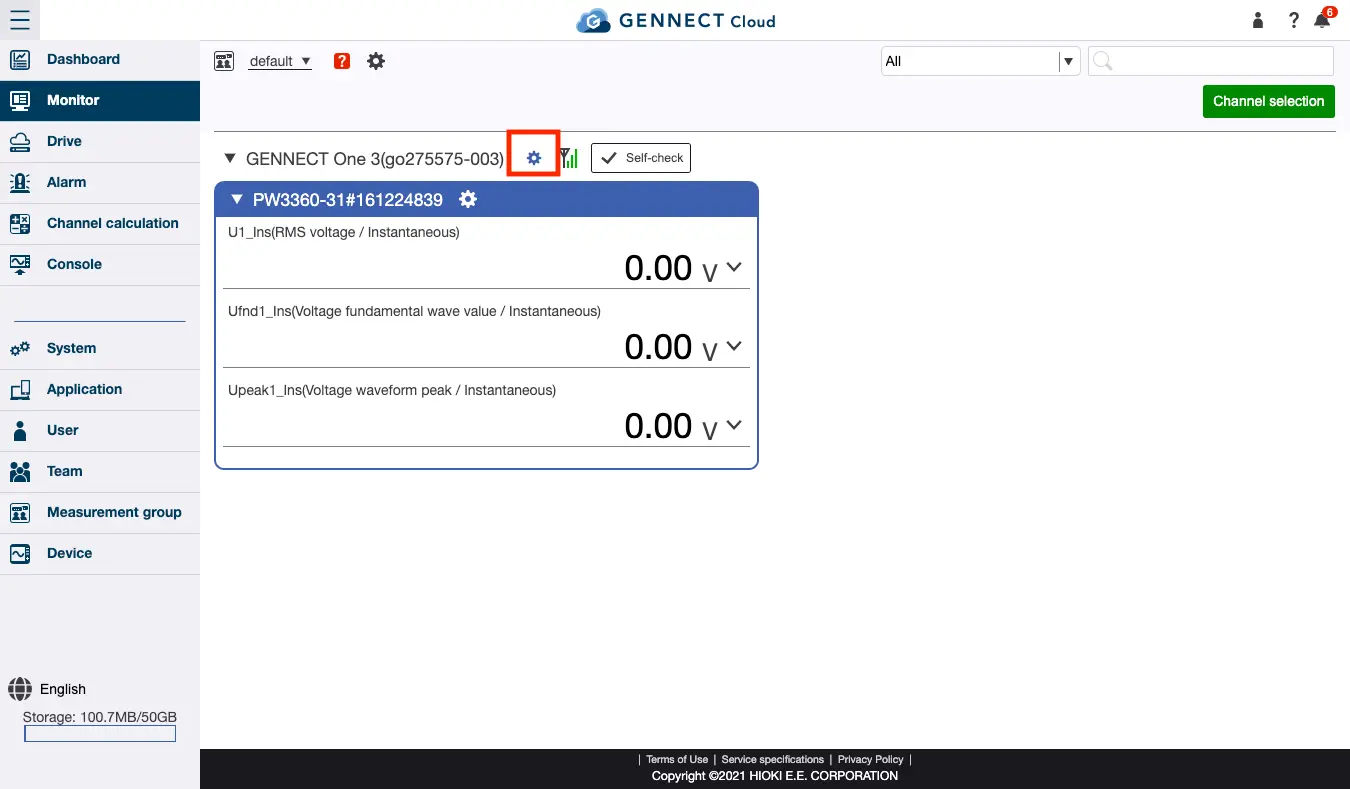
Click the settings button to the right of the gateway/application name to display the gateway/application information. Click [Start] for high-speed monitor mode to enable the mode, which will automatically end after 10 minutes has passed.
If you wish to manually exit high-speed monitor mode, click [Stop].
This function increases the speed at which the monitor screen display is updated, but GENNECT polled data will continue to be saved at an interval of 1 minute.
In addition, the recording interval for camera images saved as GENNECT polled data will vary with the camera settings. (The camera function is exclusive to gateways.)