

Downloading outline drawing data (2D, 3D)
To download outline drawing data (2D, 3D), you must create a GENNECT Cloud account or a my HIOKI account then log in.
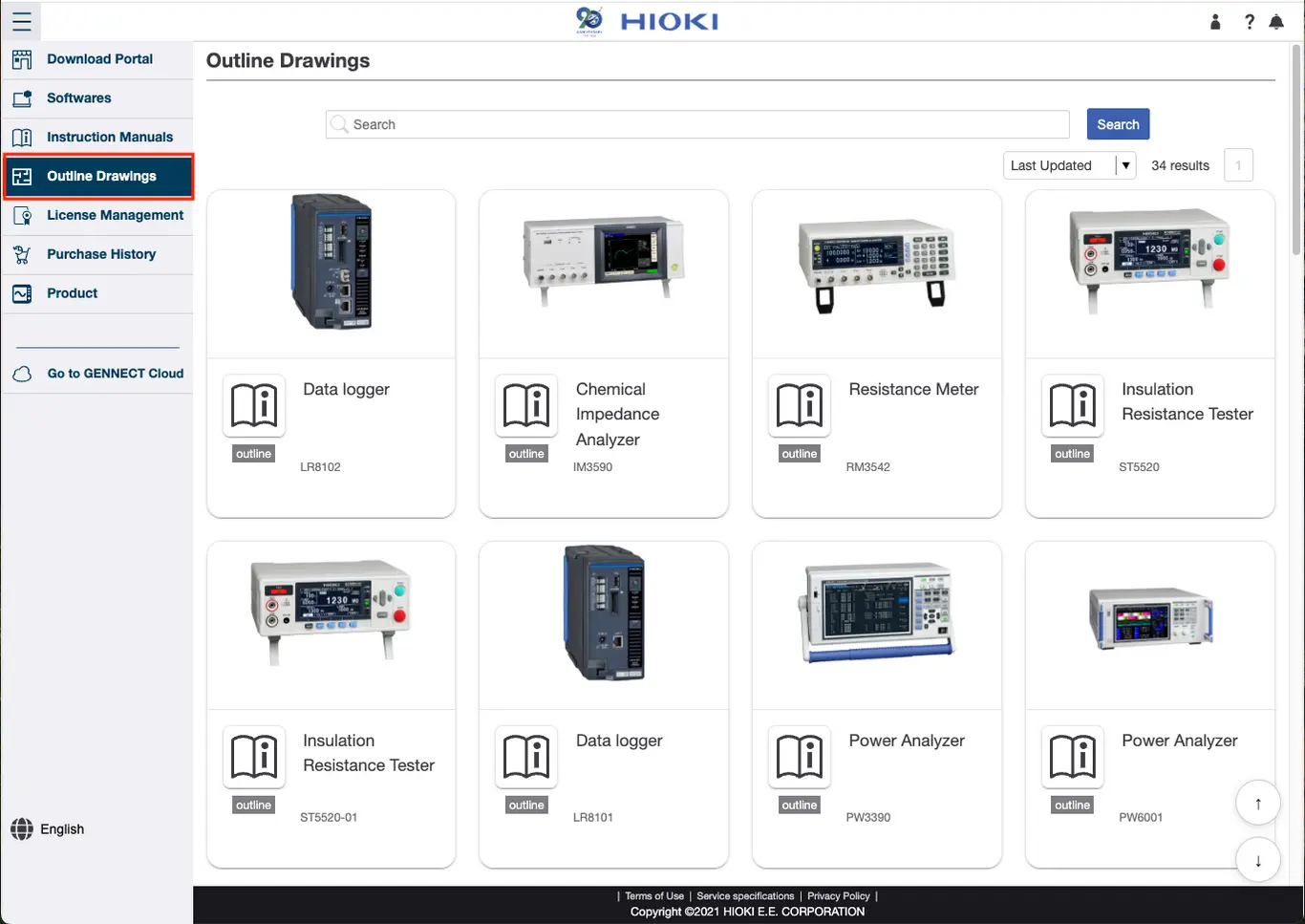
First, select the product you want to download from the outline drawing data (2D, 3D) list screen.
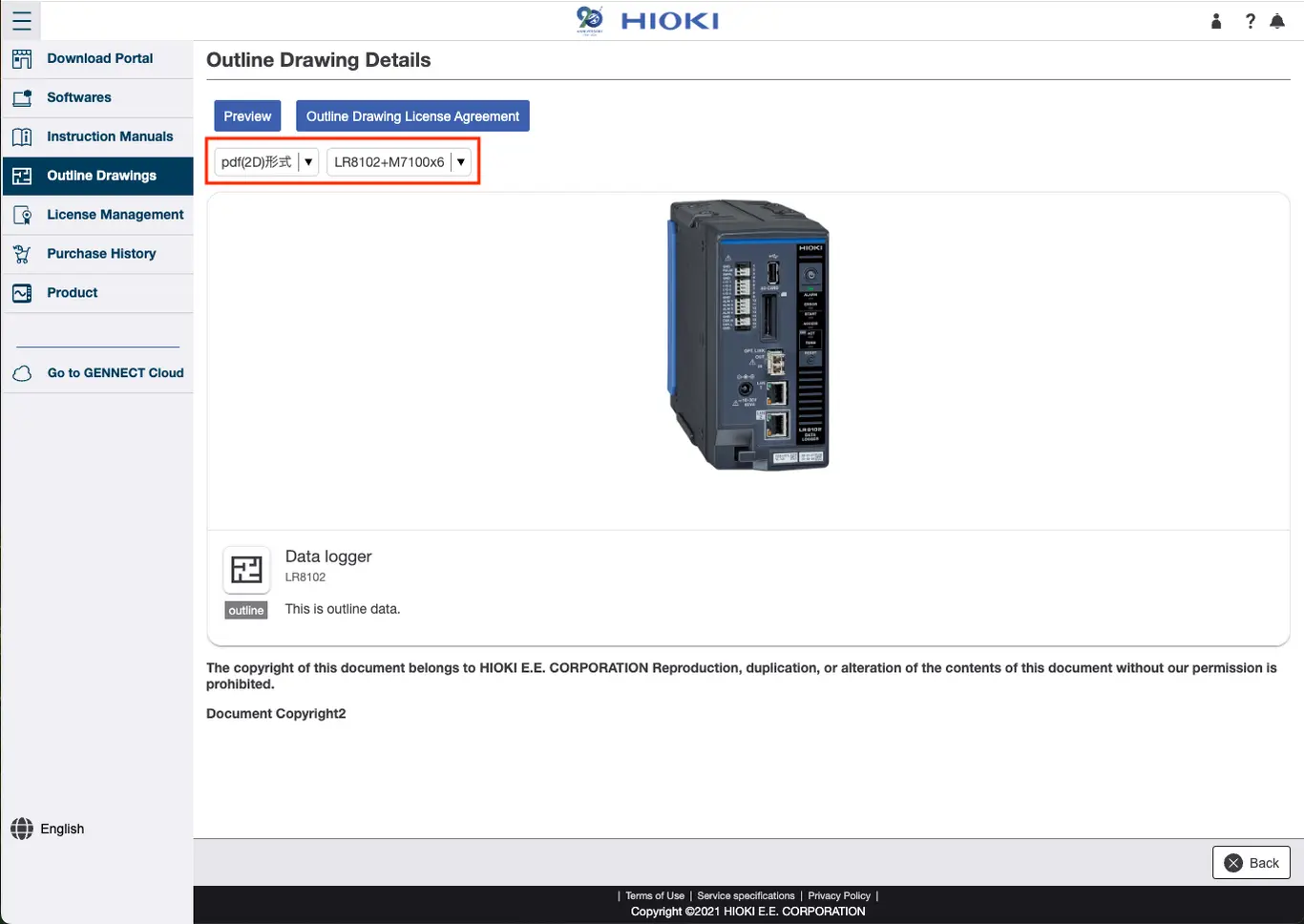
Next, transition to the outline drawing data (2D, 3D) details screen, select the data file format and the product form (such as unit connection status, clamp open/close status), then click [Download].
In addition, the scale setting is different for 2D CAD data and 3D CAD data. Therefore, check the actual dimension values in the outline data PDF.
Both DXF (2D) files and STEP (3D) files are CAD data, requiring the use of dedicated software or a viewer.
Hioki does not supply this software or viewer so you should prepare the software or a viewer to use with the files.