

Download instruction manuals and software
Search
From the search bar on the Download Top screen, search by model name, product name, etc., of the user manual or software you wish to download.
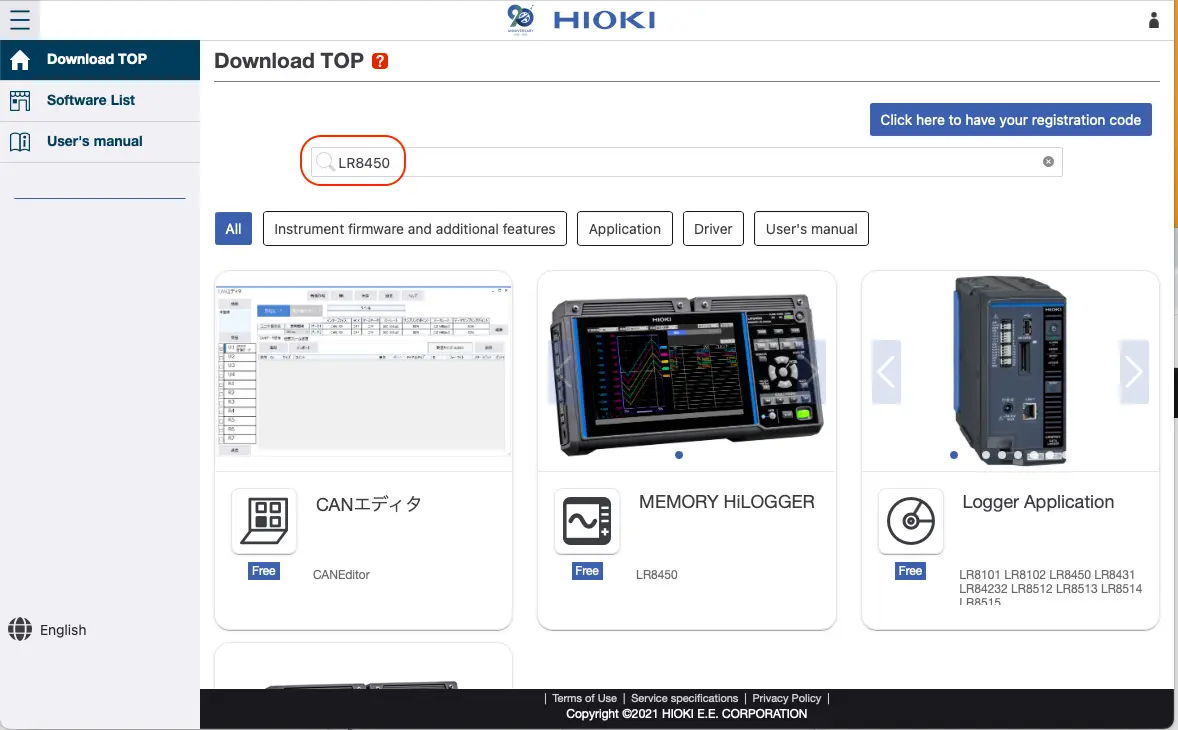
For user manuals and free software
From the search results, select the user manual or free software you wish to download.
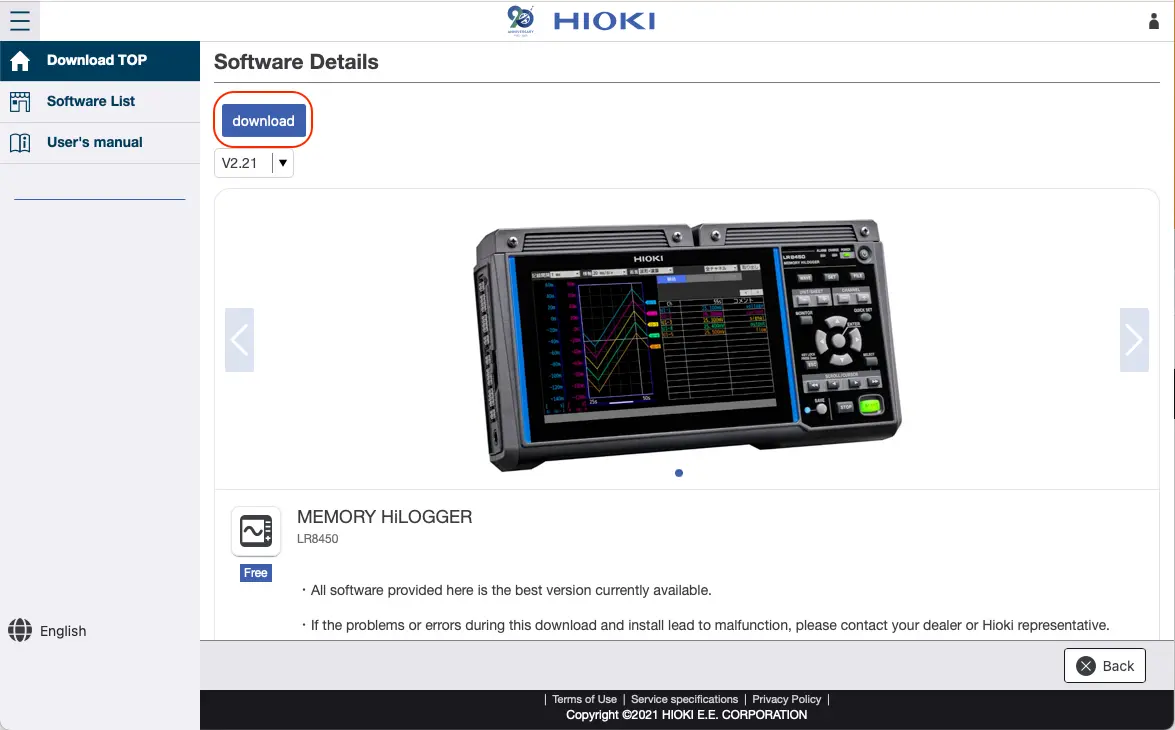
Select the version and click [Download].
Some items may require you to enter a product number.
For paid software
To download paid software, you must create and log into a GENNECT Cloud account.
From the license management screen, select the software you wish to download.
Your licenses will be displayed. Select the license and click [Download].

Some items may require you to enter a product number.
Enter the serial number and click [Download].
Exercise care to enter the correct serial number without any mistakes.
For information on how to use downloaded items, please refer to the user manual for the product in question.