

Registering a new team
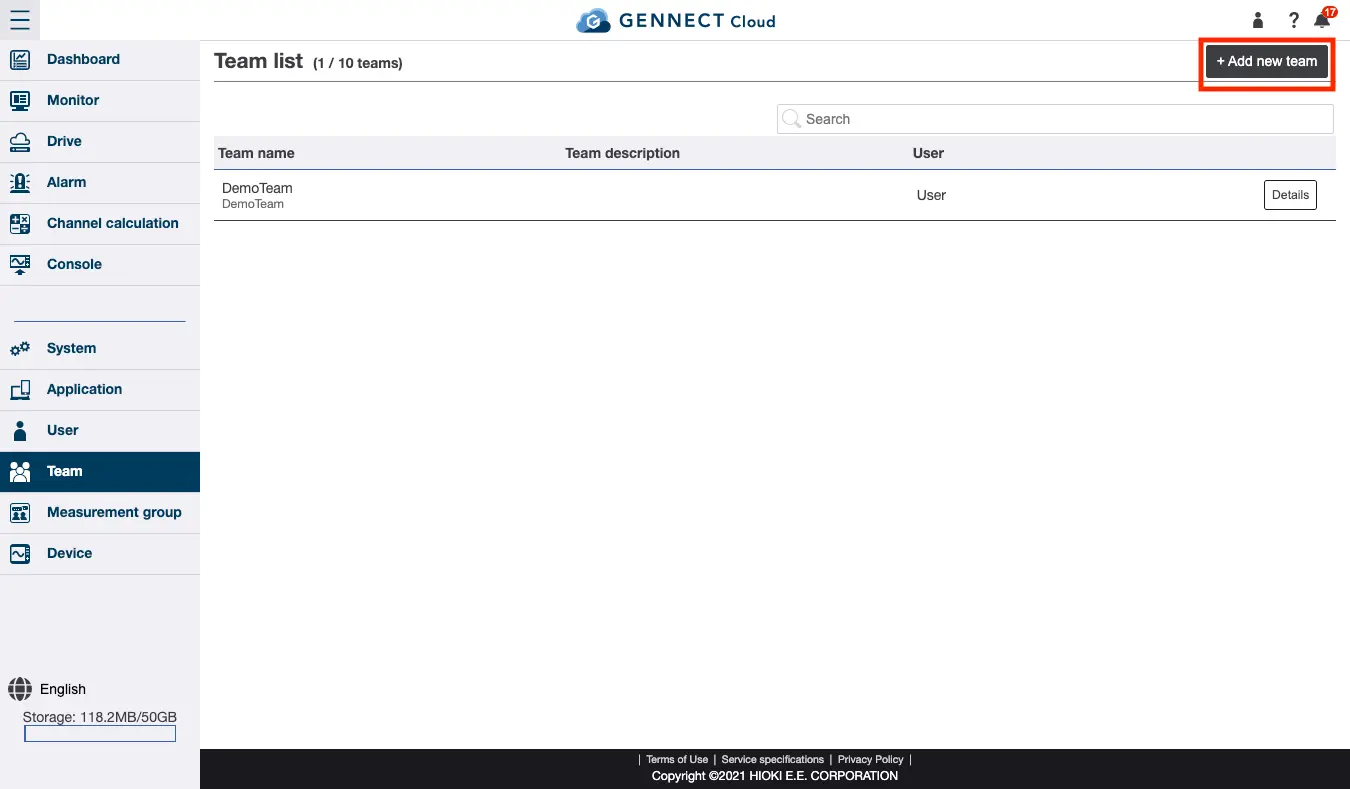
Displaying the team registration screen
Click [Add new team] on the team screen.
Registering a team
Enter or select the following information and then click [Create]:
- Team ID
- Team name
- Team description
- User list
A list of users registered in the account will be displayed. Select the checkboxes for the users you wish to assign to the new team. - Measurement group list
Select the measurement group to which you wish to assign the team. Select the privilege level from [Full access / Viewing only / No attributes]. For more information about measurement groups, see “[Administrators only] Measurement groups.”
Want help or have questions?