

Register a new license card
When registering a license card from the Download Top screen
From the Download Top screen, click [For customers who have a registration code].
Enter the registration code and click [Confirm].
Information about the software to be purchased will be displayed. After reviewing the details, click [Register].
When registering a license card from the software details screen
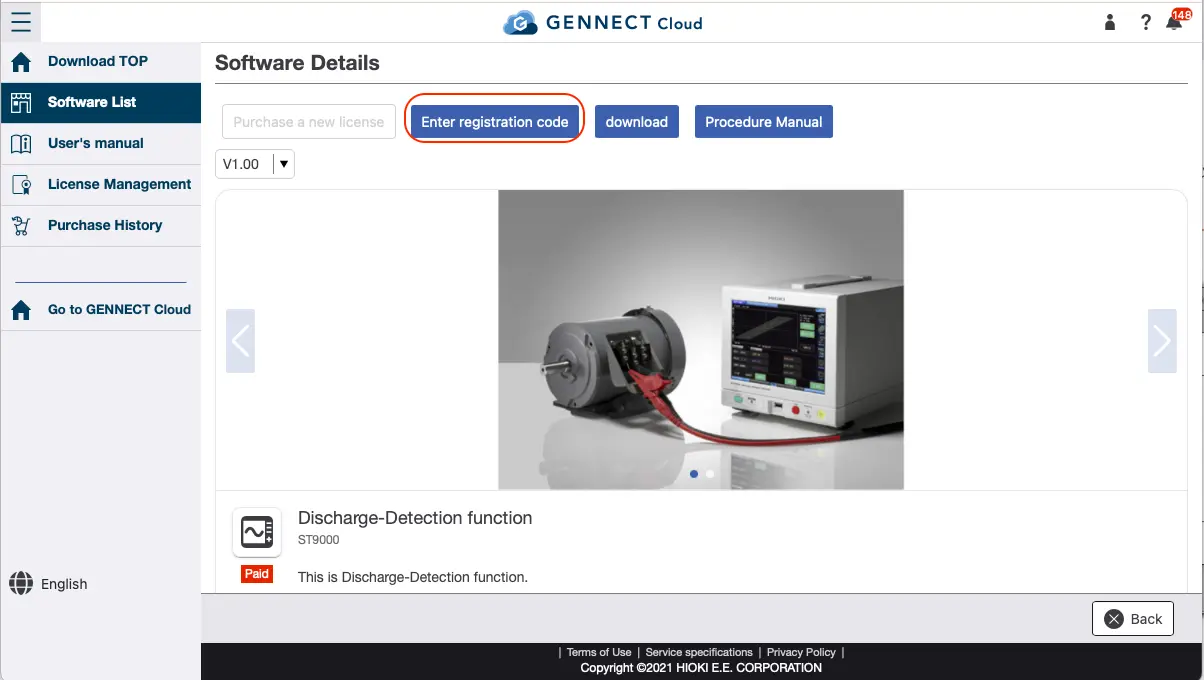
From the software list screen, select the software you wish to purchase.
Click [Enter registration code].
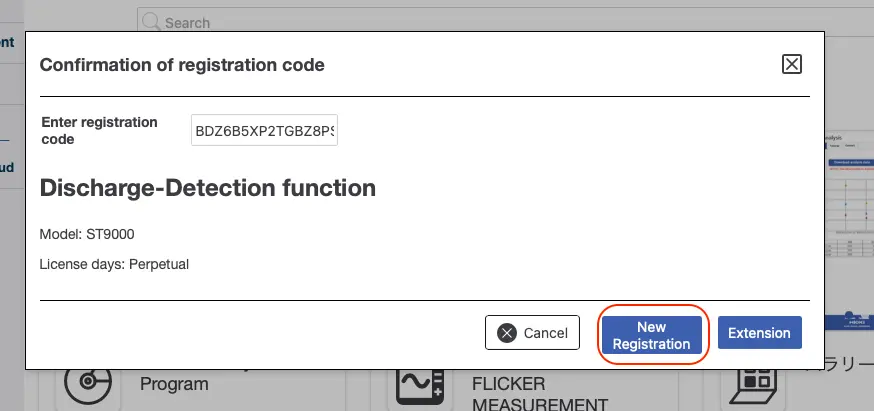
Enter the registration code and click [Confirm].
Information about the software to be purchased will be displayed. After reviewing the details, click [Register].
Want help or have questions?