

Editing information for the logged-in user
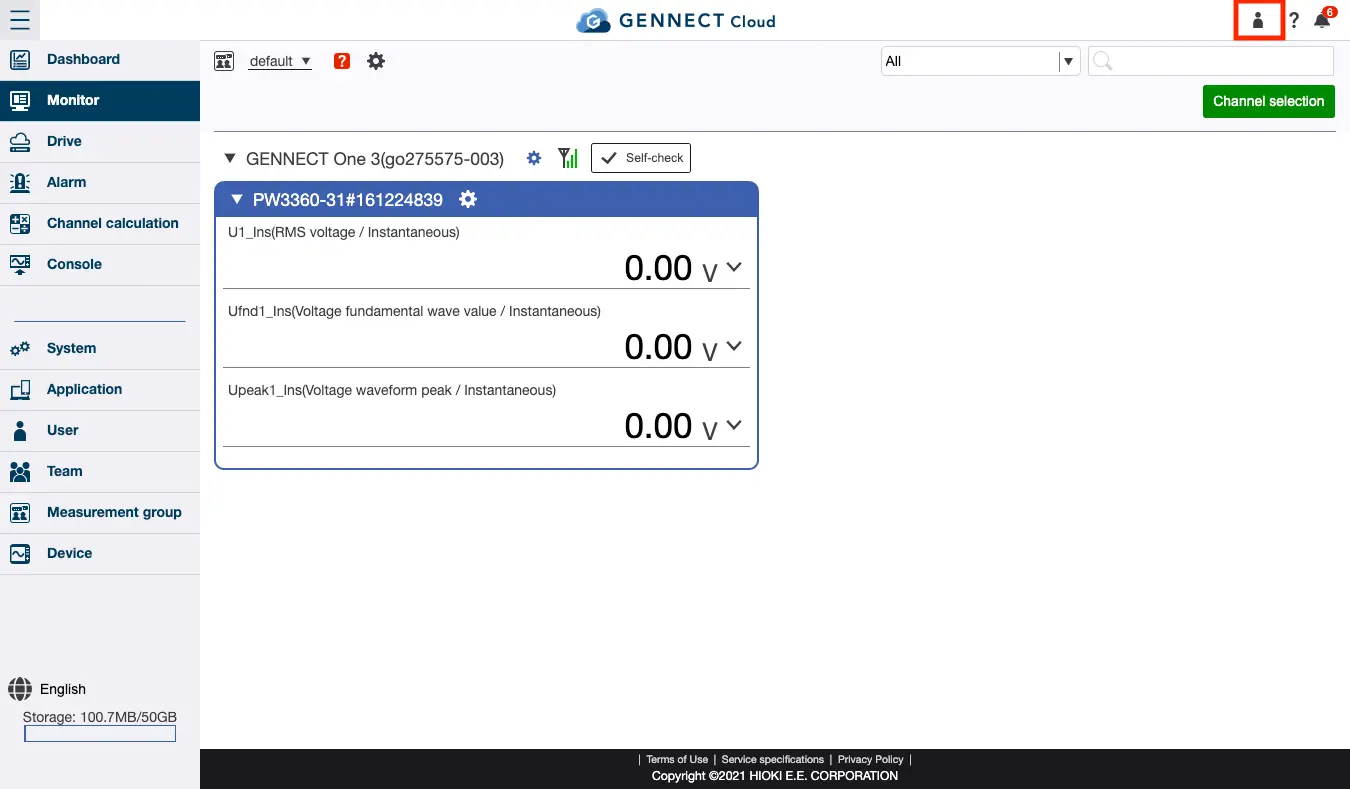
By clicking the user button at the top of the screen after logging in, you can review and edit information for the currently logged-in user or log out.
Click [Edit user information] on the logged-in user information review screen.
The information listed below can be edited.
To change the email address or password, you must enter the current password.
For more information about how to configure two-factor authentication, see “(Application) Configuring two-factor authentication for a user.”
- Username
- Email address
- Password
- Two-factor authentication (None / Email authentication / App authentication)
Want help or have questions?