HIOKI
GENNECT
Cloud
One
Cross
Top
Functions
FAQ
Manual
Contact Us
This website uses cookies.
We use cookies to personalise content and ads, to provide social media features and to analyse our traffic. We also share information about your use of our site with our social media, advertising and analytics partners who may combine it with other information that you’ve provided to them or that they’ve collected from your use of their services. You consent to our cookies if you continue to use our website.

Editing a team

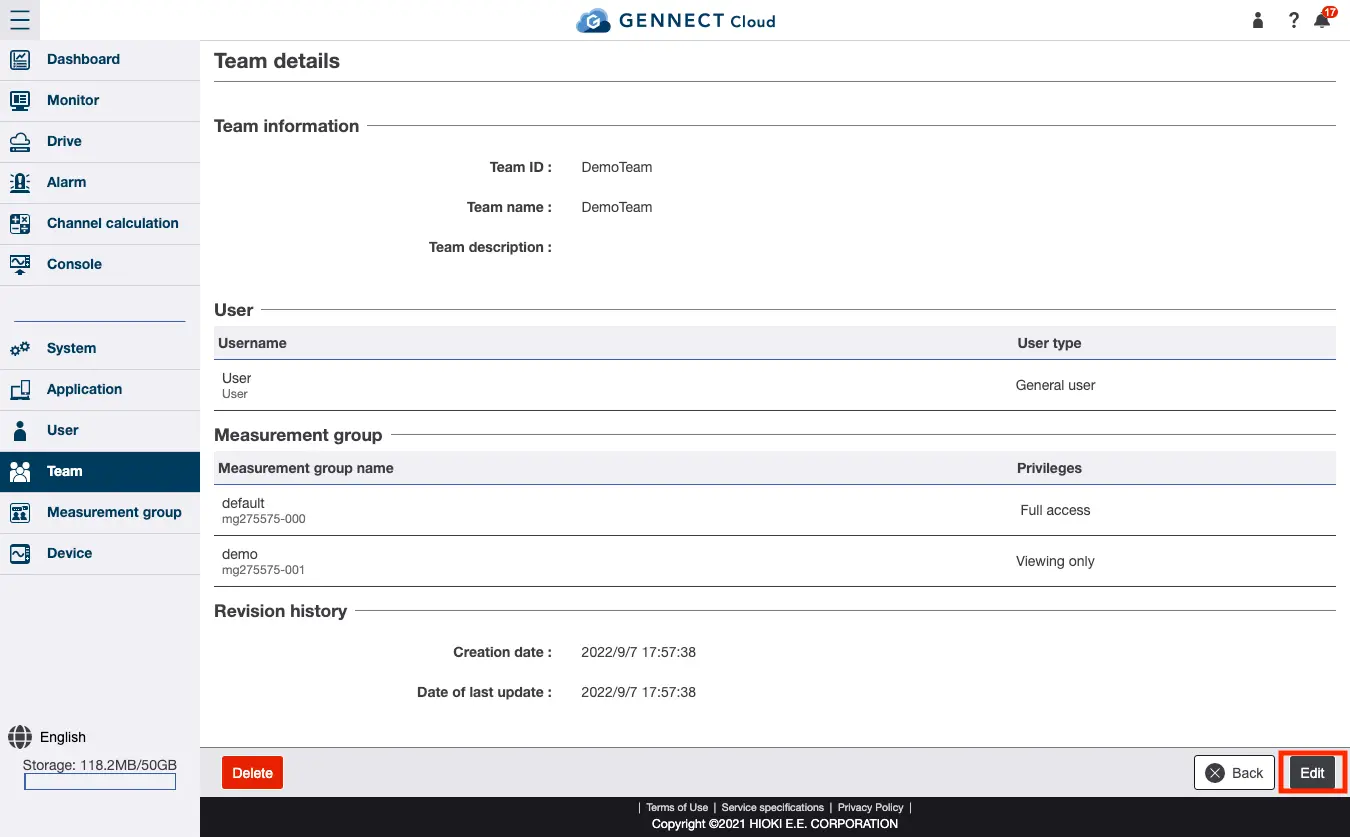
Displaying the team editing screen

Click [Details] for the team you wish to edit on the team screen. Then click [Edit].
Editing team information

Edit the field and then click [Update]. For more information about available fields, see “Registering a new team.”

Want help or have questions?

Search


Table of contents


Create new account
Login