

Opening downloaded files with GENNECT One
Downloading HOK files
Download GENNECT polled data as described in “Downloading GENNECT polled data” and “Opening/exporting GENNECT polled data with the time-series viewer.” Download instrument data files as described in “Downloading instrument data files.”
Opening files with GENNECT One:
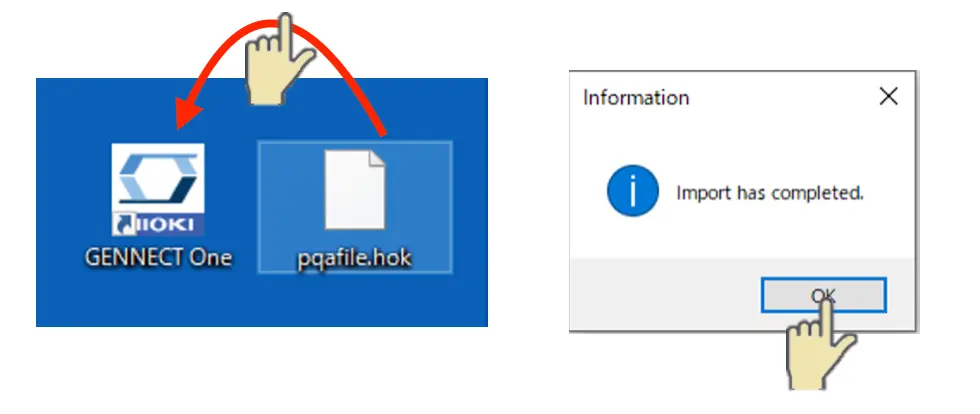
Drag and drop the HOK files you downloaded to the icon for the latest version of GENNECT One to import them and then click [OK]. To import files after launching the application, drop them on the application window.
Opening imported files
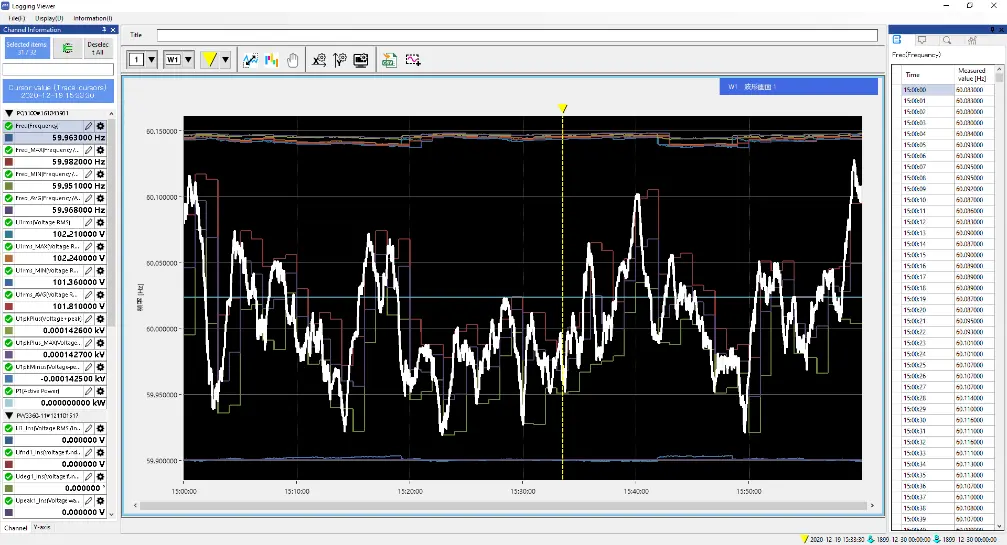
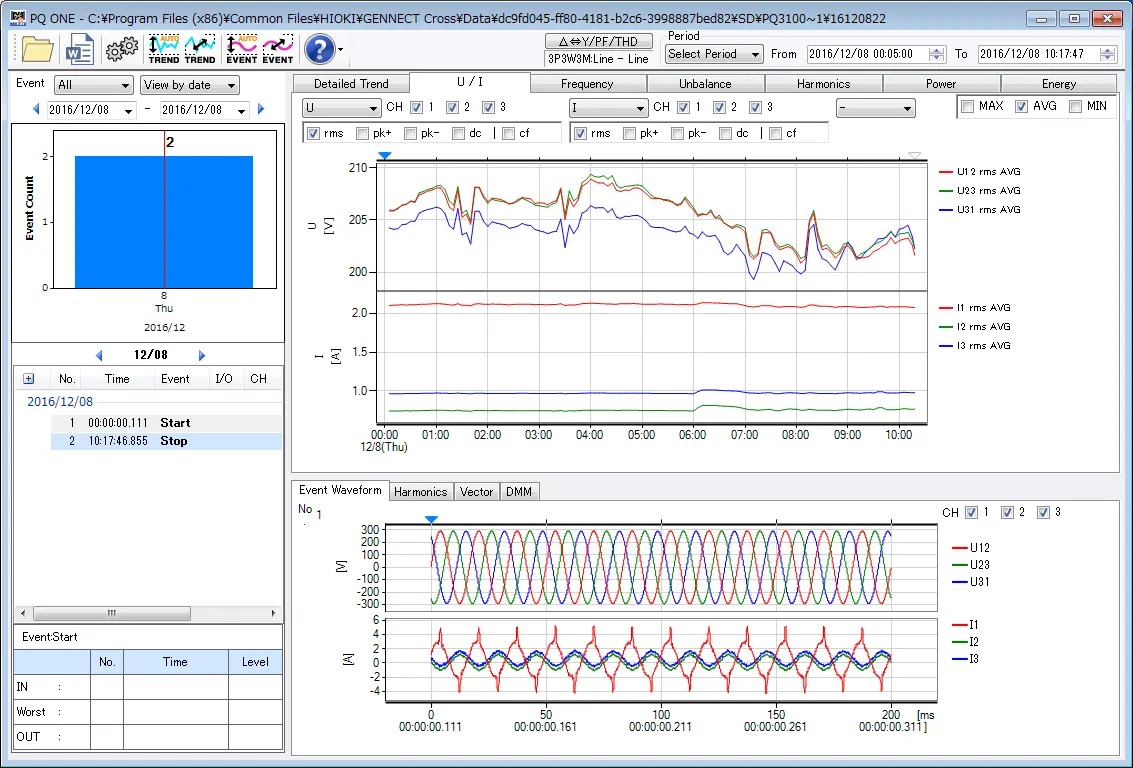
If a file consists of GENNECT polled data, you can display its data as a graph or list. If a file is an instrument data file, launch the separated dedicated viewer. For more information, see the GENNECT One manual.
GENNECT polled data
Instrument data files (example: PQ ONE)
Want help or have questions?