

Creating a trial user account
Access the [Login page] (https://cloud.gennect.net/app), click the [Trial user] link, and proceed to the trial user login page.
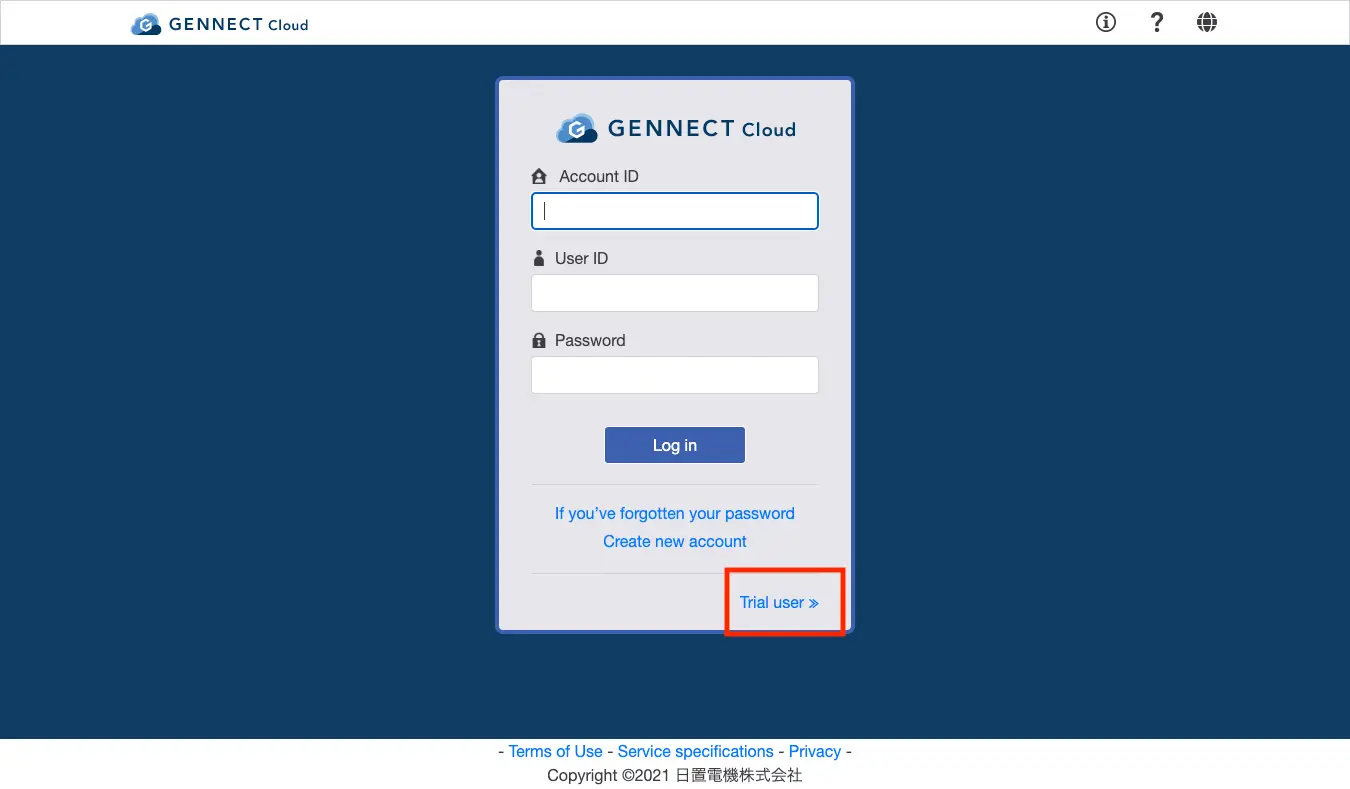
On the trial user login page, click [Create a new trial user] and proceed to the trial user creation process.
Authenticating your email address
You will need to authenticate your email address to verify that messages can be properly delivered to the address being registered.
- Enter the email address you wish to use and click [Obtain authentication code].
- A 6-digit authentication code will be sent to the email address you entered.
- Enter the authentication code in the input field and then click [Complete authentication].
Creating a trial user account
After entering a password, reviewing the Terms of Use, Service Specifications, and Privacy Policy, and ensuring that you accept their provisions, click [Create trial user].
Enter a password that is at least 8 characters in length. Passwords may include single-byte numerals, English uppercase letters, and English lowercase letters.
Want help or have questions?